

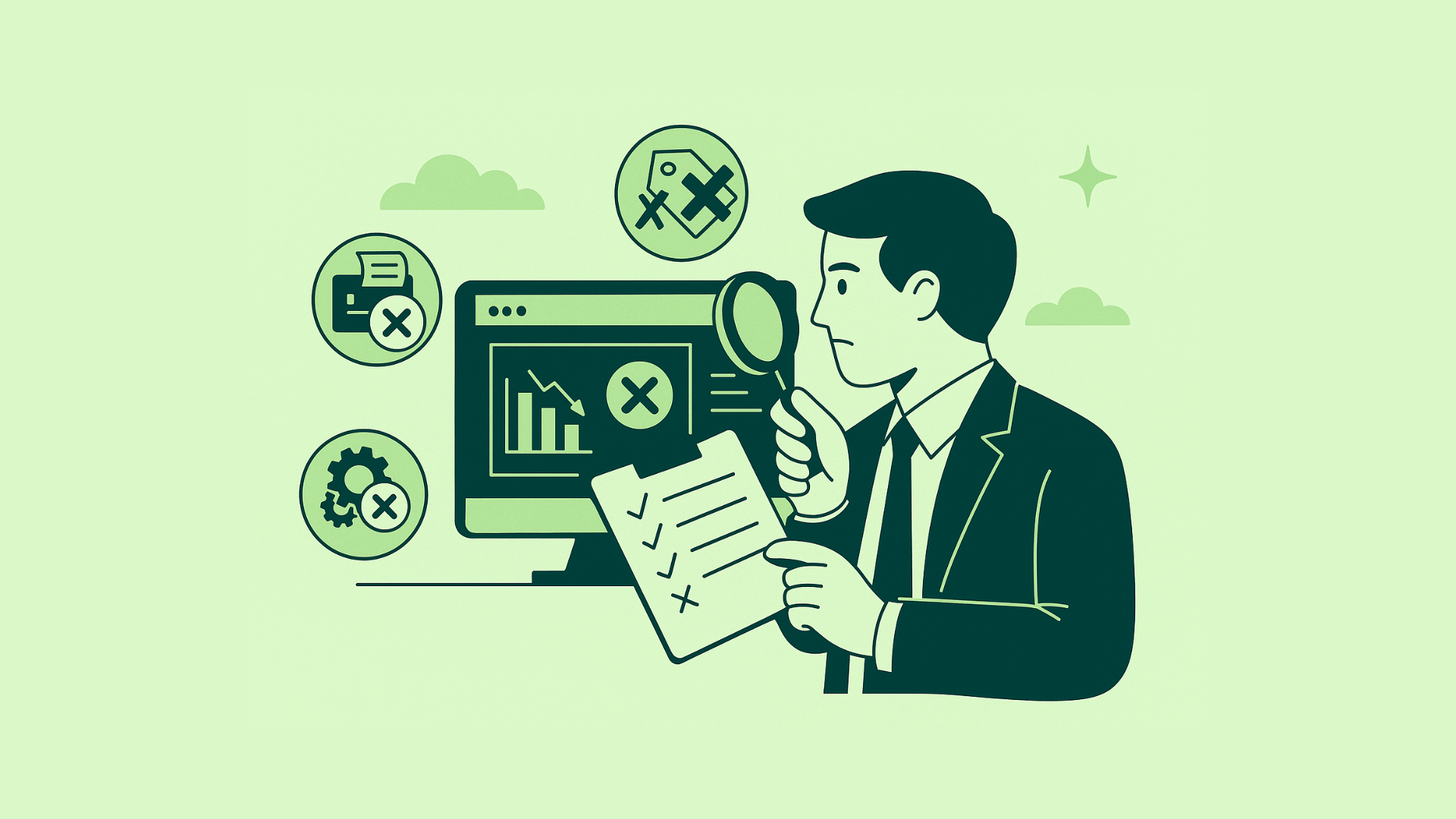
Choosing the right Point of Sale (POS) and accounting software is a crucial decision for any business. Your choice impacts not only daily operations but also financial accuracy, data security, customer satisfaction, and long-term scalability. However, many businesses rush into purchasing software without fully understanding their needs, leading to integration issues, security risks, and unnecessary costs. In this guide, we will explore the most common mistakes made during software selection and provide you with practical, actionable strategies to make a smart and future-proof choice.
Common Mistakes in Software Selection
1. Failing to Evaluate Specific Business Requirements
Every business is different. A retail chain, a small pharmacy, and a service-based consultancy all have distinct accounting and POS needs. Yet, many businesses purchase software without evaluating:


- The scale of operations
- Regulatory or industry-specific requirements
- The need for modules like inventory management, payroll, CRM, or e-commerce integrations
Pro Tip: Make a checklist of must-have and nice-to-have features based on your business type.
2. Assuming All Software is the Same
POS and accounting software vary greatly. Some are optimized for small businesses, while others are designed for multi-location enterprises.
What happens if you ignore this?
- You may end up with bloated software you don’t need.
- Or worse, you might outgrow the system within a year.
3. Overlooking User-Friendliness
A feature-rich system is useless if your staff struggles to operate it.
Solution:
- Look for software with an intuitive interface.
- Always request a live demo.
- Involve the end users (cashiers, accountants, managers) in the selection process.
4. Ignoring Scalability
Businesses grow, and so should your software. Choosing a system that can’t handle multiple locations, higher transaction volumes, or expanding teams is a costly mistake.
Look for:
- Cloud-based or hybrid deployment options
- Multi-location support
- Easy integration with future tools
5. Neglecting Integration Capabilities
Your POS and accounting software should not operate in isolation.
Essential integrations to check:
- CRM
- Inventory management
- Payroll
- E-commerce platforms
- Online ordering and loyalty programs
✅ Mini-Checklist After Section:
✔ Define your business needs ✔ Prioritize ease of use ✔ Plan for growth ✔ Demand seamless integration
Key Security Features (Non-Negotiable)
1. Regular Security Updates
Outdated software is a hacker’s paradise. Your vendor should provide frequent security patches.
2. End-to-End Encryption
Ensure all data, including payment information and financial records, is encrypted during storage and transmission.
3. Multi-Factor Authentication (MFA)
Simple passwords are not enough. MFA protects your system from unauthorized access.
4. AI-Powered Fraud Detection
Advanced systems monitor unusual transactions or login attempts, helping you detect fraud early.
5. Activity Logs and Audit Trails
These are vital for identifying the source of errors or security breaches.
6. PCI DSS Compliance
For businesses dealing with card payments, compliance is mandatory to protect sensitive customer data.
Key Integration Features
A good POS and accounting system should:
- Sync sales, inventory, and accounts in real-time
- Integrate with existing and future third-party tools
- Automate repetitive tasks such as invoice generation, ledger updates, and payment reconciliations
- Generate accurate and customizable reports
“Your system should work for you, not the other way around.”
Step-by-Step: How to Select the Right POS & Accounting Software (Filling the Gap)
Step 1: Define Your Requirements
List down:
- Required features (e.g., inventory tracking, multi-store management)
- Industry-specific needs
- Compliance needs
Step 2: Shortlist Vendors
- Research online reviews
- Request product demos
- Compare pricing models
Step 3: Evaluate Total Cost of Ownership (TCO)
Consider:
- Licensing costs
- Training costs
- Ongoing maintenance fees
- Upgrade costs
Step 4: Perform Security Due Diligence
- Ask for certifications
- Understand data storage and encryption mechanisms
- Check for disaster recovery and backup options
Step 5: Involve Stakeholders
- IT Team
- Accounting Team
- Store Operations
“Software selection is not just an IT decision — it’s a business decision.”
Step 6: Test Scalability
Ensure that your chosen solution can grow with you.
Lessons from Real Security Breaches
Target Data Breach (2013)
- 41 million card details compromised
- Cause: Outdated software & weak access controls
Home Depot Data Breach (2014)
- 56 million card details leaked
- Cause: Inadequate security practices
Lesson: Security is non-negotiable. Always stay updated and vigilant.
Common Pitfalls During Integration
- Choosing incompatible systems
- Failing to map out data flows properly
- Ignoring user feedback during implementation
- Rushing integration without proper testing
Solution:
- Plan the integration with all stakeholders
- Test thoroughly before going live
- Document workflows
Usability Challenges & Solutions
POS Software Usability Issues
- Complex navigation
- Frequent downtime
- Inconsistent stock syncing
Accounting Software Usability Issues
- Manual data entry
- Complex reporting
- Lack of automation
Fix:
- Choose intuitive software
- Train your team
- Automate wherever possible
Quick Checklist Before You Buy
✅ Clear feature list ✅ Confirm integration capability ✅ Security compliance ✅ Easy to use ✅ Scalable ✅ Total cost calculation ✅ Stakeholder approval
Conclusion
Choosing POS and accounting software is a long-term business decision, not a short-term purchase. By understanding your needs, prioritizing security, focusing on usability, and planning for growth, you will make a confident and future-proof investment. Remember, the right software will not just help you manage today — it will prepare you for tomorrow.




Integration issues often go unnoticed until it’s too late. It’s crucial to make sure your POS and accounting software can seamlessly connect with your other systems. The amount of time and resources spent fixing those issues is often underestimated.