
swilerp
  • Home
  • Retail
  • Inventory Management
  • GST
  • POS Operations
No Result
View All Result
Get Started
swilerp
  • Home
  • Retail
  • Inventory Management
  • GST
  • POS Operations
No Result
View All Result
Get Started
swilerp
No Result
View All Result

Why Manual Sales Reports Always Lie — And What ERP Shows Instead

Tavishi Mathur by Tavishi Mathur
May 30, 2025
in General
Reading Time: 6 mins read
1
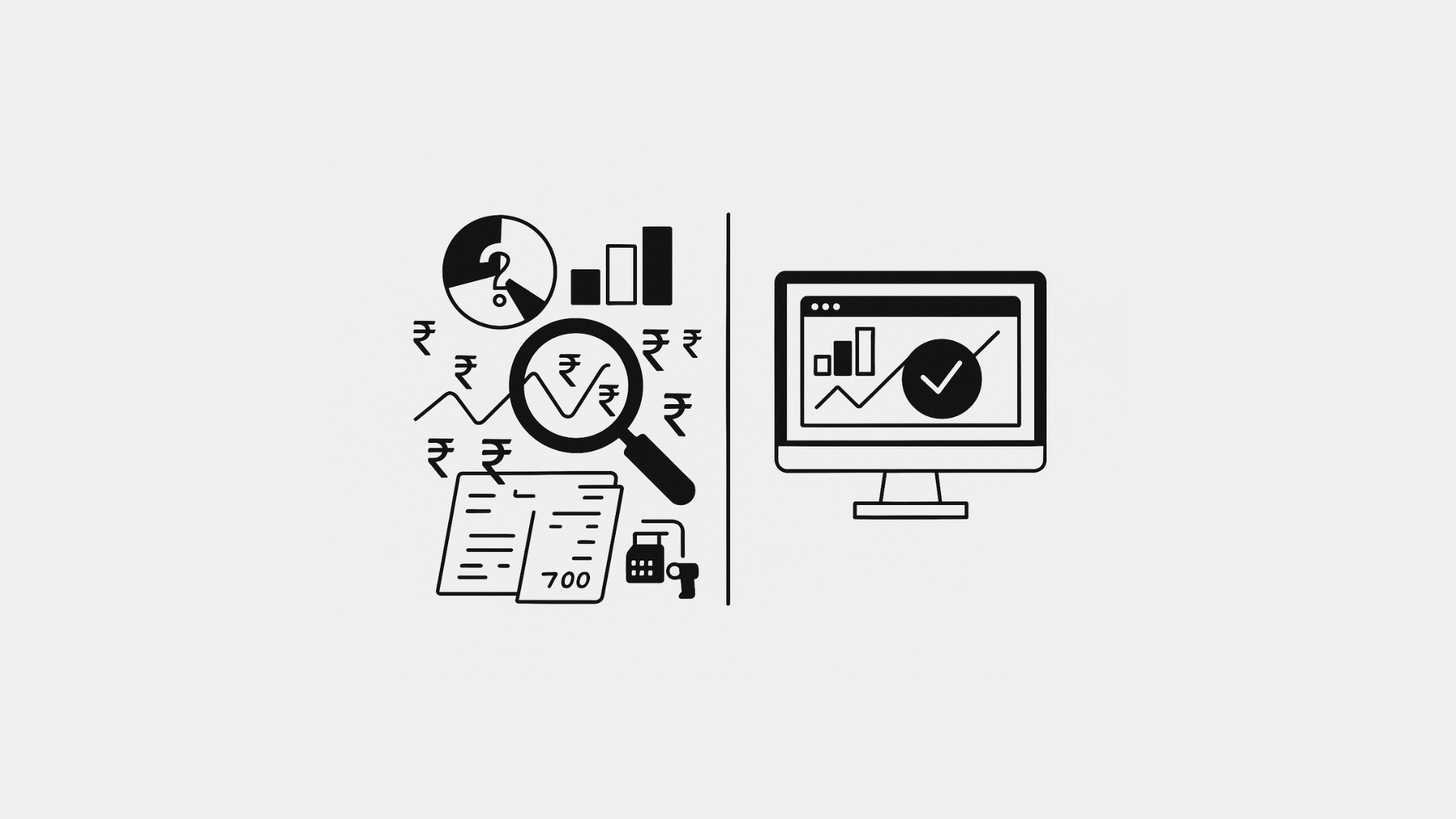
A visual representation of streamlined data flowing into a unified system, symbolizing the accuracy and efficiency of **ERP Sales Reporting** compared to fragmented manual methods.

ERP Sales Reporting is the solution to a problem you’ve likely seen a hundred times: your sales spreadsheet shows ₹2,00,000 in revenue for last month, but your cash register, invoices, and bank statement don’t add up. While manual sales reports promise clarity, they often deliver confusion. This common frustration highlights a critical need for reliable sales data. This guide will explore why manual sales reports mislead—and how integrated ERP Sales Reporting paints a truer, real-time picture of your business.

The Illusion of Manual Reports

ERP Sales Reporting
A professional slide titled "The Illusion of Manual Reports" highlighting four key problems with traditional ERP Sales Reporting. The slide features four beige rounded rectangles containing the main issues: "Data Entry Errors," "Timing Mismatches," "Fragmented Data Sources," and "Lack of Real-Time Visibility." The bottom of the slide shows the website www.swindia.com on the left and the SwiftERP logo on the right, positioned on a black footer. This image illustrates common challenges businesses face when relying on manual processes for ERP Sales Reporting instead of automated solutions.

1. Data Entry Errors

  • Typo Trouble: A misplaced decimal (“₹20,000” becomes “₹200,000”) skews totals.
  • Missing Entries: Cash sales forgotten or online orders omitted leave gaps.
  • Duplications: Copy‑pasting cell ranges can double—rather than sum—values.

2. Timing Mismatches

  • Cut‑Off Confusion: Sales made on the last day after report generation slip through the cracks.
  • Delayed Updates: Invoices entered days or weeks later never make that period’s total.

3. Fragmented Data Sources

  • Multiple Channels: Cash register, e-commerce, phone orders—each lives in its own log.
  • Different Formats: CSV exports, excel sheets, and emailed invoices all require manual merging.

4. Lack of Real‑Time Visibility

By the time you finish compiling the report, it’s already out of date. Decisions made on old figures can backfire—think over‑ordering or a missed sales trend.


You might also like

Dead Stock in Indian Retail: Why Inventory Looks Fine—Until It Suddenly Breaks

Dead Stock in Indian Retail: Why Inventory Looks Fine—Until It Suddenly Breaks

Jan 7, 2026
Sales Order vs Sales Invoice vs Sales Challan (Explained Simply)

Sales Order vs Sales Invoice vs Sales Challan (Explained Simply)

Dec 26, 2025

Manual methods are prone to ‘Typo Trouble’, ‘Missing Entries’, and ‘Duplications’, all of which severely compromise the reliability of your sales figures, unlike robust ERP sales reporting.

What ERP Sales Reporting Does Differently

A professional slide titled "What ERP Does Differently" showcasing four key advantages of modern ERP Sales Reporting systems. The slide displays four light blue rounded rectangular boxes numbered 01-04, each highlighting a distinct benefit: "01 Single Source of Truth," "02 Automated Data Capture," "03 Accurate Cut-Offs," and "04 Real-Time Dashboards." The bottom features a black footer with www.swindia.com on the left and the SwiftERP logo on the right. This image illustrates how advanced ERP sales reporting solutions address common business challenges through integrated, automated, and real-time reporting capabilities.

1. Single Source of Truth

An ERP unites every transaction—cash, card, online—into one database. No more hunting through files. Every sale hits the system in real time.

2. Automated Data Capture

  • Integrated POS: Scans or taps record each sale instantly.
  • Marketplace Connectors: Auto‑pull orders from Pharmarack, Retailio, or your website.
  • Mobile Sales Apps: Field orders sync to headquarters with no manual export.

3. Accurate Cut‑Offs

ERPs lock each period at midnight, capturing sales up to the last second. Late entries post to the current period, not the last—keeping numbers tidy.

4. Real‑Time Dashboards

Instead of waiting for a monthly report, you and your team see live revenue charts, best‑selling SKUs, and channel breakdowns on any device.

An ERP sales reporting system unites every transaction—cash, card, online—into one database. No more hunting through files. This creates a single, consistent source of truth.

A Day in the Life: Manual vs. ERP Sales Review

A comparison slide titled "Manual vs. ERP Sales Review" contrasting traditional and modern approaches to ERP Sales Reporting. On the left, under "Manual Sales Review," an overwhelmed person juggles papers with arms spread wide, surrounded by towering stacks of documents, calculators, and scattered paperwork, representing the chaos of manual processes. On the right, under "ERP Sales Review," a confident professional stands before a large digital dashboard displaying charts and analytics, with organized icons showing time management, reports, and performance metrics around them. The slide features a light green background with white content boxes and includes www.swindia.com and SwiftERP branding at the bottom, effectively illustrating the transformation from chaotic manual ERP sales reporting to streamlined digital solutions.
AspectManual ReportERP‑Driven Report
Data SourcesExcel, emailUnified transaction database
Entry ErrorsHigh (typos, omissions, duplicates)Zero (automated capture)
TimingWeekly or monthly lagReal‑time updates
Channel IntegrationManual consolidationInstant sync from all channels
Accuracy CheckLaborious audit of dozens of cellsBuilt‑in validation and reconciliation
Decision SpeedDelayed by report generationImmediate via dashboards and alerts

Turning Lie into Truth: Quick Implementation Steps

  1. Choose an ERP with Native POS and Online Integrations
    Look for out‑of‑the‑box connectors to your sales channels.
  2. Migrate Historical Data
    Import past sales so trends remain visible.
  3. Train Your Team
    Show staff how to use dashboards and run on‑the‑fly reports.
  4. Retire Manual Spreadsheets
    Archive old reports but commit to ERP as your sole source for sales data.
  5. Monitor and Iterate
    Set alerts for daily revenue targets and anomalies—no detective work required.

Conclusion

Manual sales reports promise control but often deliver misdirection. Spreadsheets fail at data integrity, timeliness, and integration. In contrast, ERP systems capture every transaction automatically, enforce accurate period cutoffs, and present real‑time dashboards that tell the true story of your sales. Trade in your error‑prone spreadsheets for one single source of truth—and make decisions based on facts, not fiction.


Share240Tweet150Pin54
Previous Post

How to Read a Trial Balance in ERP Without Being a CA

Next Post

Professional Invoice Design Secrets That Make You Look Bigger Than You Are

Tavishi Mathur

Tavishi Mathur

Tavishi Mathur is a content writer for SWIL. With a background in journalism and mass communication, she loves researching and writing about innovations in retail, wholesale, supply chain management, and international trade

Related Stories

Dead Stock in Indian Retail: Why Inventory Looks Fine—Until It Suddenly Breaks

Dead Stock in Indian Retail: Why Inventory Looks Fine—Until It Suddenly Breaks

by Ashish Rawat
Jan 7, 2026
0

Dead stock is one of the most silent profit killers in Indian retail.It doesn’t announce itself. It accumulates quietly—on shelves,...

Sales Order vs Sales Invoice vs Sales Challan (Explained Simply)

Sales Order vs Sales Invoice vs Sales Challan (Explained Simply)

by Ashish Rawat
Dec 26, 2025
0

If you run a retail, wholesale, or distribution business, certain documents are part of your daily routine. Among the most...

jugaad software

The ‘Jugaad Software’ Mindset Is the Reason Indian Businesses Don’t Scale

by Ashish Rawat
Dec 23, 2025
0

India is known for jugaad. Creative workarounds. Quick fixes. Making things work with limited resources.In the early days of a...

Why Bootstrapped Tech Is Beating the VC Playbook in India

Why Bootstrapped Tech Is Beating the VC Playbook in India

by Ashish Rawat
Dec 15, 2025
0

For over a decade, India’s tech landscape has been shaped by two very different philosophies: Bootstrapped, customer-funded, profitability-first models VC-funded,...

Next Post
A clean and well-structured example of professional invoice design featuring clear sections and branding.

Professional Invoice Design Secrets That Make You Look Bigger Than You Are

Comments 1

  1. Photo to Coloring says:
    9 months ago

    Great breakdown of how manual sales reporting can distort reality—especially the point about fragmented data sources. I’ve seen firsthand how mismatched formats and delayed entries create a false sense of profitability. Integrating all channels into a single, real-time view really is a game changer for accuracy.

    Reply

Leave a Reply Cancel reply

Your email address will not be published. Required fields are marked *

Table of Contents
  • The Illusion of Manual Reports
  • What ERP Sales Reporting Does Differently
  • A Day in the Life: Manual vs. ERP Sales Review
  • Turning Lie into Truth: Quick Implementation Steps
  • Conclusion
Table of Contents
  • The Illusion of Manual Reports
  • What ERP Sales Reporting Does Differently
  • A Day in the Life: Manual vs. ERP Sales Review
  • Turning Lie into Truth: Quick Implementation Steps
  • Conclusion
SWIL Blog

Thousands of Retailers, Distributors & Chain stores use SWIL Software to organize their inventory, record their billing & manage their accounting.

  • Home
  • Retail
  • Inventory Management
  • GST
  • POS Operations
Get Started