


Inventory shrinkage—a polite term for theft—can quietly eat into your profits. While security cameras and vigilant staff help, the most powerful tool can be your own Enterprise Resource Planning (ERP) system. By reviewing the digital trails in ERP logs, you can spot odd patterns, identify suspects, and stop loss before it grows. In this article, we will explore how to use ERP logs to catch theft in your store, step by step.
1. Why ERP Logs Matter for Effective Theft Detection
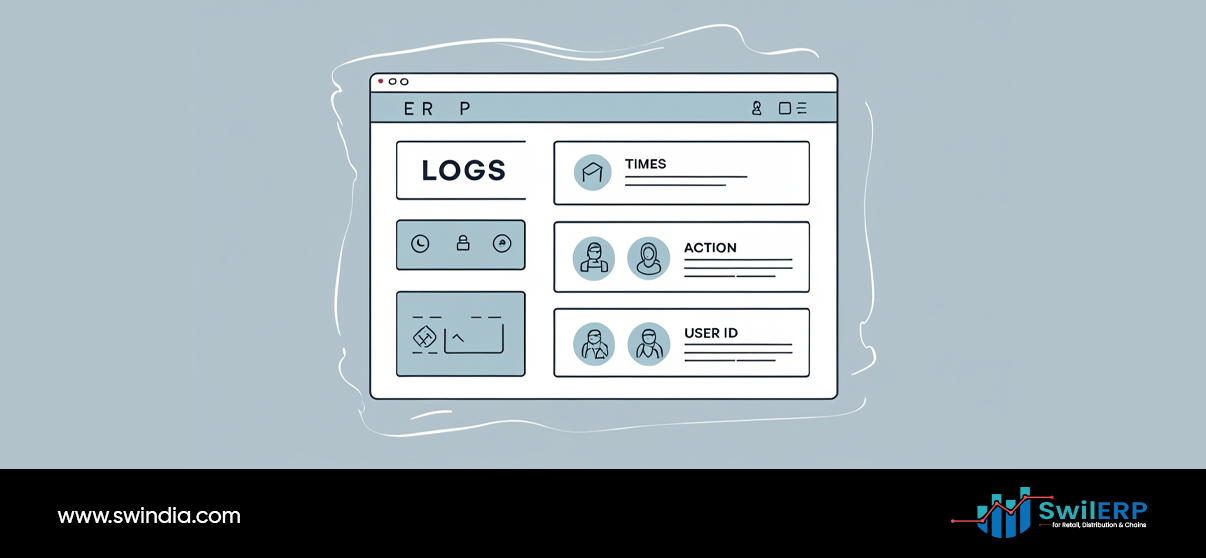
Every action in an ERP—adding stock, adjusting quantities, issuing discounts, or posting returns—creates a log entry. These entries form an audit trail that records:


- Who performed the action
- When it happened
- What was changed
- From where (terminal or device)
Unlike paper records, these digital trails cannot be erased or altered without leaving a trace. When reviewed regularly, they reveal irregular activity that may indicate theft.
2. Key Types of ERP Logs to Review for Theft Detection
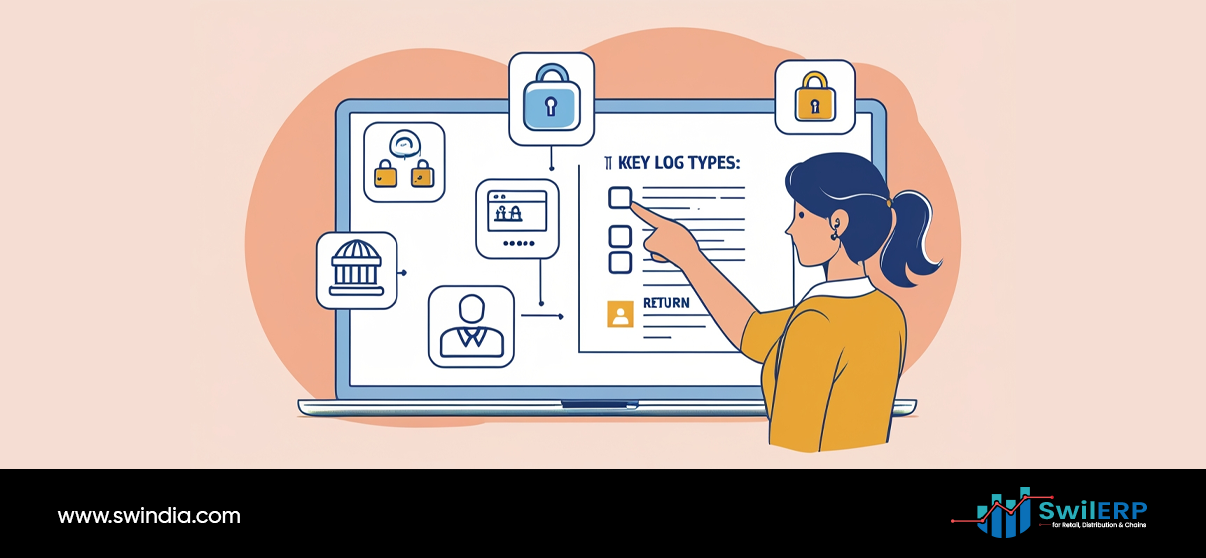
Key types of ERP logs to review for proactive theft detection include stock movement, user activity, sales transactions, and discount/return logs. To catch theft, focus on these log categories:
A. Stock Movement Logs
Tracks every receipt, sale, transfer, or adjustment of inventory. Look for:
- Negative Adjustments: Manual stock reductions without matching sales.
- Unusual Transfers: Repeated moves from one location to another.
- Frequent Voids: Canceled sales followed by stock returns.
B. User Activity Logs
Records logins, role changes, and module access. Watch for:
- Unscheduled Access: Staff logging in outside work hours.
- Multiple Logins: Same user credentials used from different terminals.
- Permission Changes: Sudden elevation of user rights.
C. Financial Logs
Covers invoices, credit notes, and payment entries. Check for:
- Unauthorized Credit Notes: Refunds or returns not backed by originals.
- Price Overrides: Discounts or price changes not aligned with policy.
- Round-Number Entries: Many returns or corrections in round figures (₹100, ₹500).
3. Setting Up Your ERP for Theft Detection
Before you can catch a thief, ensure your ERP logs the right details. Identifying suspicious patterns like negative adjustments or excessive voids is central to effective theft detection.
- Enable Detailed Audit Trails
- Turn on logging for stock adjustments, price changes, and user roles.
- Set retention periods so logs stay available for at least six months.
- Turn on logging for stock adjustments, price changes, and user roles.
- Define Roles and Permissions Clearly
- Limit stock adjustment rights to managers or supervisors.
- Separate duties: the person who orders stock should not also issue stock corrections.
- Limit stock adjustment rights to managers or supervisors.
- Configure Alert Rules
- Set the system to notify you when negative adjustments exceed a threshold.
- Flag repeated voids or returns by the same user within a short period.
- Set the system to notify you when negative adjustments exceed a threshold.
- Schedule Regular Log Exports
- Automate exports of key logs every week.
- Store them securely so you can compare trends over time.
- Automate exports of key logs every week.
4. Detecting Suspicious Patterns

Once your ERP is set up, you must know what to look for. Here are common red flags:
A. Repeated Negative Stock Adjustments
A single manual adjustment can be innocent (damaged goods, audit correction). But three or more in a week by the same user suggests mischief.
Action: Query details of each adjustment. Verify if there was a genuine reason (expired items, supplier credit).
B. Sales Voids Followed by Stock Deductions
When a sale is voided but the returned items are not scanned back into stock, it can mask theft.
Action: Cross‑check void logs with stock receipts. If voids happen often without matching restocks, investigate.
C. Off-Hours Access
If someone logs into the ERP after closing time and makes stock or price changes, it warrants attention.
Action: Review CCTV or door logs. Ask the user for an explanation.
D. Large Rounds or Round-Number Adjustments
Inventory or financial entries in round amounts (e.g., exactly ₹1,000) often signal cover‑ups.
Action: Drill into those entries. See if they align with real events.
E. Unusual Transfer Requests
Moving items from Store A to Store B can hide theft. If you see many transfers in one direction, check motives.
Action: Confirm that the receiving location made use of the stock. If nothing appears on their sales or usage reports, dig deeper.
5. Linking Logs to Physical Counts

Digital review alone may not reveal everything. Tie log findings to physical checks:
- Cycle Counts
- Pick a small group of high‑value items and count them weekly.
- Compare counts to ERP stock.
- Pick a small group of high‑value items and count them weekly.
- Blind Counts
- Have one staff member record counts and another enter them into the ERP, without sharing numbers in advance.
- Have one staff member record counts and another enter them into the ERP, without sharing numbers in advance.
- Reconcile Differences
- Any gap between system and physical counts should trigger a log review for that item and period.
- Any gap between system and physical counts should trigger a log review for that item and period.
6. Investigating Suspects

When logs point to a potential issue, follow a fair process:
- Gather Evidence
- Export relevant log entries, physical count records, and CCTV clips.
- Note date, time, user ID, and action details.
- Export relevant log entries, physical count records, and CCTV clips.
- Interview Involved Staff
- Ask the user to explain each flagged action.
- Give them a chance to show legitimate reasons (expired products, system errors).
- Ask the user to explain each flagged action.
- Check for System Errors
- Sometimes ERP glitches or network outages cause odd log entries.
- Confirm that entries were genuine user actions.
- Sometimes ERP glitches or network outages cause odd log entries.
- Seek Patterns
- Review past months for similar behavior.
- A single misstep may be accidental, but repeated issues need stronger response.
- Review past months for similar behavior.
- Take Appropriate Action
- Issue a warning for first‑time mistakes.
- For clear abuse, follow your company’s disciplinary policy.
- Issue a warning for first‑time mistakes.
7. Example: Catching Misplaced Stock

Scenario
The case study demonstrates a real-world scenario where robust theft detection mechanisms led to uncovering cashier fraud. A medium-sized store notices that its high-value perfume SKU shows unexpected shortages. Physical counts confirm missing units, but CCTV shows no theft.
Log Findings
- Five negative stock adjustments by a junior associate over two weeks.
- Each adjustment was logged under a “damage write‑off” reason.
- The associate made those entries between 9 p.m. and 10 p.m., after closing.
Investigation Steps
- Interview: The associate claimed the items were broken.
- Verification: No damaged bottles were found in the “waste” bin.
- Discipline: After admitting to misreporting, the associate faced suspension and restitution.
Outcome
Clear policies and log reviews stopped further losses. The store later added a two‑step approval for all damage write‑offs.
8. Best Practices for Ongoing Security

Best practices for ongoing security, such as strong login policies and regular software updates, are vital for maintaining effective theft detection.
- Rotate Passwords and Enforce Strong Login Policies
Prevent one set of credentials from being shared or misused. - Use Multi‑Factor Authentication (MFA)
Adds an extra layer so that stolen credentials alone are not enough. - Maintain a Culture of Transparency
Let staff know that log reviews are routine and meant to protect everyone’s interests. - Update ERP Software Regularly
Patches often fix bugs that might allow log tampering. - Train New Employees on System Use
Clear guidance reduces accidental misuse that can look like theft.
Conclusion
ERP logs offer a reliable, data-driven path to uncover and stop theft in your store. By enabling detailed audit trails, defining clear roles, watching for unusual patterns, linking digital logs to physical counts, and following a fair investigation process, you protect your inventory and your profits. The next time you worry about missing stock, remember: the answers are already in your ERP.
Have you used ERP logs to catch an incident or to improve your controls? Share your experience below.