

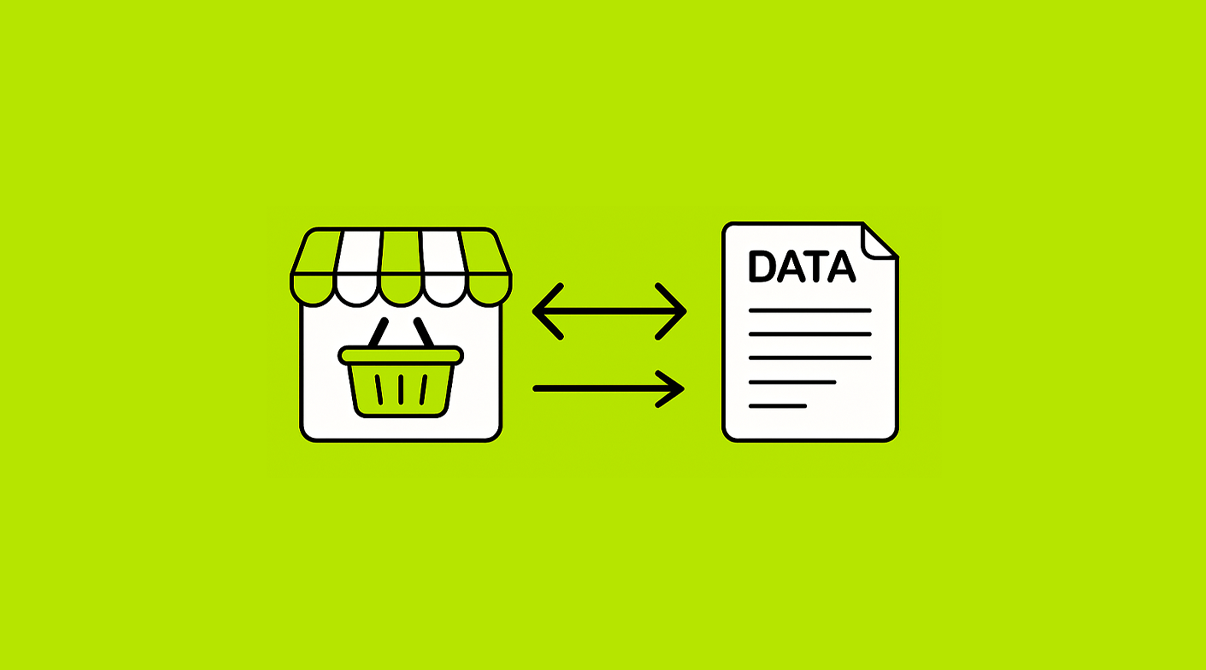
In most retail and distribution businesses, order-taking is still handled through phone calls, WhatsApp messages, handwritten notes, or verbal confirmations. While these methods may have worked in the past, they are now creating bottlenecks.
Miscommunication, lost orders, mismatched stock levels, and delays have become common. For a growing business, this chaos becomes unmanageable. The larger the customer base, the more scattered the order process becomes. That’s where the need for a smarter approach arises—one that is streamlined because SwilMart syncs with SwilERP.


In this blog, we’ll discuss how this seamless integration helps businesses manage retail orders digitally without requiring any additional software, eliminating double entry and headaches.
Why Retailers Need a Better Way to Handle Orders
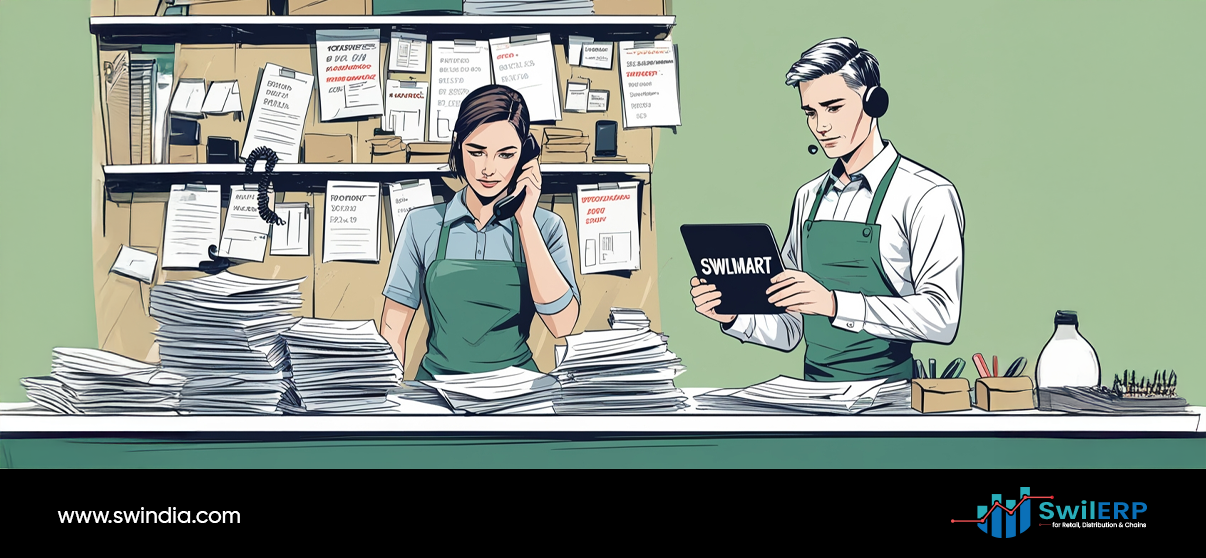
Retailers often prefer calling or messaging their orders to their distributor or stockist. It may seem quick, but it brings several issues:
- Order errors: Wrong product names, unclear quantities
- No confirmation: Retailers don’t know if the order is accepted
- No delivery status: They need to call again to ask for updates
- No access to records: They cannot track past orders or payments
All these problems build unnecessary dependency between the customer and the sales or back-office staff. It leads to time loss, friction, and lack of visibility.
The Common Trap: Adding More Tools
To solve this, businesses often try to fix the issue by adding more tools:
- Sending Google Forms to retailers to place orders
- Using Excel-based tracking or shared folders
- Buying CRM systems that are not built for ordering
But each added layer brings its challenges. Your staff needs to manage yet another system. Your customers may find it too technical. And your ERP still needs to be updated manually.
So the workload increases instead of decreasing.
The Smart Solution: Use the ERP You Already Have
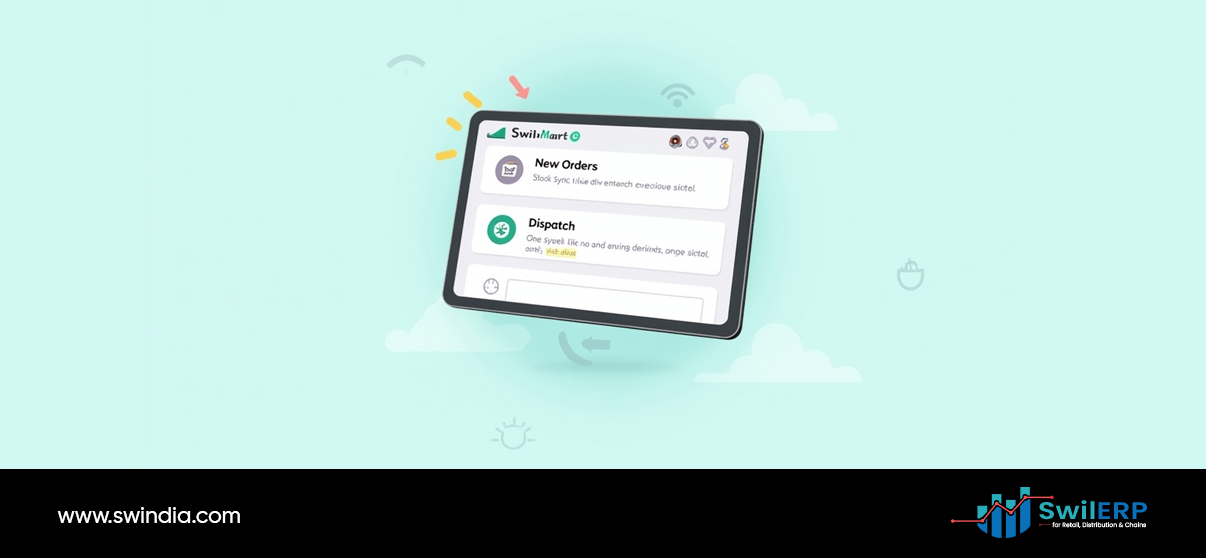
You already use SwilERP to manage inventory, customers, pricing, and invoices. So, why not let your customers place their orders directly into it?
That’s where SwilMart fits in. It connects with SwilERP and allows your customers to:
- Log in securely with OTP
- Browse your live product catalog
- Add items to cart and place orders
- Track order delivery and history
- Download their invoices, ledgers, and notes
All this happens without needing any additional app, CRM, or custom integration. You don’t have to maintain separate systems.
How SwilMart Syncs with SwilERP for Efficiency
1. Customers Log In With OTP
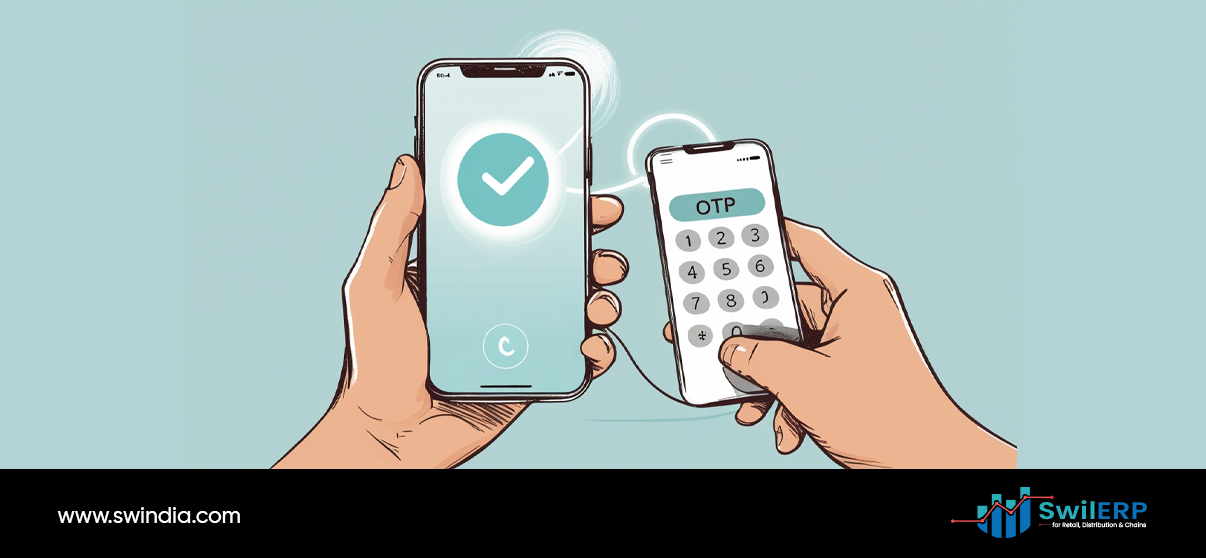
Retailers receive an OTP on their registered mobile number or email. Once logged in, they can view only their own data. There is no need to remember passwords or manage account settings.
2. Live Product Catalog
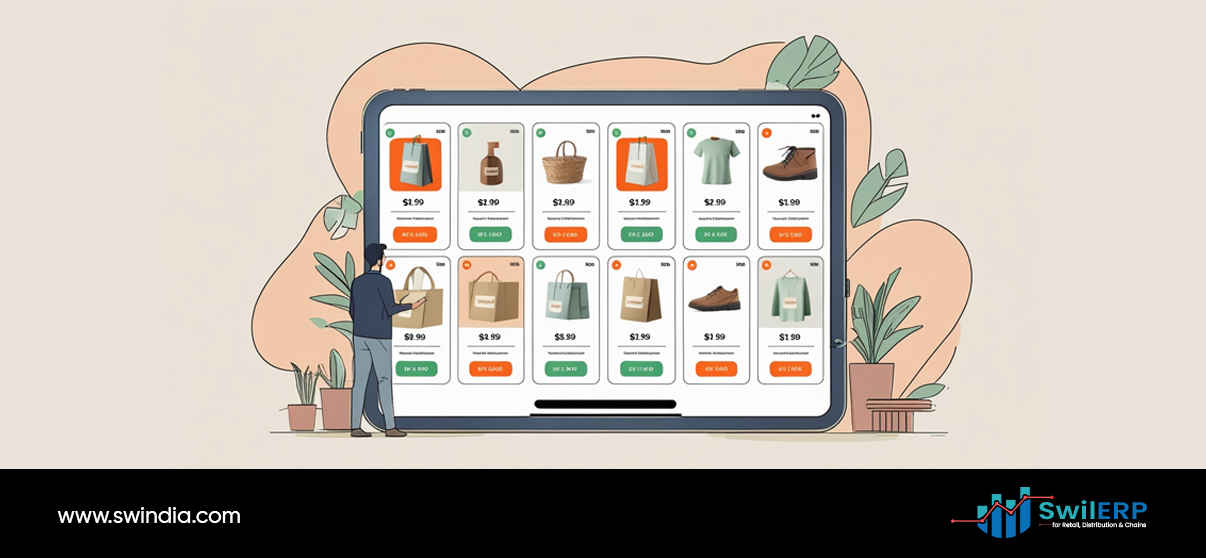
Customers can browse your entire product list with stock availability, MRP, sale price, schemes, and offers—all fetched directly from SwilERP. It also supports filters like category, brand, company, and more.
3. Direct Order Placement
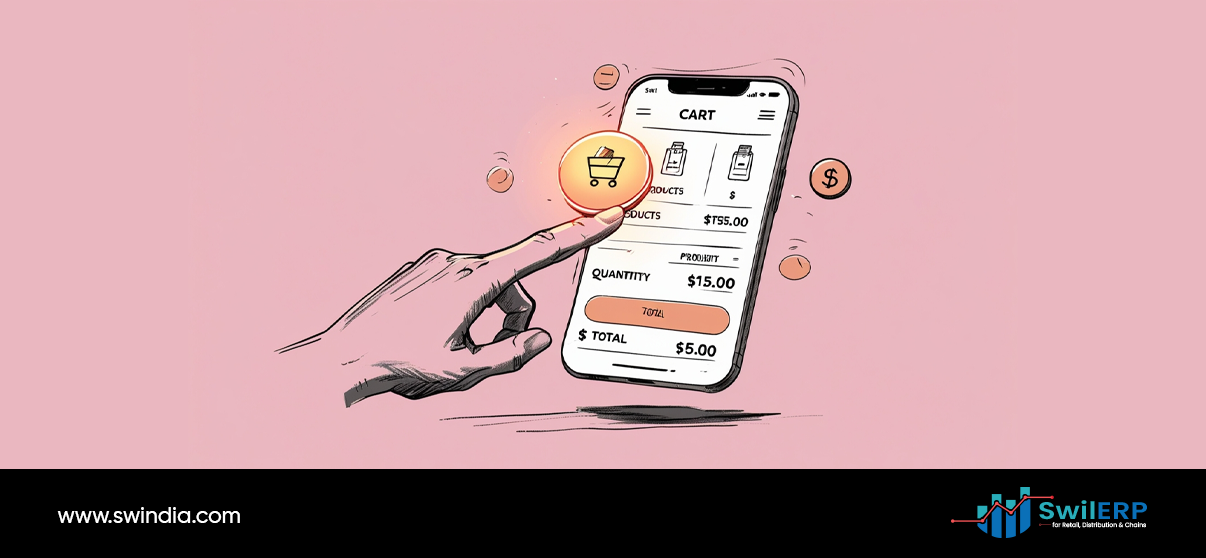
After adding items to their cart, customers can place the order. The order flows directly to your SwilERP without any manual entry or import/export.
4. Order Tracking
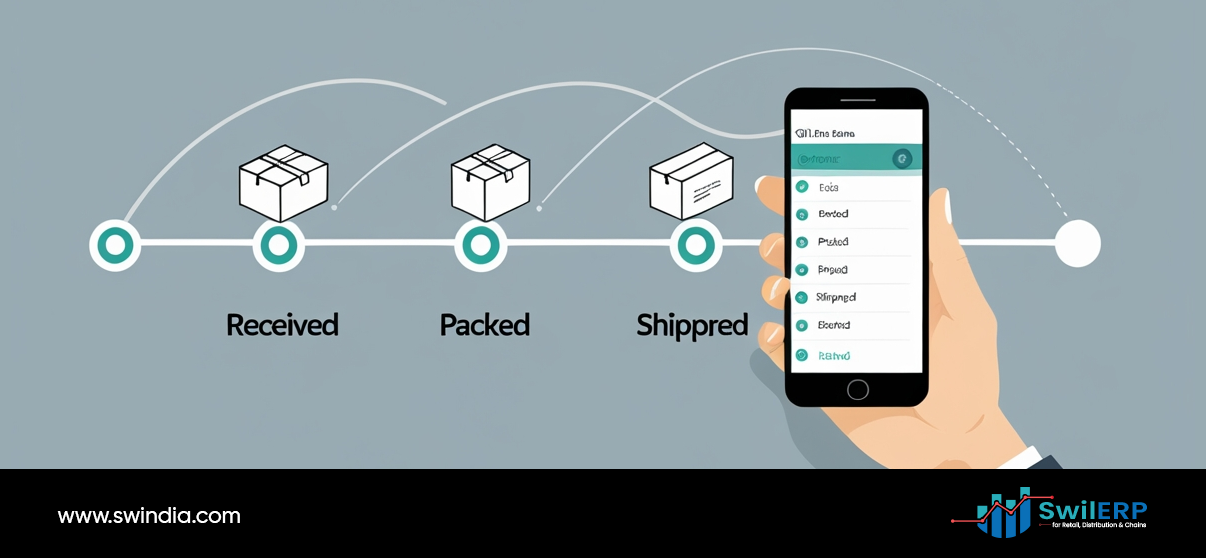
Your customer can view the order status, including pending, dispatched, processing, or returned items. They no longer need to call your team to ask about updates.
5. Account Overview
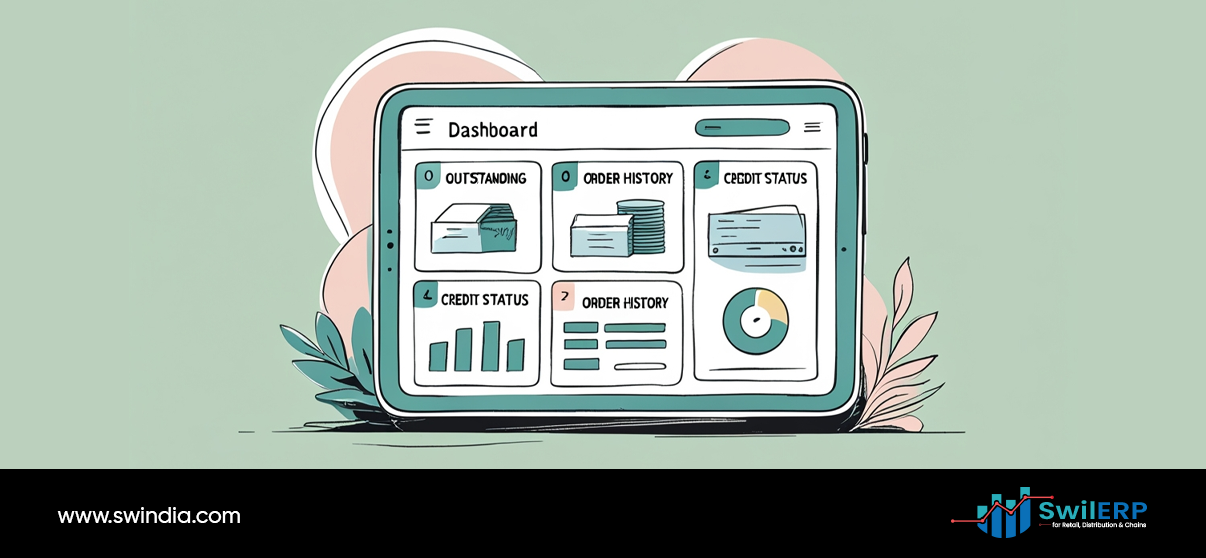
Customers can view:
- Outstanding balances
- Invoices
- Receipts
- Credit and debit notes
- Return approvals
All this information is already available in your ERP and is shown in a clean, customer-friendly format on SwilMart.
6. Available 24×7
Even if your business is closed, the portal is always open. Your customers can place orders late at night, on holidays, or during non-office hours.
From Order Entry to Order Execution
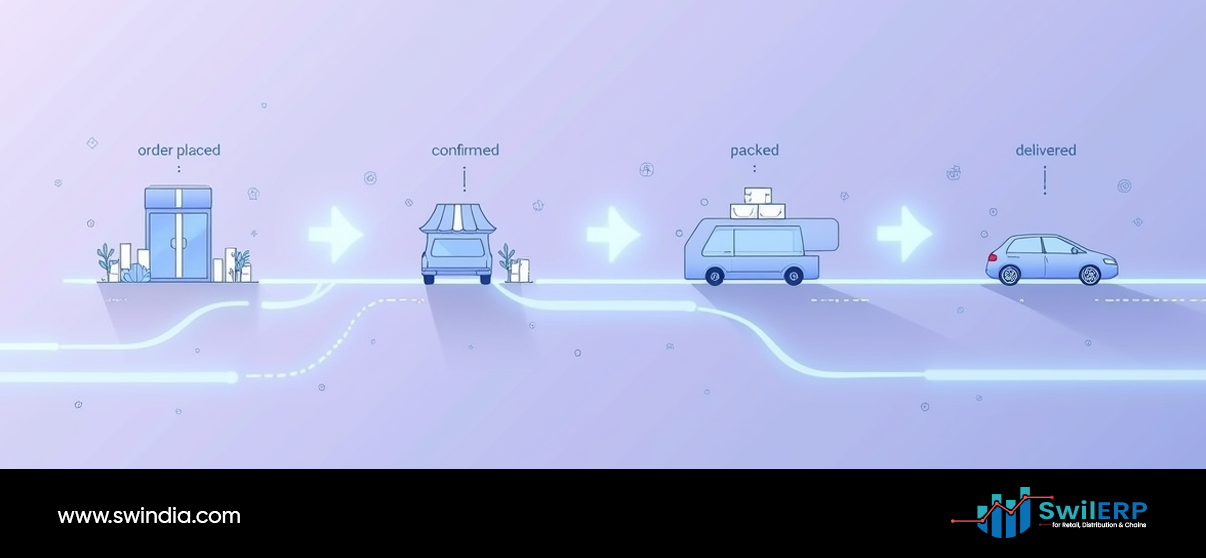
Traditionally, your staff would take calls, write down the order, and then enter it into the ERP. This process is not only slow but also prone to errors.
With SwilMart, the order is entered by the customer. Your staff doesn’t need to:
- Confirm stock manually
- Ask for price lists
- Share ledgers through WhatsApp
- Handle daily status calls
Instead, they can focus on fulfilling orders and resolving issues.
This improves both speed and accuracy.
Traditional Method vs. SwilMart
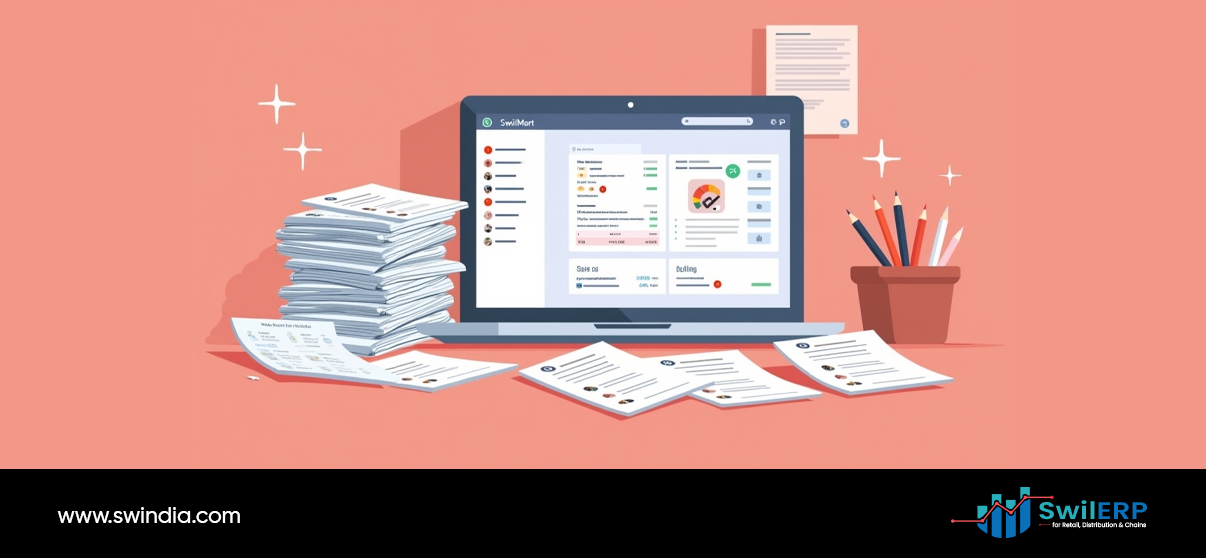
| Activity | Traditional Way | With SwilMart |
| Order Taking | Phone/WhatsApp | Customer self-ordering |
| Order Entry | Manual in ERP | Auto synced |
| Stock Confirmation | Call-based | Live on portal |
| Reports Sharing | Manually by staff | Customer downloads |
| Reordering | Requires follow-up | Reorder from history |
| Order Status Inquiry | Daily calls | Self-service |
| Available Hours | Business hours only | 24×7 access |
WhatsApp vs. Digital Ordering Portal

WhatsApp is convenient, but it’s not designed for business orders. It lacks structure. There are no validations, order formats, or reports. You may miss items, overbook stock, or forget to record the order.
SwilMart gives your customers the same convenience but with a proper structure. Soon, it will also support WhatsApp Bot Ordering with order confirmation, stock check, and automated ERP sync—without losing control or data visibility.
Who Can Use SwilMart
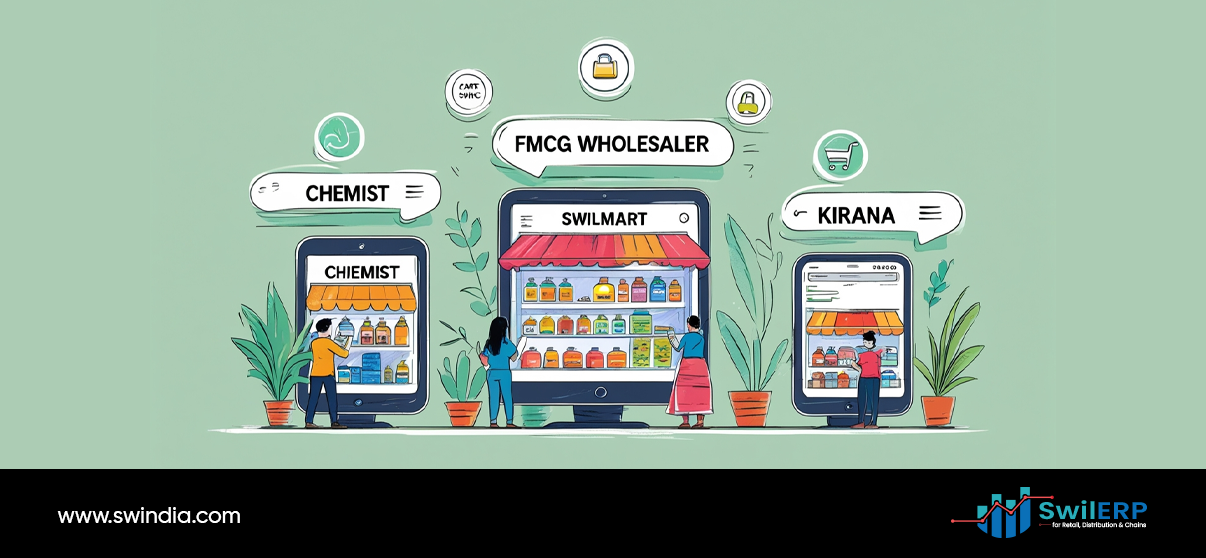
SwilMart is best suited for:
- Distributors (Pharma, FMCG, Grocery, Cosmetics)
- Super stockists and wholesalers
- Existing SwilERP users who want to add online ordering
The only requirement is that your ERP is live. Once that’s done, SwilMart setup can begin— and your portal can be ready with just a few easy steps.
Easy to Set Up. Easy to Use.
You don’t need any special skills to use SwilMart. There is no need to:
- Develop a website
- Hire a technical team
- Buy a third-party tool
You just:
- Enable SwilMart in your ERP settings
- Add product visibility rules (optional)
- Invite customers to log in
Your product list, customers, pricing, and ledgers are already in SwilERP—so SwilMart simply extends this data in a clean online format.
Greater Transparency, Greater Trust
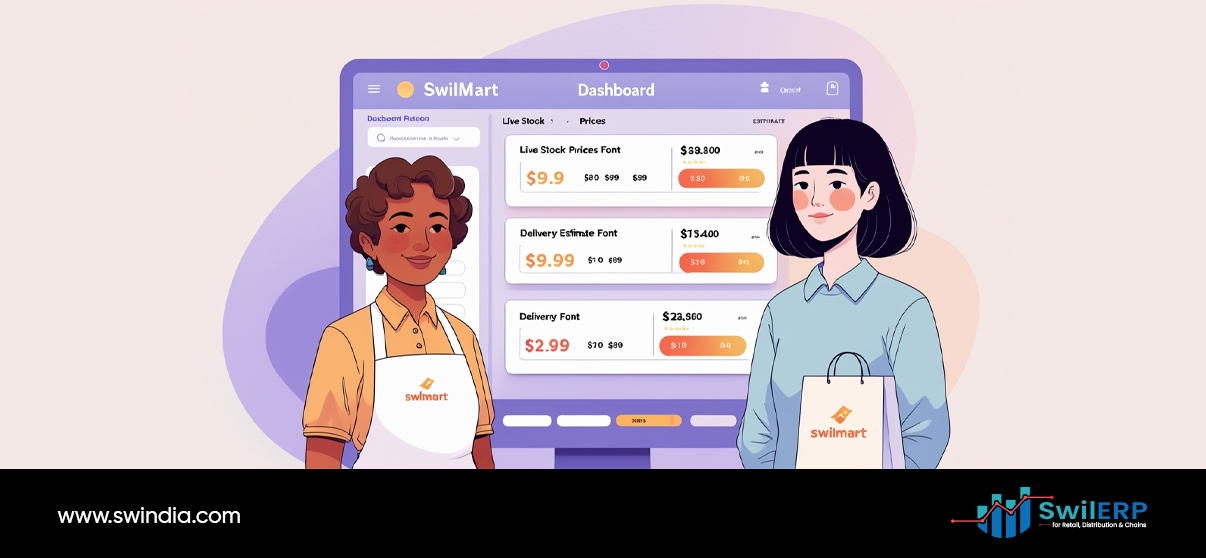
When customers can track their own orders, view account summaries, and download financial documents, they feel more in control. This reduces the number of daily calls and misunderstandings.
It also builds better long-term relationships. Your business looks more professional. And your team is free to focus on growing business instead of chasing orders.
Conclusion: Use What You Already Have
You don’t need more tools. You need better use of the one you already own. SwilERP holds your product, customer, and financial data. SwilMart lets you open a secure, 24×7 window to it—without adding any new software.
By allowing customers to order and track digitally, SwilMart helps you save time, reduce errors, and provide a better experience. And it does this by connecting to the ERP you already use.
If your team is still writing down orders or forwarding screenshots, it’s time to make the shift. Not to something new—but to something smarter.
Let your ERP do the work. Let SwilMart take the order.