
swilerp
  • Home
  • Retail
  • Inventory Management
  • GST
  • POS Operations
No Result
View All Result
Get Started
swilerp
  • Home
  • Retail
  • Inventory Management
  • GST
  • POS Operations
No Result
View All Result
Get Started
swilerp
No Result
View All Result

A Distributor’s Guide to Getting Online with SwilMart (Zero Learning Curve)

Tavishi Mathur by Tavishi Mathur
Jul 16, 2025
in Distribution
Reading Time: 9 mins read
0
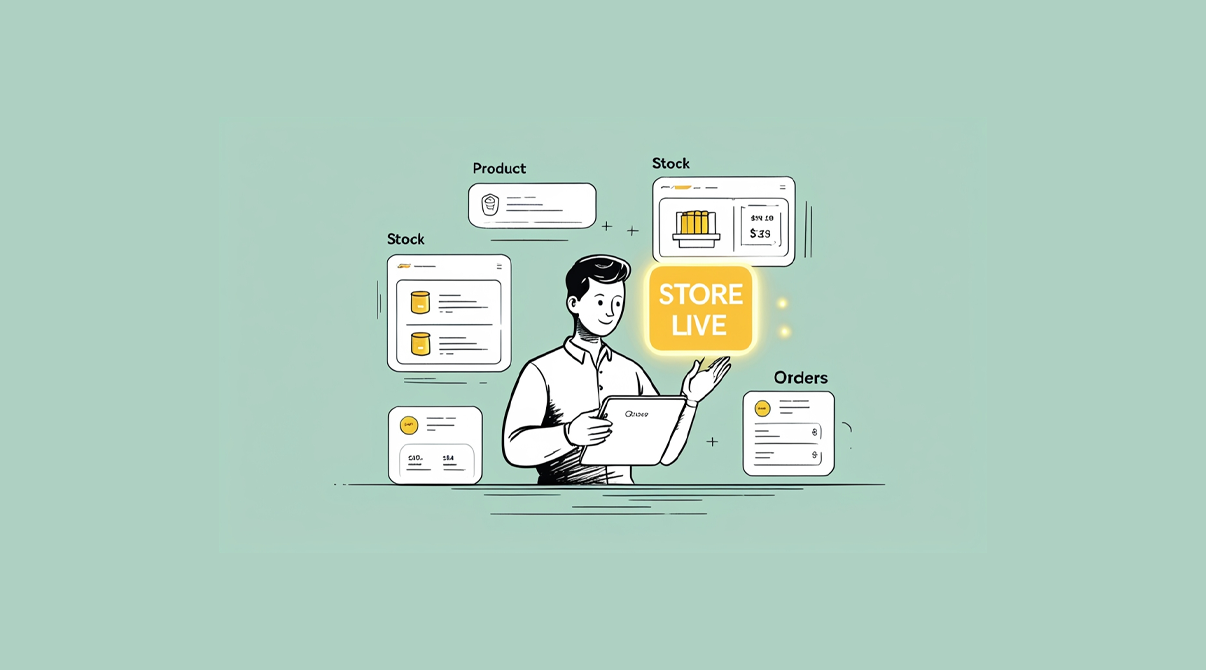
A smiling business person in a white shirt holds a tablet while surrounded by floating interface panels showing Product management, Stock tracking with item listings, Stock inventory with charts and pricing ($33), and Orders management. A bright yellow "STORE LIVE" badge highlights the active online store status on a soft green background.

Getting online with SwilMart doesn’t have to be hard. For many distributors, the idea of setting up an online store sounds complicated. It brings questions like, Do I need a developer? Will my staff have to learn new tools? What if my customers don’t know how to use it?

SwilMart is built to remove these doubts. It is designed for SwilERP users who want to take their business online without any added complexity. If you’re already using SwilERP, you already have most of what you need.

You might also like

How Distributors Use SwilMart to Get Online Without a Development Team

How Distributors Use SwilMart to Get Online Without a Development Team

Nov 18, 2025
Why Are Distributors Moving Online and What It Really Mean?

Why Are Distributors Moving Online and What It Really Mean?

Aug 4, 2025

In this guide, we’ll explain how SwilMart helps distributors go online in just a few steps, using the same system they’re already familiar with.

Why Should Distributors Go Online?
"Getting Online with SwilMart platform connecting e-commerce, analytics, and business communications through integrated ERP solutions"

Distributors face increasing pressure from both retailers and competition.

  • Retailers expect instant service and transparency
  • Staff struggles to manage order volume manually
  • Orders come from multiple channels: calls, messages, emails
  • There is little control over what’s in stock or what price was offered

Going online helps resolve all of this in one move:

  • Retailers can place their orders
  • Inventory is visible in real-time
  • All orders are recorded properly
  • Time spent on follow-ups has drastically reduced

One of the biggest advantages of getting online with SwilMart is its direct integration with SwilERP

What Makes SwilMart Different?
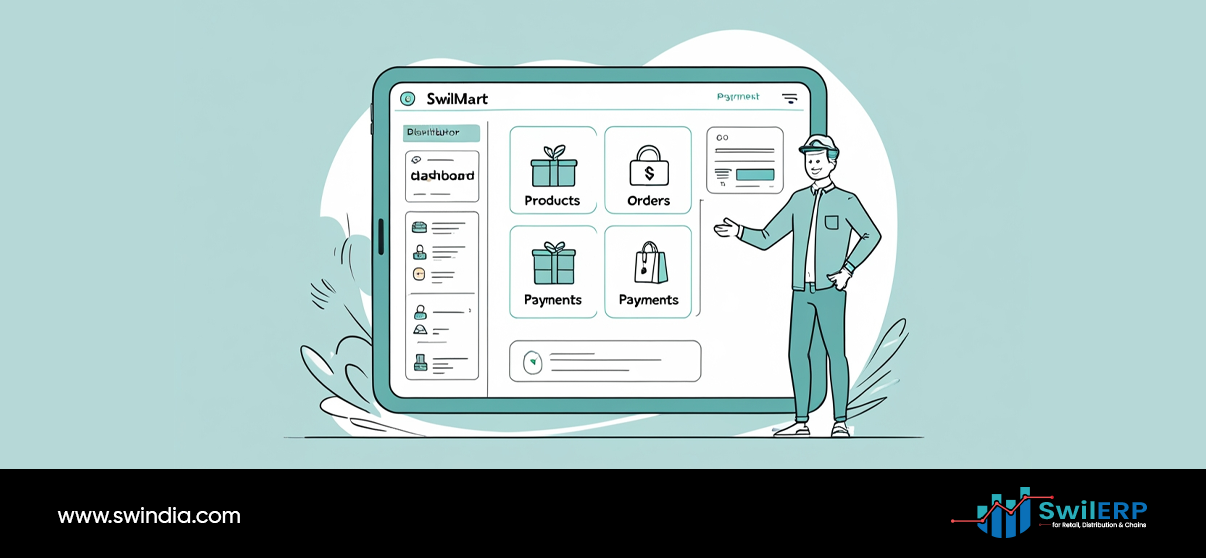
Getting Online with SwilMart dashboard interface showing products, orders, and payments management for e-commerce businesses

Most e-commerce tools are designed for B2C. But SwilMart is designed with B2B in mind:

  • Built specifically for distributors and wholesalers
  • Works directly with SwilERP
  • Handles outstanding bills, ledgers, debit/credit notes
  • Customers log in with OTP and see only their data
  • No need for any external plugins or integrations

This means you get a proper online order portal, but without changing your business workflow.

Step-by-Step: How to Start Getting Online with SwilMart
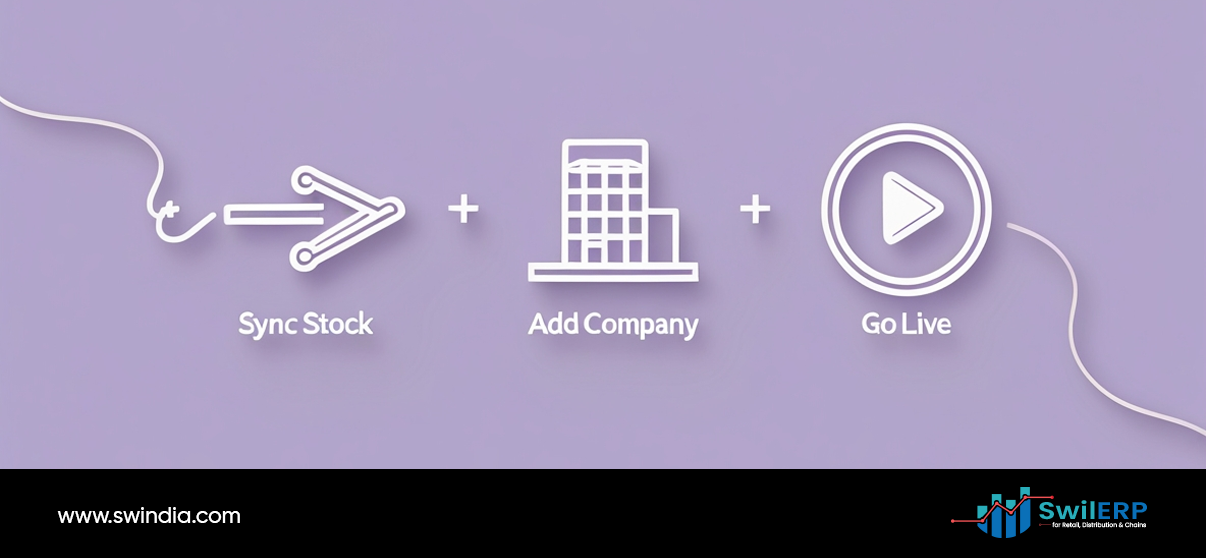
Getting Online with SwilMart three-step process: sync stock, add company, and go live for e-commerce launch

Step 1: Connect SwilERP to SwilMart

If you’re using SwilERP, your business is already 90% ready. SwilMart connects with your ERP to fetch all your:

  • Product catalog
  • Pricing
  • Customers
  • Inventory levels
  • Tax and discount settings

Step 2: Set Your Visibility Rules (Optional)

Don’t want every customer to see every product? SwilMart lets you define which customers see which categories, brands, or rates.

Step 3: Share the Portal Link with Customers

Each customer logs in using their mobile number or email ID. They receive an OTP, and they’re inside their secure dashboard. No training or tech setup required.

Step 4: Orders Start Coming In

Retailers can:

  • Browse your live product list
  • Place orders anytime
  • Track delivery and payment status
  • Download invoices and ledgers

All this is visible to them, and orders are directly recorded in your ERP.

Step 5: Use the Admin Panel for Control

You can:

  • Approve or reject customer access
  • Edit product listings
  • Manage SEO and branding
  • View customer order history

You stay in control while giving your customers more independence.

How is This Easier Than Other Methods?
Getting Online with SwilMart mobile app interface with WhatsApp integration for seamless business communication and management
ProcessTraditional WayWith SwilMart
Taking OrdersCalls, WhatsApp, NotesOnline ordering portal
Checking StockManual confirmationShown live on portal
Ledger SharingShown live on the portalCustomer downloads directly
Payment TrackingStaff follow-upCustomer dashboard
Price ListsSent over messagesControlled by ERP

Common Doubts (and Simple Answers)

Getting Online with SwilMart FAQ resources including chatbot assistance, documentation, and help guides for e-commerce setup
  1. Will my staff need training?
    Not beyond what they already know from SwilERP. Using SwilMart will be easy to use without any special training.
  2. Will customers need help using it?
    It’s a simple login + browse + order process. Most customers use smartphones already.
  3. What if I want to show different prices to different customers?
    SwilMart respects the customer-specific pricing rules from SwilERP.
  4. Can I still control who places orders?
    Yes. You can allow/block access and approve every order before processing.

What Do Retailers See When They Log In?
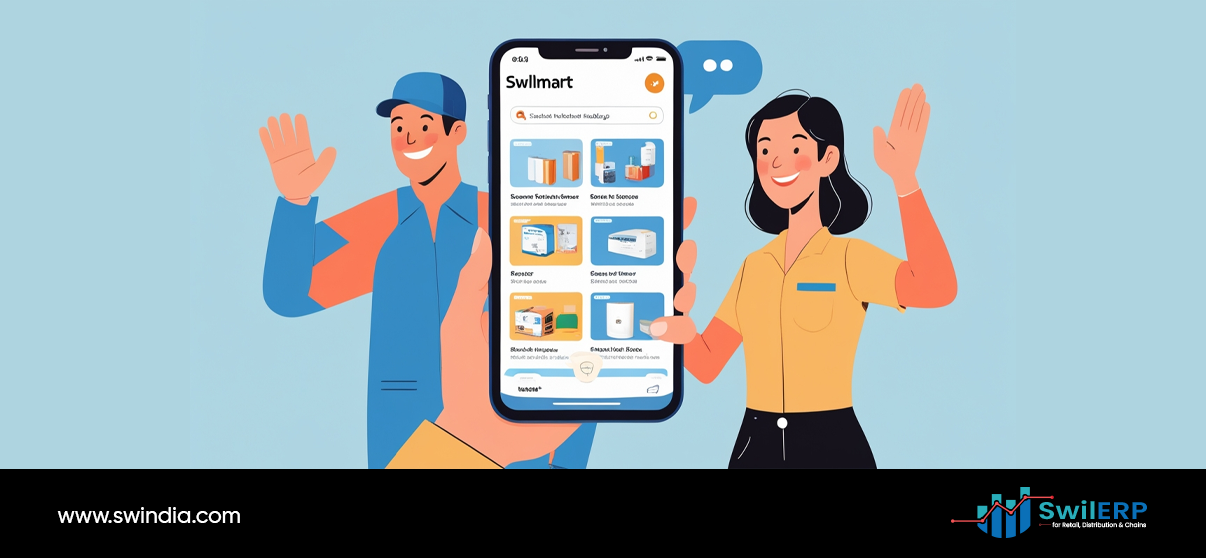
Getting Online with SwilMart mobile app showing product catalog with happy customers using e-commerce platform for business success
  • Products with pricing and availability
  • Promotional offers (if applicable)
  • Their past orders and invoices
  • Outstanding balance
  • Downloadable receipts and credit/debit notes
  • Delivery status of current orders

This reduces unnecessary back-and-forth calls and improves trust.

Bonus: It Works 24×7
Getting Online with SwilMart businessman working on laptop with cloud storage, time management, and shopping cart features for digital commerce

Retailers can place orders:

  • Late at night
  • During holidays
  • Without waiting for your sales team to respond

It also frees your team from note-taking and status sharing, letting them focus on fulfillment and customer care.

Future Capabilities to Look Forward To
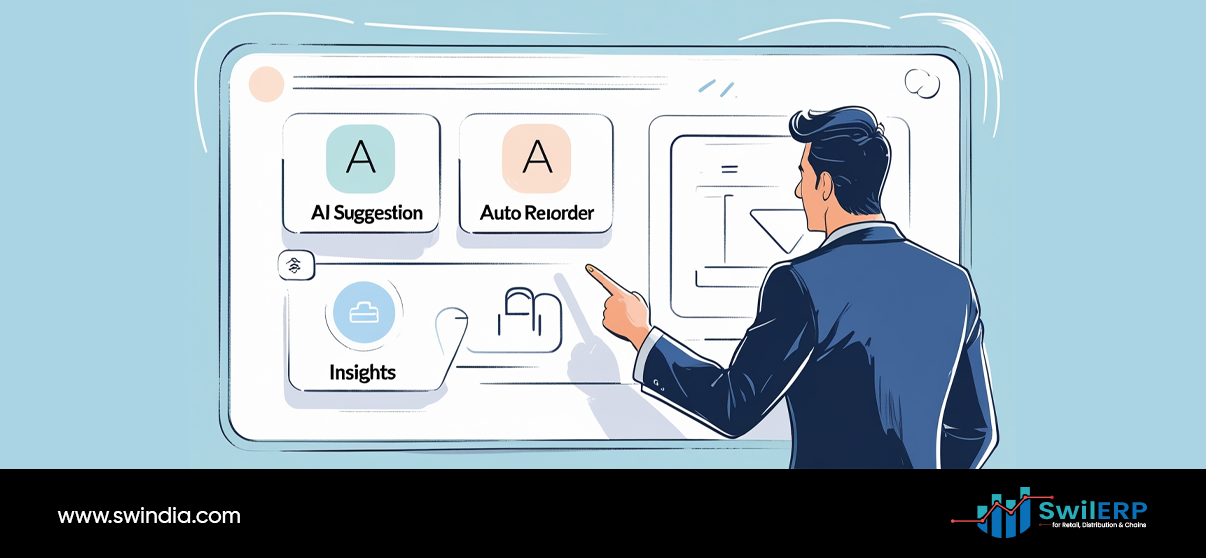
A business professional in a dark suit points at a computer interface displaying SwilMart features including AI Suggestion, Auto Reorder, and Insights modules. The screen shows various icons and interface elements while the person interacts with the digital platform. The SwilERP logo appears in the bottom right corner with the website www.swindia.com displayed at the bottom left.

SwilMart is still evolving, with new features coming:

  • WhatsApp bot for quick order placement
  • Integration with delivery services like Dunzo, Rapido, Shiprocket
  • Mobile app for your customers
  • Shopify frontend support

As a distributor, this means you can stay one step ahead without changing your tools.

Conclusion: You Already Have the Tools. Now Use Them Better.

SwilMart isn’t another app. It’s a simple portal that uses the same ERP system you already trust. No learning curve. No third-party support needed. Just faster, cleaner, digital ordering.

If you’re a distributor who wants to go online without adding more workload, SwilMart is your starting point. You don’t need a developer. You don’t need a new platform. You just need to activate what’s already available to you.

Let your customers order smarter. Let your team focus better. Let SwilMart do the rest.

Share238Tweet149Pin53
Previous Post

How SwilMart Syncs with SwilERP: No Double Entry, No Headaches

Next Post

SwilMart vs Marketplaces: What’s the Right Fit for Your Brand?

Tavishi Mathur

Tavishi Mathur

Tavishi Mathur is a content writer for SWIL. With a background in journalism and mass communication, she loves researching and writing about innovations in retail, wholesale, supply chain management, and international trade

Related Stories

How Distributors Use SwilMart to Get Online Without a Development Team

How Distributors Use SwilMart to Get Online Without a Development Team

by Tavishi Mathur
Nov 18, 2025
0

A B2B portal is now essential for distributors going digital.For many distributors, going online often sounds like a long and...

Why Are Distributors Moving Online and What It Really Mean?

Why Are Distributors Moving Online and What It Really Mean?

by Tavishi Mathur
Aug 4, 2025
0

A few years ago, most distributors would have laughed off the idea of setting up a website. But today, the...

Key Functions of Successful Retail and Distribution Businesses

Key Functions of Successful Retail and Distribution Businesses

by Tavishi Mathur
Jun 7, 2024
0

The world of commerce relies on a complex but vital network – retail and distribution. While these sectors may seem...

Maximizing Efficiency: How SwilERP Revolutionizes Supply Chain Managemen

Maximizing Efficiency: How SwilERP Revolutionizes Supply Chain Management

by Tavishi Mathur
Aug 2, 2023
0

Welcome to the SwilERP blog, where we explore the endless possibilities of Enterprise Resource Planning (ERP) and its impact on...

Next Post
An illustration of a man working on a laptop with two distinct interfaces floating above. On the left is "SWILMART" with a padlock and shopping cart icon, labeled "B2B SwilMart". On the right are several generic grid icons representing various marketplaces. This visual compares SwilMart to other marketplaces.

SwilMart vs Marketplaces: What’s the Right Fit for Your Brand?

Leave a Reply Cancel reply

Your email address will not be published. Required fields are marked *

Table of Contents
  • Why Should Distributors Go Online?
  • What Makes SwilMart Different?
  • Step-by-Step: How to Start Getting Online with SwilMart
  • How is This Easier Than Other Methods?
  • Common Doubts (and Simple Answers)
  • What Do Retailers See When They Log In?
  • Bonus: It Works 24x7
  • Future Capabilities to Look Forward To
  • Conclusion: You Already Have the Tools. Now Use Them Better.
Table of Contents
  • Why Should Distributors Go Online?
  • What Makes SwilMart Different?
  • Step-by-Step: How to Start Getting Online with SwilMart
  • How is This Easier Than Other Methods?
  • Common Doubts (and Simple Answers)
  • What Do Retailers See When They Log In?
  • Bonus: It Works 24x7
  • Future Capabilities to Look Forward To
  • Conclusion: You Already Have the Tools. Now Use Them Better.
SWIL Blog

Thousands of Retailers, Distributors & Chain stores use SWIL Software to organize their inventory, record their billing & manage their accounting.

  • Home
  • Retail
  • Inventory Management
  • GST
  • POS Operations
Get Started