
In a busy business—whether retail, pharma, electronics, or distribution—every staff member is handling something important.
Some are billing customers.
Some are tracking inward stock.
Some are preparing GST reports.
Others are helping sales grow.


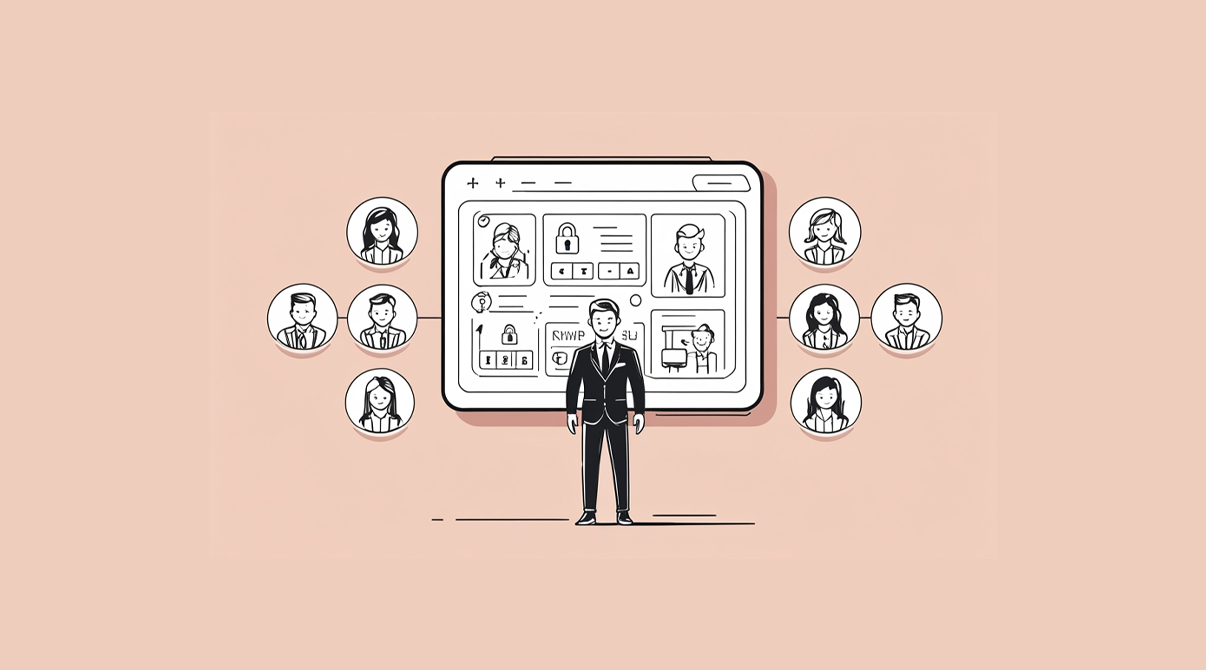
But not everyone needs everything inside your ERP.
In fact, when every user sees every screen, it doesn’t help—it confuses, slows, and sometimes accidentally creates problems.
That’s where defined ERP user roles come in.
Think of it not as restricting your team but as giving them exactly what they need to do their job well.
Here are the 6 most common ERP users—and how you can assign them the right tools in SwilERP.
1. Billing Operator

They keep the counter running smoothly.
What they usually handle:
- Create bills
- Apply schemes/discounts
- Handle returns and exchanges
- Check item stock on the spot
Helpful ERP setup:
- Transaction screen access
- Stock view (no rate view)
- Fixed max discount rules
- Return entry and day-end closure
What they don’t need:
- Access to item purchase rates
- Master data editing
- Ledger or accounts view
✅ In SwilERP, you can lock purchase rate visibility, apply bill-wise security, and assign different discount slabs to each billing user.
2. Inventory Manager
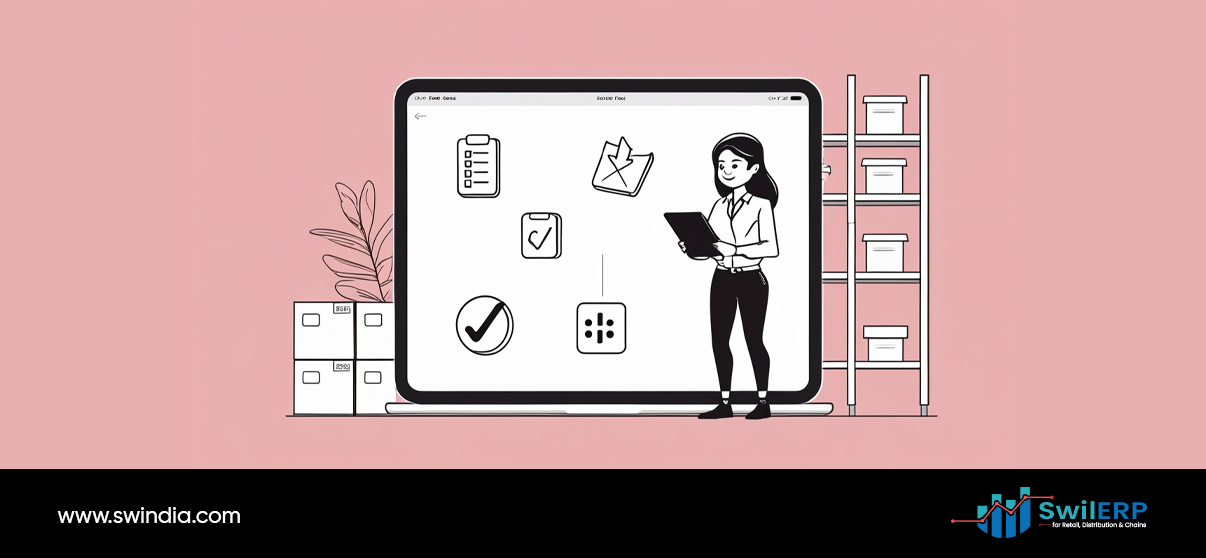
They make sure what’s in stock is actually on the shelf.
What they usually handle:
- Stock audits
- Damage/expiry stock
- Stock transfers
- Opening/closing of inward stock
Helpful ERP setup:
- Access to physical stock entry
- Inward/outward stock registers
- Summary stock reports by location or godown
- Expiry tracking and alerts
What they don’t need:
- Sales or purchase invoices
- Price or scheme editing
- Accounting permissions
✅ In SwilERP, you can set warehouse-wise access, restrict them to the stock menu, and track changes in stock via logs.
3. Purchase Manager
They’re responsible for getting the right items, at the right cost, from the right vendor.
What they usually handle:
- Purchase entries
- Batch/expiry inputs
- Vendor rate comparisons
- Purchase orders
Helpful ERP setup:
- Purchase module access
- Last purchase rate view only (edit locked)
- Approval-based PO generation
- Vendor GST and ledger view (readonly)
What they don’t need:
- Access to billing or sales reports
- Modify HSN/MRP settings
- Access to employee or audit settings
✅ In SwilERP, you can show last rates for comparison, while locking master edits. You can also set approval rules for purchases above a value.
4. Sales Executive / Order Collector
They help grow business by staying close to customers.
What they usually handle:
- Take customer orders
- Suggest new products
- Track scheme eligibility
- Collect outstanding payments
Helpful ERP setup:
- Mobile app login via SwilERP Sales App or SwilMart
- Live stock and pricing visibility
- Order-only access (no billing)
- Customer-specific ledger view (if needed)
What they don’t need:
- View of other customer pricing
- Access to master data
- Ability to cancel or change bills
✅ In SwilERP, each salesman login can be restricted to their own customers only. You can also hide financial data while allowing order placement.
5. Accountant / Finance Team
They keep the numbers clean and the taxman happy.
What they usually handle:
- Reconcile party ledgers
- Post payments/receipts
- File GST returns
- Run P&L or balance sheets
Helpful ERP setup:
- Access to accounts and GST modules
- View-only access to sales/purchase registers
- Export options for Tally or Excel
- Access to cash/bank ledgers
What they don’t need:
- Access to billing or item price edits
- Master code editing
- Permissions to delete past entries
✅ In SwilERP, accountants can work in their own menu zone — with audit trails and entry logs ensuring every action is traceable.
6. Business Owner / Manager
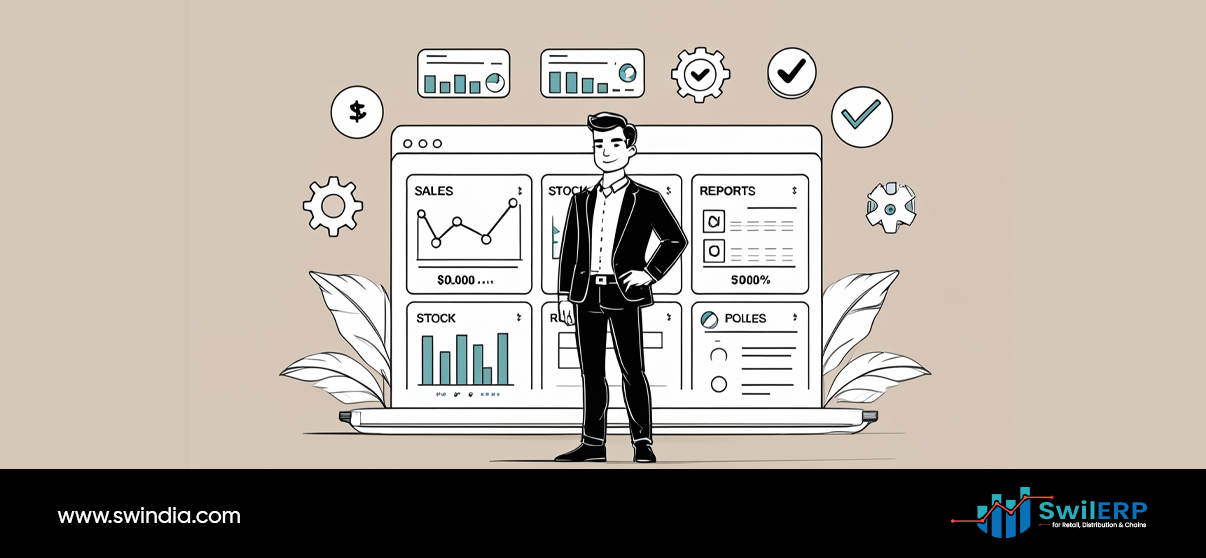
They don’t enter data — they read it to make decisions.
What they usually handle:
- Monitor performance
- Check staff activity
- Make pricing or scheme decisions
- Track receivables and profit
Helpful ERP setup:
- Access to all major reports
- Activity logs of each user
- Sales vs purchase comparison
- Option to freeze certain settings
What they don’t need:
(They need full visibility — but not necessarily full access.)
✅ In SwilERP, owners can assign all permissions to themselves, while locking sensitive areas like item master edits or ledger delete to require password confirmation.
Why This Matters (For Everyone)
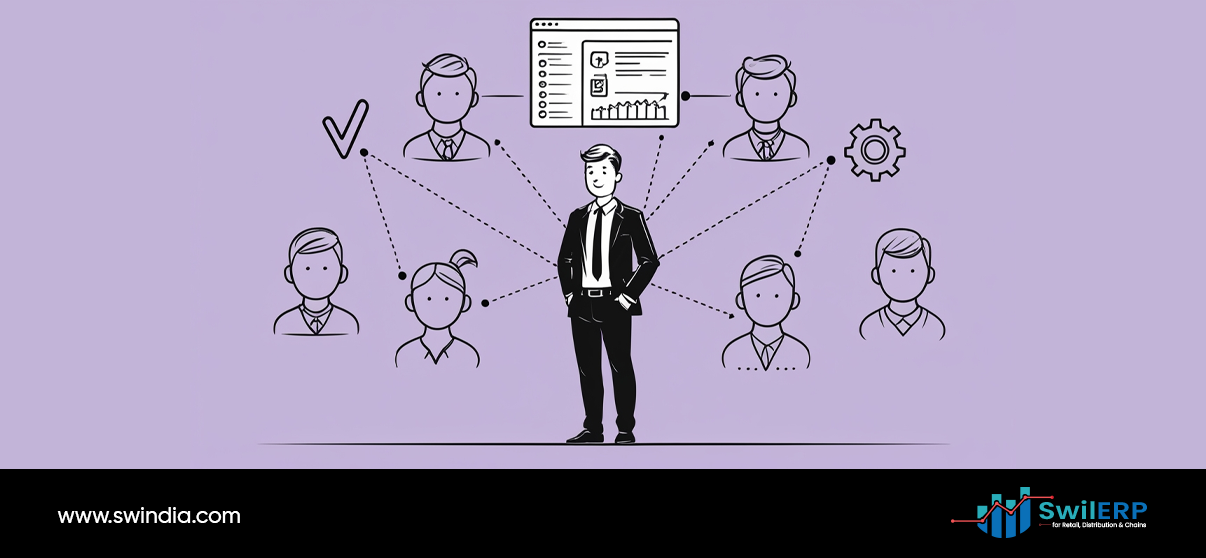
Giving the right access isn’t about suspicion. It’s about support. ERP user roles helps your team work without unnecessary stress or confusion.
You’re not stopping your team from doing their job—you’re helping them do it without unnecessary stress or confusion.
When the billing staff doesn’t see profit margins, they don’t get distracted.
When a salesman doesn’t see every ledger, they don’t mix up data.
When an accountant doesn’t touch product settings, nothing breaks.
It’s not about controlling people.
It’s about removing clutter so each person can do their part — confidently.
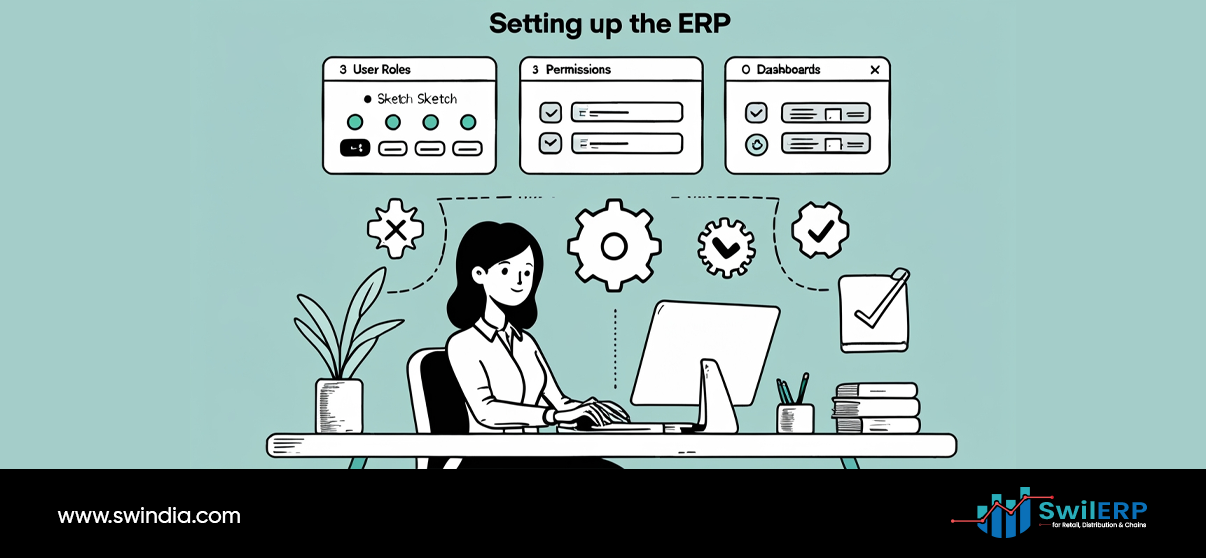
How to Set This Up in SwilERP
Here’s what makes SwilERP flexible for access control:
ERP user roles can be defined with user-based rights for each module.
- User-based rights for each module
- Password protection for sensitive changes
- Visibility toggles for rate, GST, scheme, and more
- Separate logins for billing, accounts, dispatch, and mobile users
- Audit trail to track every edit or delete
And best of all, these permissions aren’t permanent.
As roles evolve, you can adjust access easily.
Final Thought
Everyone in your team has a role.
Your ERP should reflect that—not just in the reports, but in how it behaves for each user.
When your team logs in and sees exactly what they need, ERP user roles, they feel trusted and empowered.
When errors reduce and data stays clean, you save time.
And when everyone works with clarity, your business runs faster—without needing to rush.
That’s not just good access control.
That’s smart business design.