
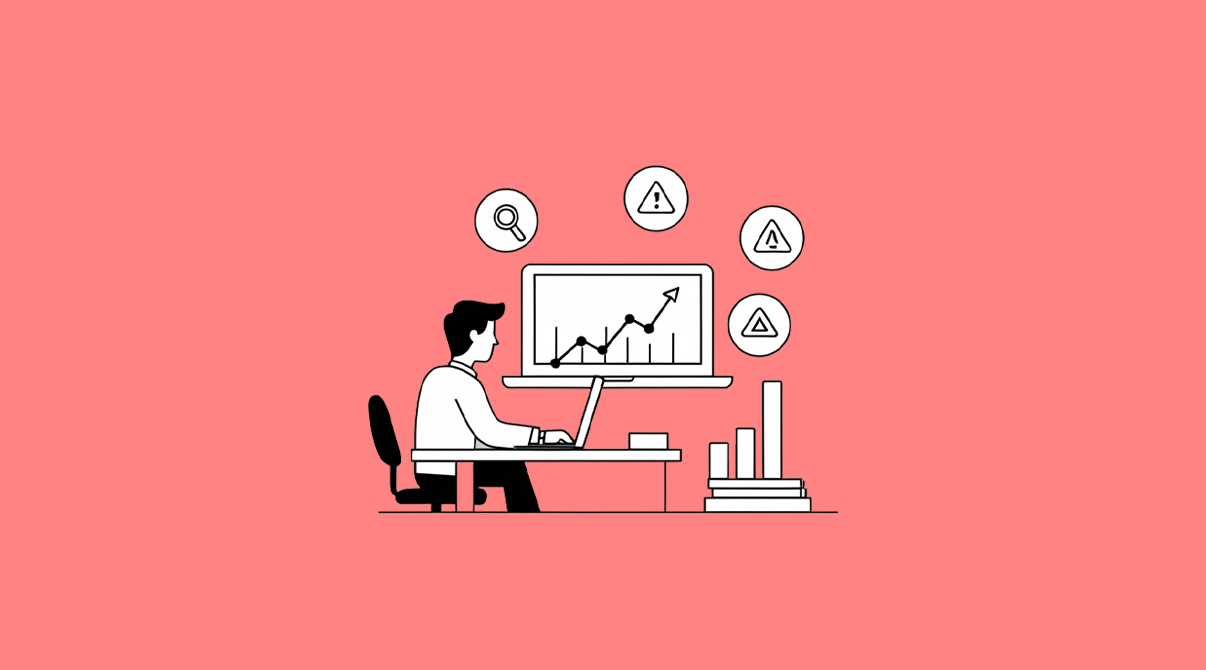
ERP for sales analysis gives businesses the clarity they need when sales drop without warning. Sales may look fine on the surface, but ERP reports reveal the real story hidden in your data. Sometimes customers still walk in, staff are working as usual, and yet the numbers in your register are lower than expected. For a retailer or distributor, this is frustrating—especially when the cause is hidden in data scattered across invoices, stock sheets, and tax filings.
This is exactly where an ERP system becomes more than just software. It acts like a mirror, showing not only your daily numbers but also why those numbers look the way they do. Let’s look at how ERP reports can uncover the real story behind falling sales.

1. ERP for Sales Analysis: Fixing Mismatched Sales and Tax Data

Many businesses trust their daily sales register alone. But ERP can compare your sales records with GSTR-1 summaries. If the totals don’t align, it could mean missed invoices or wrong GST codes. Even small mistakes in tax coding can reduce your reported sales, leading you to believe sales are down when actually entries are missing.
SwilERP Example: The GSTR-1 Summary Report will instantly highlight discrepancies with your Sales Register, alerting you before tax deadlines.
2. Rising Product Returns
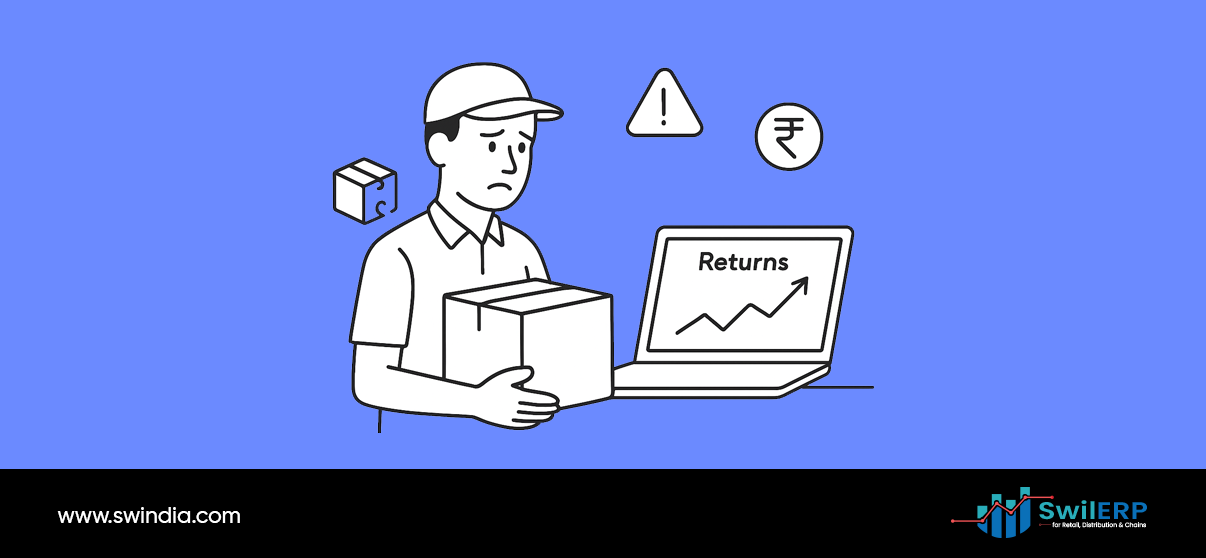
A sudden dip in sales may not be due to fewer purchases but because more products are being returned. ERP systems track credit notes and return transactions. A high volume here signals dissatisfaction with expiry dates, product quality, or pricing.
SwilERP Example: The Credit/Debit Note Report helps trace if specific products or batches are being returned repeatedly, giving you a chance to fix supplier issues or update your stock management.
3. Dead Stock Blocking Shelf Space
One silent killer of sales is when shelves are crowded with items that don’t sell. These “dead stocks” reduce visibility and cash flow for fast-moving items. ERP compares Dead Stock Reports with Product-wise Sales Analysis so you can see if your best-sellers are being suffocated by non-movers.
Practical Takeaway: Clearing out slow-moving inventory often allows best-selling products to breathe again and regain sales momentum.
4. Outstanding Payments Affecting Repeat Orders
In distribution businesses, sales fall when retailers delay new orders until old dues are cleared. ERP’s Customer Outstanding Report shows overdue payments and highlights which clients are stalling repeat purchases.
This report helps you decide whether to adjust credit limits, tighten collection follow-ups, or restructure payment terms — all actions that can prevent sales slowdowns.
5. Margins That Quietly Vanish
Sometimes sales figures fall not because of fewer bills but because margins shrink to unsustainable levels. Discounts, schemes, or competitive pricing may be driving volumes but reducing profitability, causing retailers to lose motivation to push those products.
SwilERP Example: The Margin Report shows negative or low-profit margins across product categories so you can adjust pricing or promotions before they hurt overall sales.
6. Weak Spots in Staff Billing
Sales data can also reveal internal patterns. If shift-wise or user-wise billing reports show one counter or staff member consistently underbilling compared to others, it might indicate slow service, absenteeism, or even errors in handling transactions.
Instead of blaming “low demand,” ERP reports help you pinpoint staff-level bottlenecks.
7. Territory or Area Gaps
For distributors managing multiple regions, falling sales in one territory may go unnoticed in overall numbers. ERP’s Area-wise Sales Report provides a breakdown by geography, showing where sales teams may be inactive or where competitors are gaining ground.
By mapping sales territory-wise, you can reassign staff, offer schemes for weak markets, or negotiate stronger supplier support.
8. Customer Buying Patterns Shifting
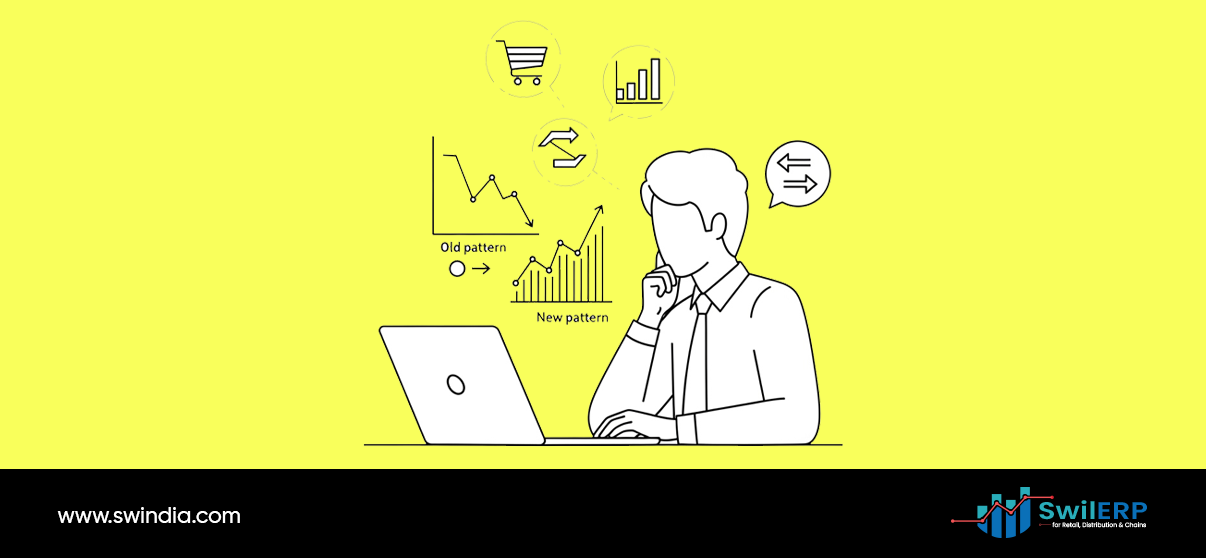
Customers may not have stopped buying altogether but may be shifting to substitutes. ERP can highlight this trend by comparing sales across related products. For example, if generic alternatives rise while branded medicines drop, you’ll know customer preference has shifted.
Such insights allow you to adjust procurement strategy quickly before stock becomes redundant.
9. Clashes Between Stock and GST Filings
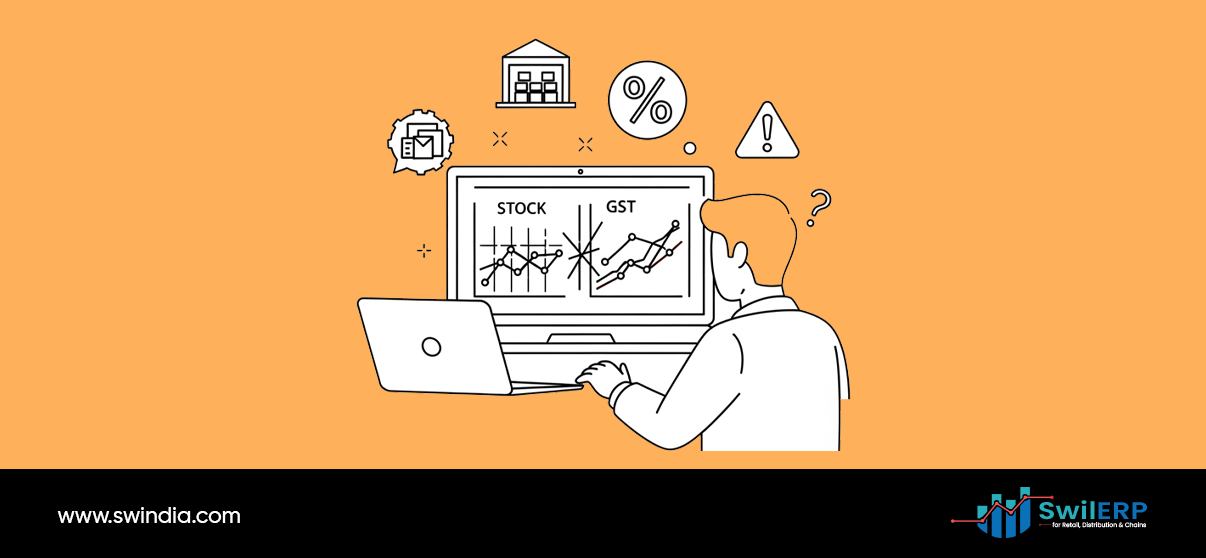
Another technical but common issue — sales looking fine in daily billing but not reflecting in GST filings. Wrong tax categories, duplicate entries, or failure to post inter-branch sales can make numbers look worse on paper than they are in reality. ERP highlights these mismatches early.
Conclusion
When sales dip, instinct often pushes retailers and distributors to blame external factors—competition, market slowdown, or customer disinterest. While those play a role, the truth is often hidden inside your own data.
ERP systems, especially with reports like Sales Register vs. GSTR, Dead Stock vs. Fast-Moving, Margin Analysis, and Area-wise Sales, act as your detective. They show not only “what” is happening but “why” it is happening.
So the next time your sales team says, “We don’t know why sales are low this month,” remember the answer may already be sitting inside your ERP reports — waiting to be read.