
swilerp
  • Home
  • Retail
  • Inventory Management
  • GST
  • POS Operations
No Result
View All Result
Get Started
swilerp
  • Home
  • Retail
  • Inventory Management
  • GST
  • POS Operations
No Result
View All Result
Get Started
swilerp
No Result
View All Result

ERP for Tax Compliance: Common Data Entry Habits That Lead to Notices

Tavishi Mathur by Tavishi Mathur
Sep 4, 2025
in Business Compliances, GST Updates
Reading Time: 6 mins read
0
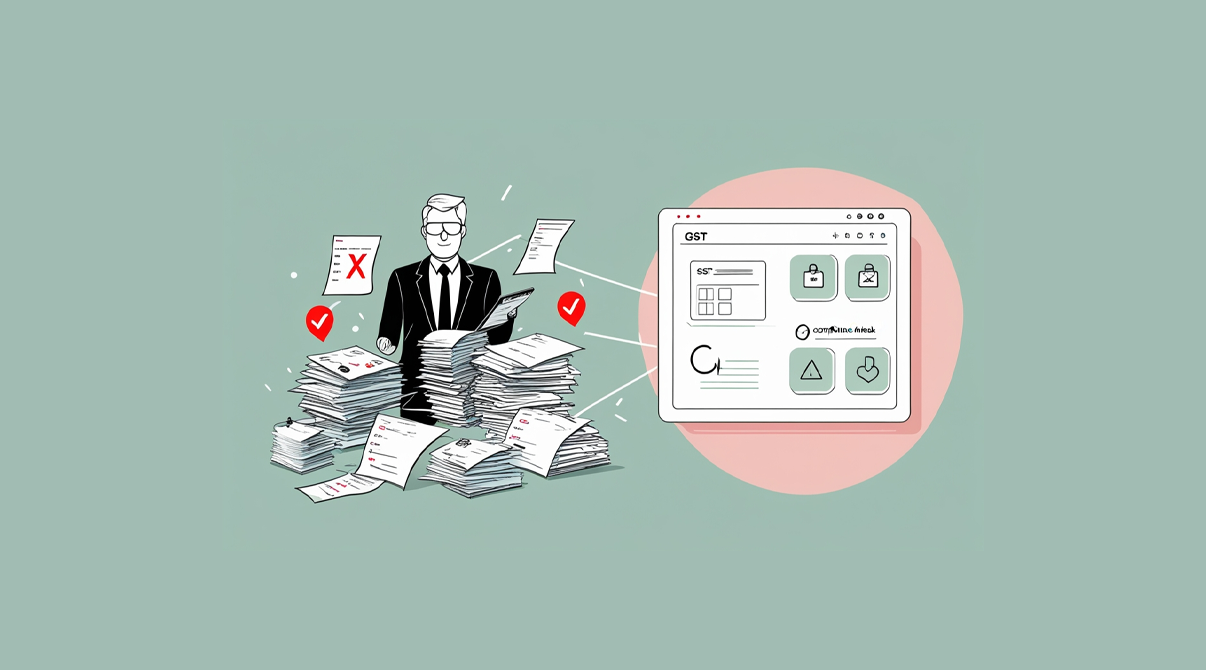
Business person surrounded by stacks of documents using ERP for tax compliance software with GST portal integration and compliance attack protection

ERP for tax compliance is becoming vital because most tax notices do not come from fraud but from small data mistakes repeated every day. For many retailers and distributors, habits like typing the wrong GSTIN or missing an invoice seem minor until they trigger mismatches during filing. This blog explains the most common errors that create tax problems and how an ERP system can stop them at the source.

At a Glance: Where Mistakes Happen and How ERP Fixes Them
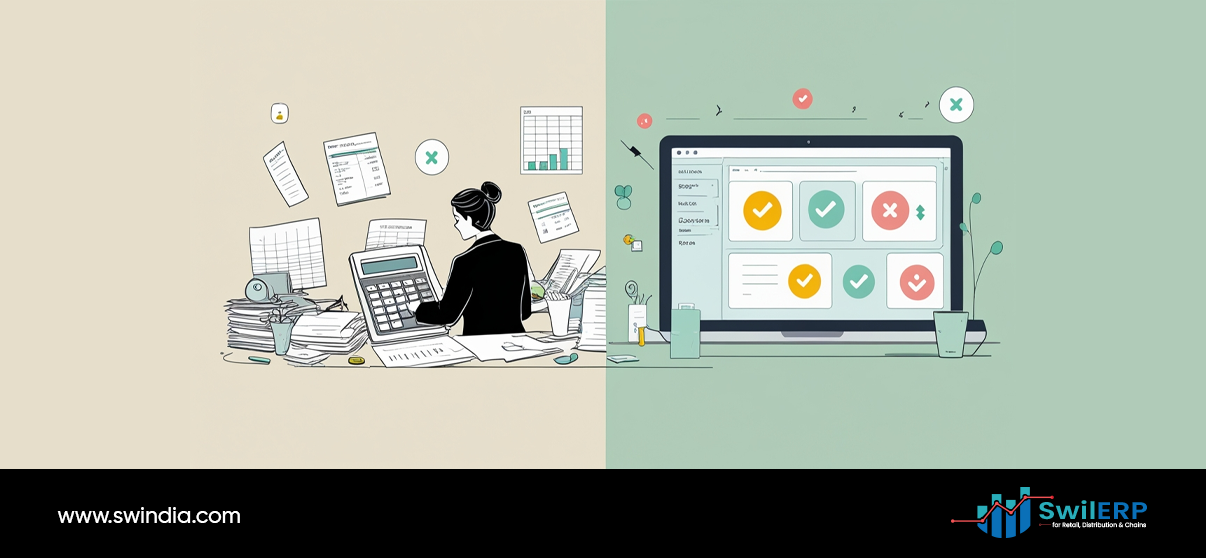
Split view showing manual tax work with calculator and papers versus digital ERP for tax compliance system with automated status indicators and reports
Habit That Triggers NoticesHow ERP Fixes It
Using old HSN or SAC codesUpdates product masters centrally
Wrong GSTIN on B2B invoicesValidates and stores GSTINs
Not reversing ITC on returns or expired stockTracks credit notes and ITC adjustments
Round-off mismatchesApplies uniform rounding rules
Unbilled deliveriesLinks challans with pending invoices
Wrong tax period entriesAuto-timestamps and locks backdated edits
Misuse of credit or debit notesLinks notes to original invoices
Manual edits after day closingKeeps audit logs of all changes

ERP for Tax Compliance: Fixing Old HSN or SAC Codes

Business professional holding invoice with HSN/SAC codes while using ERP for tax compliance dashboard showing GST code management and tax validation features

One of the biggest sources of tax notices is outdated product classification. If your POS or Excel sheet still carries old HSN or SAC codes, your returns will not match government records. ERP avoids this by letting you update codes in one place and apply them across your inventory automatically.
You might also like

GST And Compliance in 2025: 5 Urgent Steps Businesses Must Take Now

GST And Compliance in 2025: 5 Urgent Steps Businesses Must Take Now

Sep 19, 2025
Positive Impact of GST Update 2025: Essential Insights for Retailers, Wholesalers & Distributors

Positive Impact of GST Update 2025: Essential Insights for Retailers, Wholesalers & Distributors

Sep 19, 2025

Wrong GSTIN on B2B Invoices

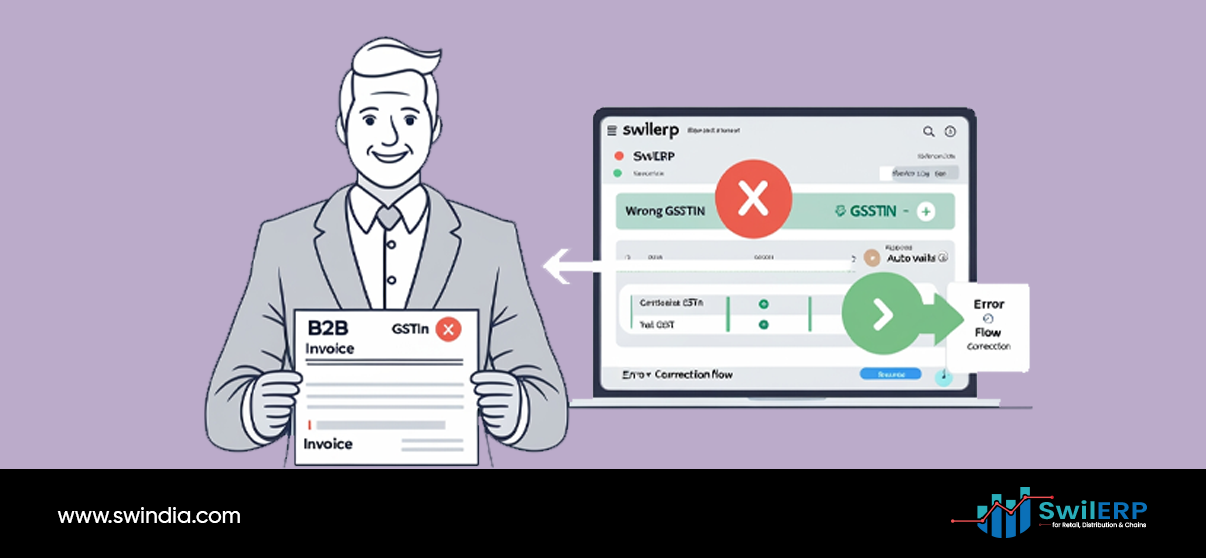
Professional holding B2B invoice with GSTIN error while ERP for tax compliance software shows error correction workflow and validation process

Typing errors while entering GSTINs are common, especially for repeat customers. A wrong digit can mean your invoice does not reflect in the customer’s GSTR2A, which raises red flags. With ERP for tax compliance, wrong GSTIN entries can be prevented.

Not Reversing ITC on Returns or Expired Stock
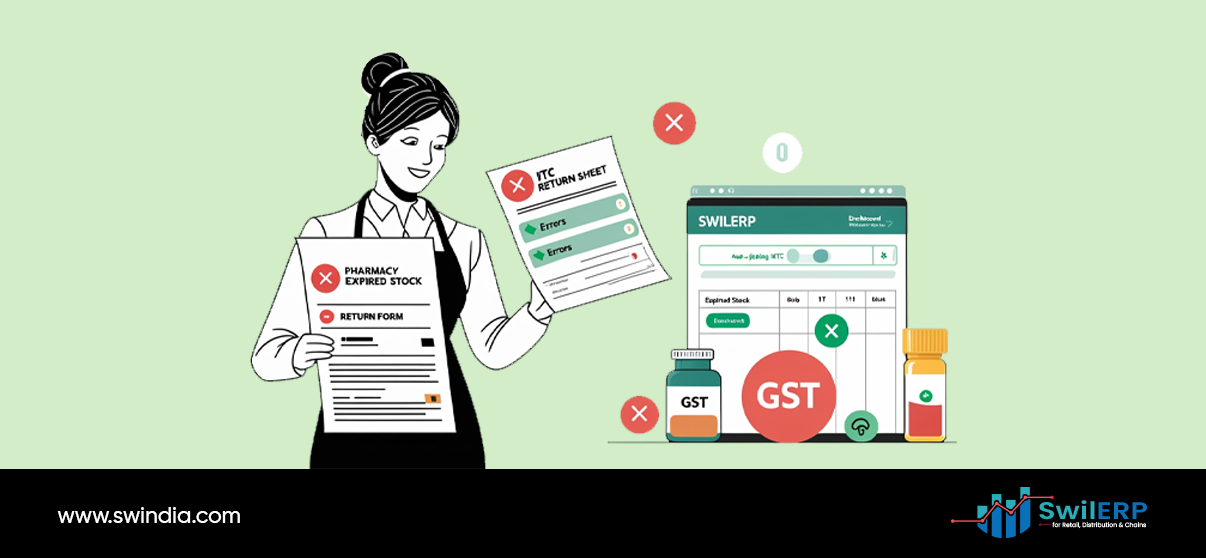
Pharmacist with expired stock return forms and ITC return sheet while using ERP for tax compliance dashboard for inventory and GST management

When goods are returned or stock expires, input tax credit (ITC) must be reversed. Many businesses miss this step because they track sales and purchases manually. ERP automatically records credit notes and flags ITC adjustments, helping you stay compliant without juggling separate spreadsheets.

Round-Off Mismatches
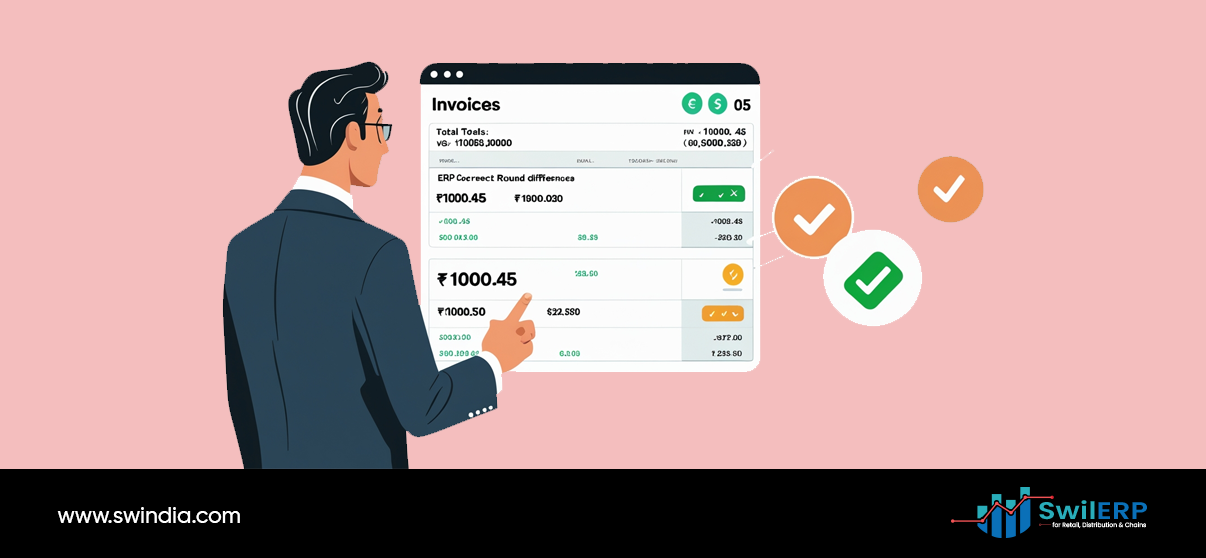
Business professional viewing invoice reconciliation screen in ERP for tax compliance system showing total calculations and round differences correction

Even small differences in rounding values can trigger mismatches in your filings. While Excel allows free manual entry, ERP applies consistent rounding rules across all invoices. This removes variation and prevents unnecessary scrutiny during reconciliation. Businesses that use ERP for tax compliance avoid mismatches in filings.

Unbilled Deliveries
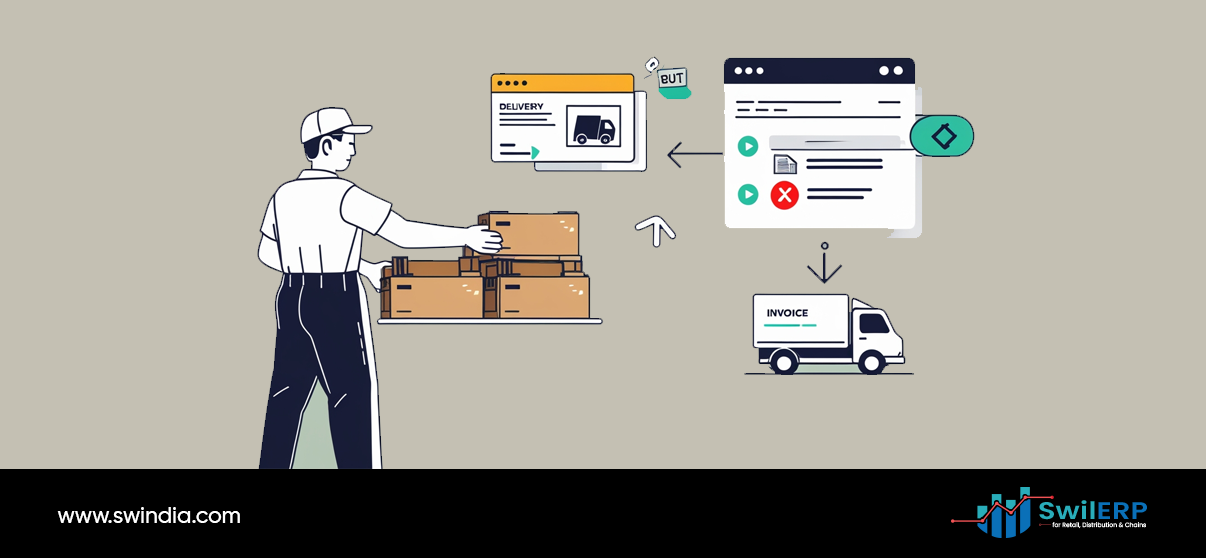
Delivery worker with packages and truck alongside ERP for tax compliance system interface showing invoice processing and delivery management integration

Deliveries made without invoices, often through challans, are easy to lose track of. If they remain unbilled, they cause income mismatches during GST filing. ERP links challans with pending invoices and prompts you to convert them, ensuring that no delivery goes unbilled.

Wrong Tax Period Entries
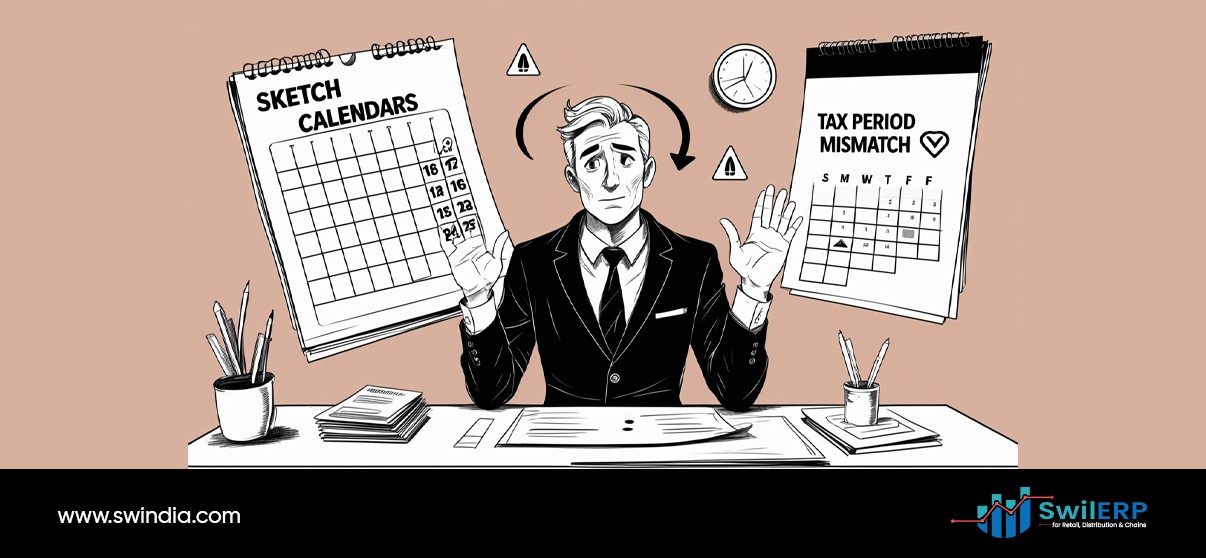
Confused businessman at desk with calendars showing tax period mismatch warning, highlighting scheduling challenges in ERP for tax compliance systems

Late entries or backdated invoices create problems when they do not align with the right return period. ERP auto-timestamps transactions and prevents changes to closed periods. This keeps your records consistent with government timelines.

Misuse of Credit or Debit Notes
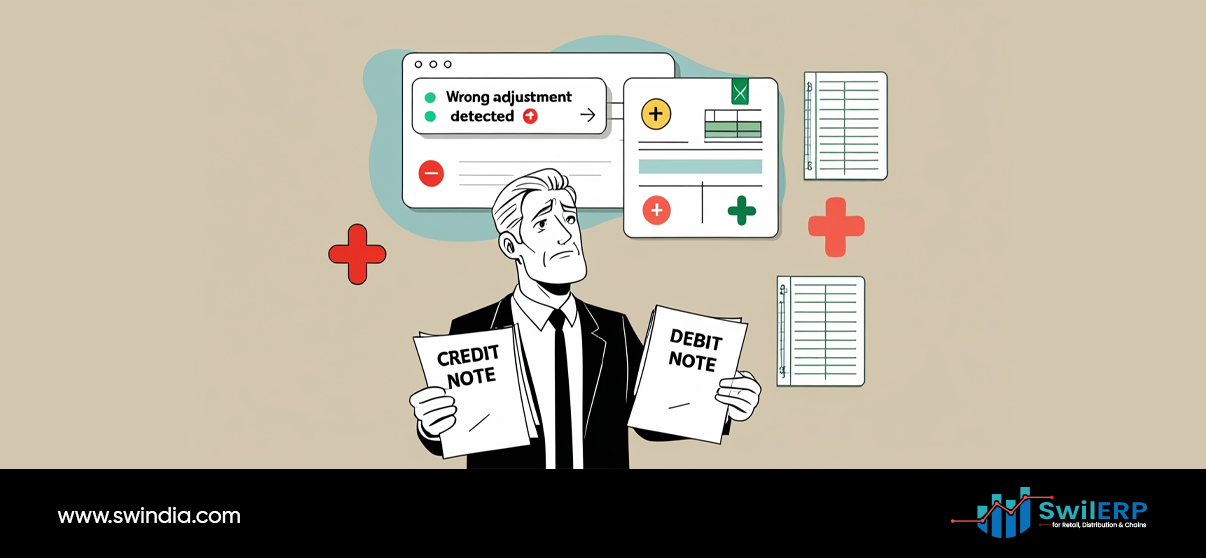
Business professional holding credit and debit notes with wrong adjustment detection alerts from ERP for tax compliance software error monitoring

Issuing credit or debit notes without linking them to the original invoice creates gaps in reporting. ERP maintains that link, so every adjustment clearly relates to an earlier transaction. This ensures transparency and avoids mismatches in return filings.

Manual Edits After Day Closing
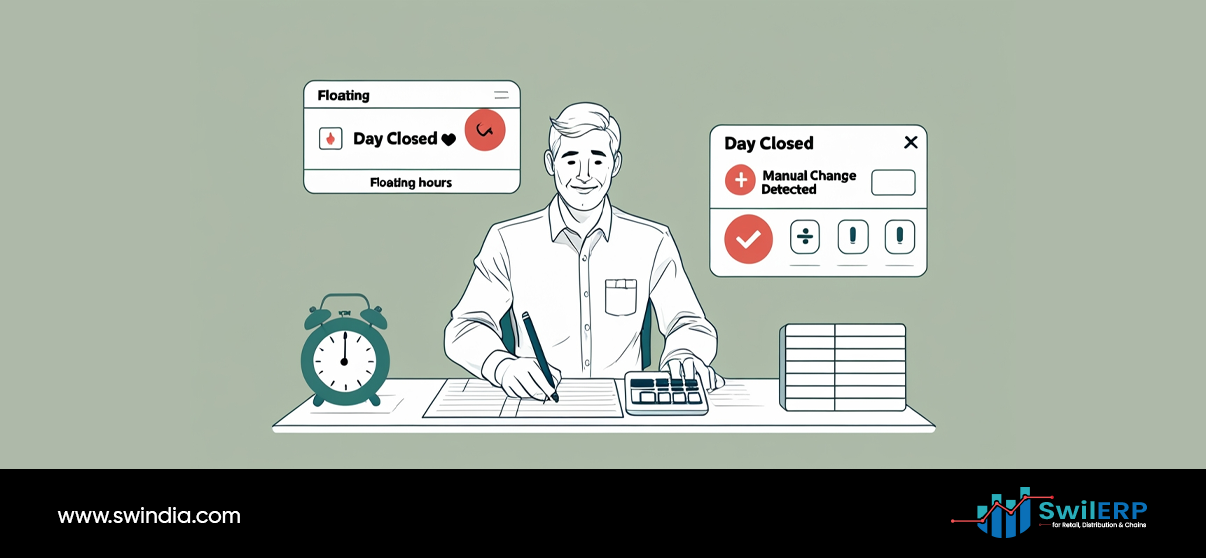
Accountant working at desk with floating hours notification and day closed alerts from ERP for tax compliance system showing time tracking features

Some staff continue editing invoices after the day’s books have been closed. These changes often go unnoticed until filing season, creating discrepancies. ERP keeps audit logs of every edit and shows who made the change and when. This builds accountability and avoids errors slipping through.

Why ERP Changes the Game

Businessman working on laptop with ERP for tax compliance system displaying sales charts, payment tracking, and multi-currency financial data management

Manual habits create hidden risks because they depend on memory, accuracy, and discipline. ERP brings structure to these processes. Instead of relying on staff to remember every compliance rule, the system applies checks in the background. This lowers the chance of errors and reduces time spent on corrections during filing.

Key Takeaways

  • Most tax notices stem from repeated data entry habits, not major fraud.
  • Outdated codes, wrong GSTINs, and missing reversals are the most common triggers.
  • ERP prevents these issues by standardizing processes and automating checks.
  • Audit logs and system controls create accountability across staff.
  • Moving away from Excel reduces hidden risks and keeps your business aligned with tax rules.

Share236Tweet147Pin53
Previous Post

Why ERP for Small Retailers Is No Longer a Luxury

Next Post

ERP for Sales Analysis: Why Your Sales Are Falling This Month

Tavishi Mathur

Tavishi Mathur

Tavishi Mathur is a content writer for SWIL. With a background in journalism and mass communication, she loves researching and writing about innovations in retail, wholesale, supply chain management, and international trade

Related Stories

GST And Compliance in 2025: 5 Urgent Steps Businesses Must Take Now

GST And Compliance in 2025: 5 Urgent Steps Businesses Must Take Now

by Tavishi Mathur
Sep 19, 2025
0

GST and Compliance in 2025 requires businesses to adapt quickly. With the rollout of GST 2.0, compliance is no longer...

Positive Impact of GST Update 2025: Essential Insights for Retailers, Wholesalers & Distributors

Positive Impact of GST Update 2025: Essential Insights for Retailers, Wholesalers & Distributors

by Tavishi Mathur
Sep 19, 2025
0

The impact of GST update is reshaping how retailers, wholesalers, and distributors operate under GST 2.0, the way they affect...

GST 2.0 Changes: The Ultimate Breakdown of What’s Cheaper and What’s Costlier

GST 2.0 Changes: The Ultimate Breakdown of What’s Cheaper and What’s Costlier

by Tavishi Mathur
Sep 19, 2025
0

GST 2.0 changes created one of the biggest questions for every retailer, distributor, and consumer: “What actually becomes cheaper, and...

GST New Slabs 2025 chart of 5%, 18% and 40% tax rates

GST New Slabs 2025—What 5%, 18%, & 40% Mean for Your Business

by Tavishi Mathur
Sep 19, 2025
0

GST New Slabs 2025 have changed how businesses look at pricing, taxation, and compliance. One of the most impactful changes...

Next Post
ERP for Sales Analysis: Why Your Sales Are Falling This Month

ERP for Sales Analysis: Why Your Sales Are Falling This Month

Leave a Reply Cancel reply

Your email address will not be published. Required fields are marked *

Table of Contents
  • At a Glance: Where Mistakes Happen and How ERP Fixes Them
  • ERP for Tax Compliance: Fixing Old HSN or SAC Codes
  • Wrong GSTIN on B2B Invoices
  • Not Reversing ITC on Returns or Expired Stock
  • Round-Off Mismatches
  • Unbilled Deliveries
  • Wrong Tax Period Entries
  • Misuse of Credit or Debit Notes
  • Manual Edits After Day Closing
  • Why ERP Changes the Game
  • Key Takeaways
Table of Contents
  • At a Glance: Where Mistakes Happen and How ERP Fixes Them
  • ERP for Tax Compliance: Fixing Old HSN or SAC Codes
  • Wrong GSTIN on B2B Invoices
  • Not Reversing ITC on Returns or Expired Stock
  • Round-Off Mismatches
  • Unbilled Deliveries
  • Wrong Tax Period Entries
  • Misuse of Credit or Debit Notes
  • Manual Edits After Day Closing
  • Why ERP Changes the Game
  • Key Takeaways
SWIL Blog

Thousands of Retailers, Distributors & Chain stores use SWIL Software to organize their inventory, record their billing & manage their accounting.

  • Home
  • Retail
  • Inventory Management
  • GST
  • POS Operations
Get Started