

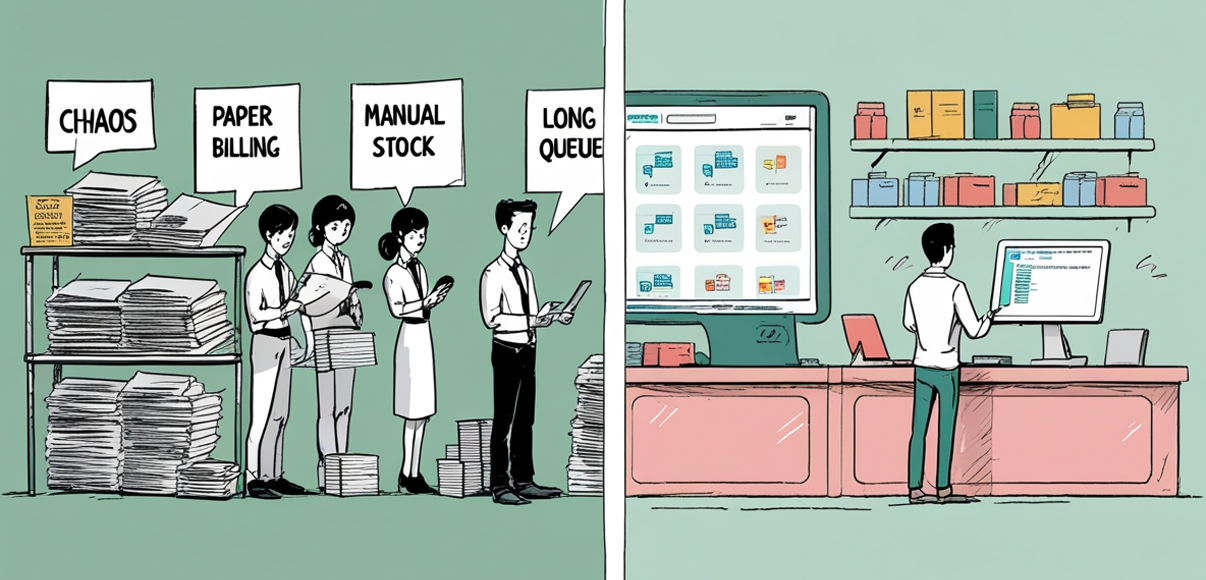
Running a medical store involves many moving parts: managing stock, serving customers, handling bills, and keeping records up to date. In this story, we follow Rohan, owner of Sunshine Pharmacy, through a typical day, first without an ERP system, then after he has one. You will see how a dedicated medical store ERP can change his work from fraught with worry to calm and controlled, streamlining every aspect of the business.
Morning: Opening the Store (Before Medical Store ERP)
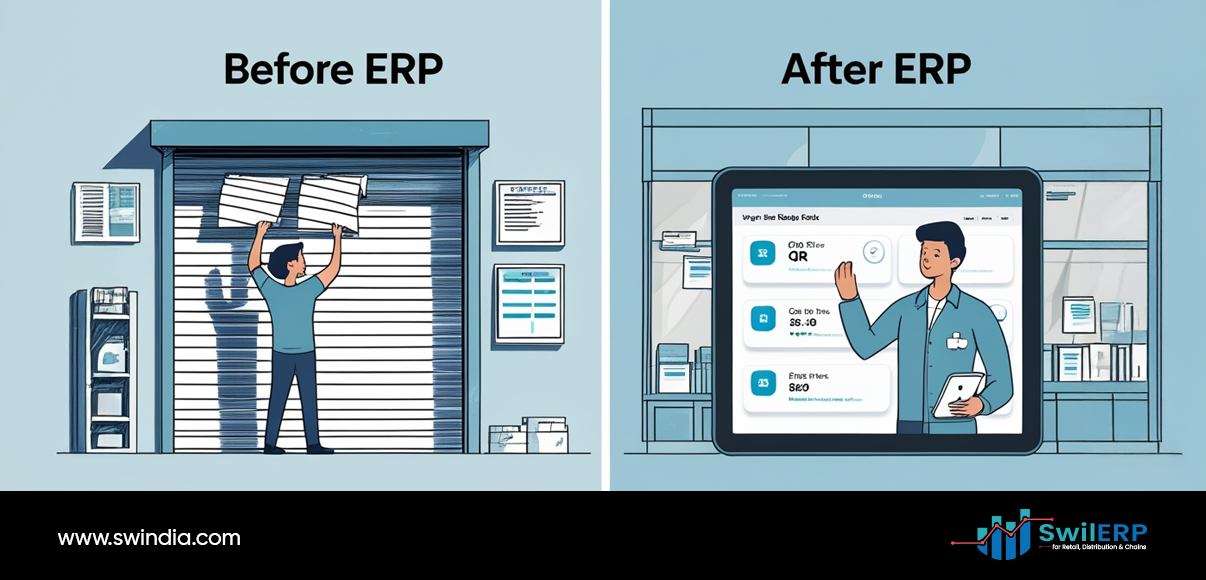
Before ERP
Before a medical store ERP, Rohan’s mornings were consumed by manual stock checks and ledger entries

- Keys and Lights
Rohan arrives at 8:30 a.m., unlocks the door, and switches on the lights. - Stock Check
He paces the shelves, glancing at low items—cough syrups, antiseptic creams, and glucose strips. He writes notes on a pad. - Manual Logbook
Behind the counter, he opens a heavy ledger. He records yesterday’s sales totals by hand, tallies cash in the drawer, and compares it to the log. - Customer Arrivals
Early customers come in: a mother buying baby syrup and a diabetic patient checking glucose strips. Rohan moves between the counter and shelves, climbing a stool to reach the top boxes. - Ordering Decisions
On his notepad, he tallies low-stock items. He makes a quick call to a distributor: “Send me 50 bottles of cough syrup and 30 boxes of strips.” He guesses based on last month’s needs, unsure if that covers this week.
Challenges he faces: missing items, guesswork orders, and time lost on manual records.
Midday: Busy Hours and Billing (Before Medical Store ERP)
Before ERP
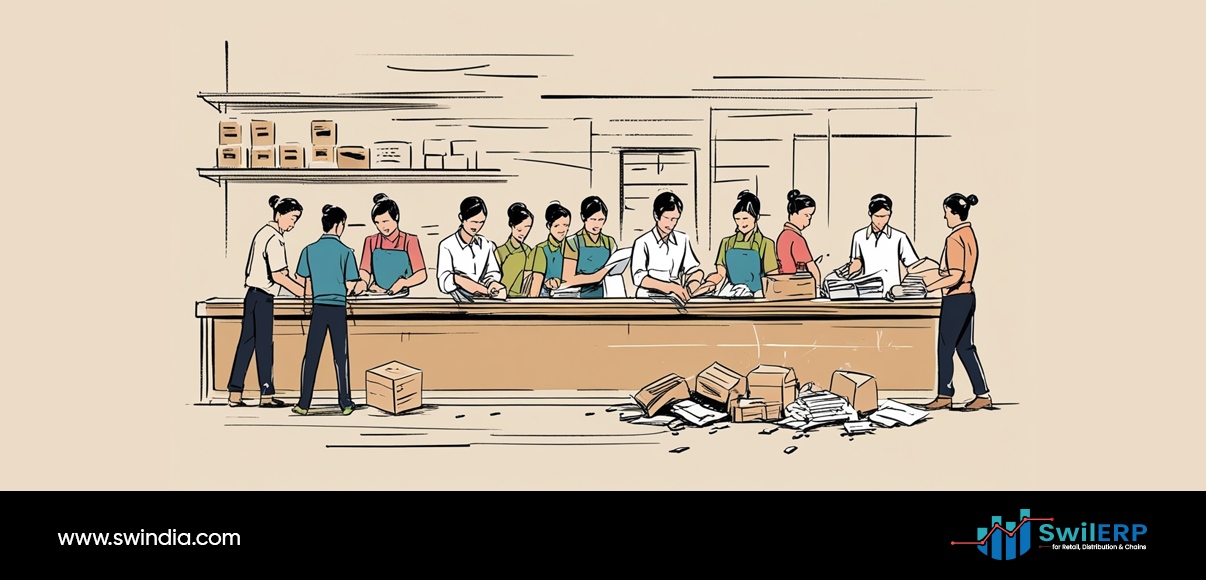
An medical store ERP system ensures efficient transactions during busy hours, reducing billing errors and customer wait times.
- Peak Traffic
Lines form between 11 a.m. and 2 p.m., and Rohan has to manage filling prescriptions, processing cash, and answering calls. - Prescription Handling
He reads each handwritten script, checks stock, and calculates totals with a calculator. Occasionally, he misreads a dose or price and must correct it. - Invoice Printing
Using a basic billing machine, he types item codes one by one. Mistakes force him to void bills and start over. - Record Keeping
Every sale gets a printed receipt. Then, he enters the details into the ledger—product name, quantity, rate, and customer name. This extra step adds another line of work for his assistant. - Supplier Follow-Up
Around lunchtime, he calls the distributor again. Some items are out of stock, so he transfers his order to other suppliers, juggling call times and urgent needs.
In this phase, Rohan fights errors, delays in receiving items, and stress over keeping a clear record for GST returns.
Afternoon: Managing Inventory and Reports
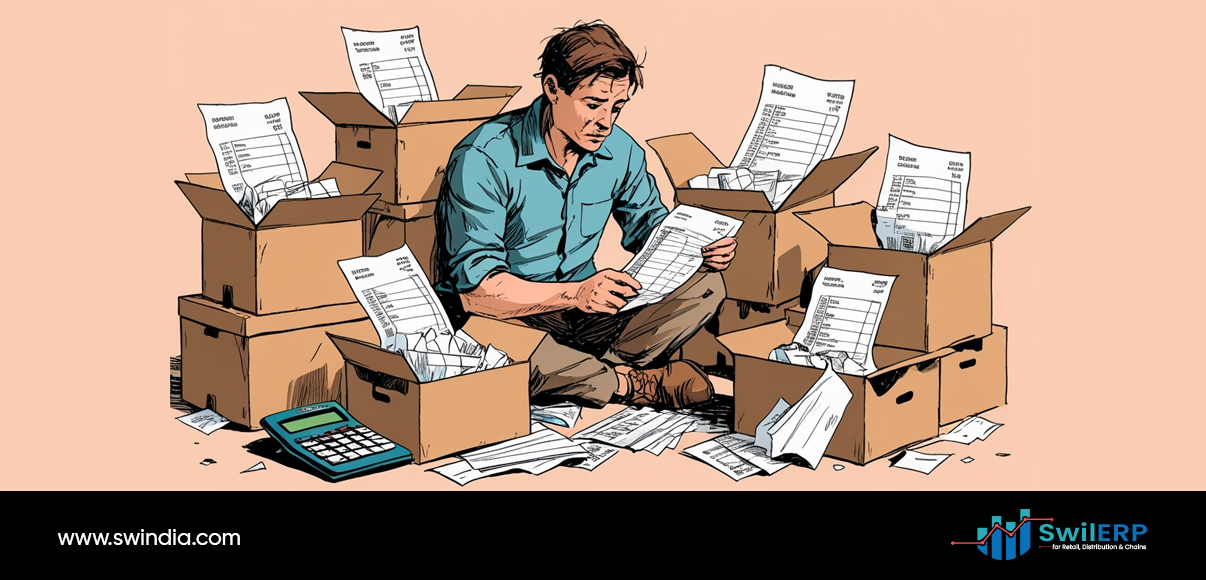
Before ERP
- Stock Count
After lunch, Rohan closes the store briefly. He and his assistant count top-selling items. They compare with the notepad list from the morning. Differences force a recount. - Expiry Check
They inspect expiry dates on medicines. Near-expiry items get a sticker to remind staff to sell them first. - Purchase Record
Purchase bills lie on a table. Rohan writes entries into the ledger, matching bill amounts to cash outlays. He shuffles through papers to find the right supplier name. - Cash Balance
He closes accounts for the day, noting cash and digital payment totals. If numbers do not match, he and his assistant hunt for errors, often small but time-consuming.
By late afternoon, Rohan feels drained by manual work and worried about missing a deadline for filings or ending up with the wrong stock at month-end.
Evening: Closing and Reporting (Before Medical Store ERP)

Before ERP
- Store Closing
At 8 p.m., he tallies final sales, gives change to the assistant, and locks up. - Daily Backup
Rohan scans receipts into a folder on his computer. He names each file by date, hoping no folder goes missing. - GST Preparation
At month’s end, he gathers all ledgers, bills, and scanned receipts. For GST returns, he spends days reconciling inward and outward supplies. He often misses input tax credits because some supplier bills were misfiled or typed incorrectly.
This routine leaves little time for family and no clear insights into his business performance.
After ERP: The Same Day, Transformed
With an ERP system tailored for medical retailers, Rohan’s day changes in small but meaningful ways.
Morning: Quick Startup and Clear Data
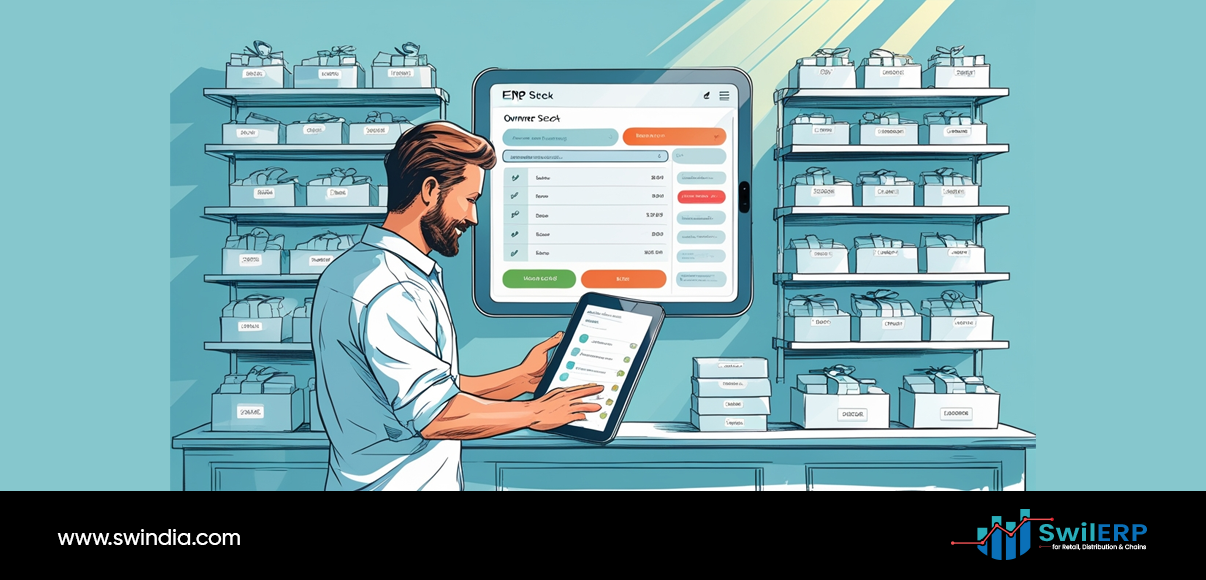
After ERP
The transformation after implementing a medical store ERP was immediate: mornings became seamless with automated stock alerts.
- Login and Dashboard
At 8:30 a.m., Rohan taps his password on a tablet. Instantly, a dashboard shows low-stock alerts, today’s appointments, and recent supplier updates. - Automated Stock Alerts
The ERP flagged cough syrup and glucose strips as nearing reorder levels. Rohan reviews suggested quantities based on past sales and current trends. No guesswork needed. - One-Click Reorder
He clicks “Order” beside each item. The system generates a purchase order, sends it to the preferred distributor by email, and records the expected delivery date. - Staff Briefing
Rohan shares today’s sales targets and notes on the tablet. His assistant opens the same dashboard to see her tasks—expiry checks and customer follow-ups.
Now, stock decisions rest on data, and Rohan starts the day calm, not worried.
Midday: Fast, Accurate Service
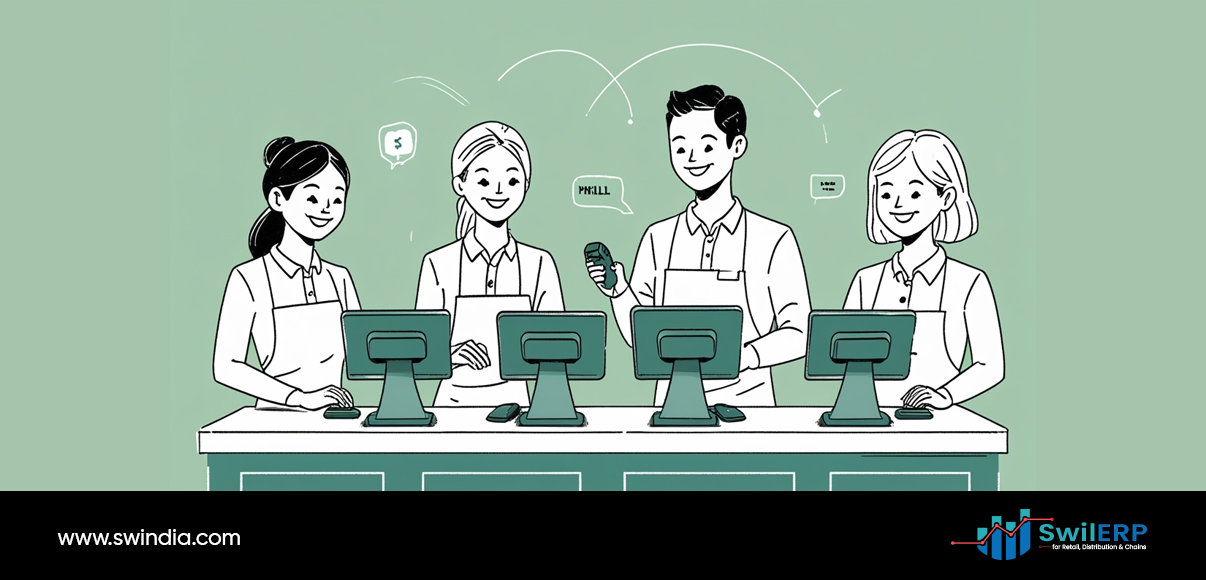
After ERP
- Integrated POS
At the counter, the assistant scans each prescription code. The ERP confirms stock, suggests substitutes if needed, and applies correct pricing automatically. - Instant Billing
The system prints invoices with no manual coding. Prices and taxes are up to date, so Rohan never worries about wrong rates. - Customer Records
Each customer’s purchase history is on file. If they ask about past medicines or set up a reminder for a refill, the ERP sends an SMS notification. - Payment Matching
Digital payment receipts flow automatically into the ERP. No more manual reconciliation. At lunch, Rohan glances at the “Payments Received” report—everything matches.
Service is faster and more accurate, and record-keeping happens in real time.
Afternoon: Clear Inventory Control
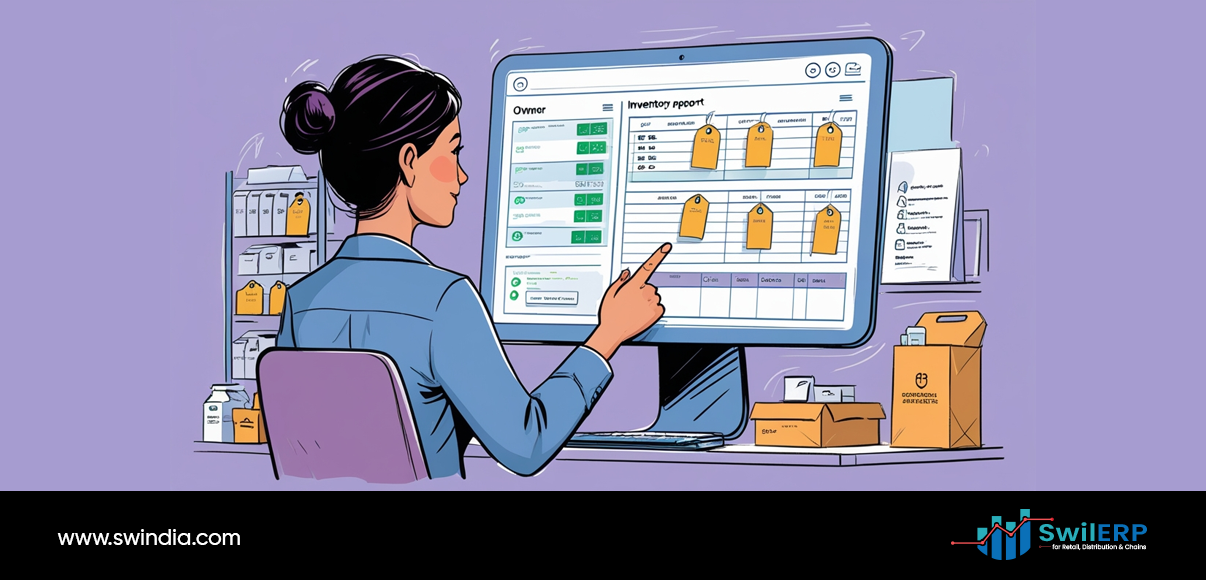
After ERP
- Livestock View
The ERP shows real-time inventory levels. There is no need to close the store for a count. Staff can see updates as sales happen. - Expiry Management
The system highlights items due to expire in the next 60 days. Rohan plans a small discount campaign for those products. - Purchase History
All supplier bills are stored in the ERP. When a new shipment arrives, Rohan scans the packing list, and the system matches each item to the purchase order. - Audit-Ready Records
Every transaction—sale or purchase—has a digital trail: date, time, user, and approval status. Rohan no longer fears audits or missing documents.
Rohan can focus on growth, not paperwork.
Evening: Smooth Closing and Compliance
After ERP
- Automated End-of-Day Report
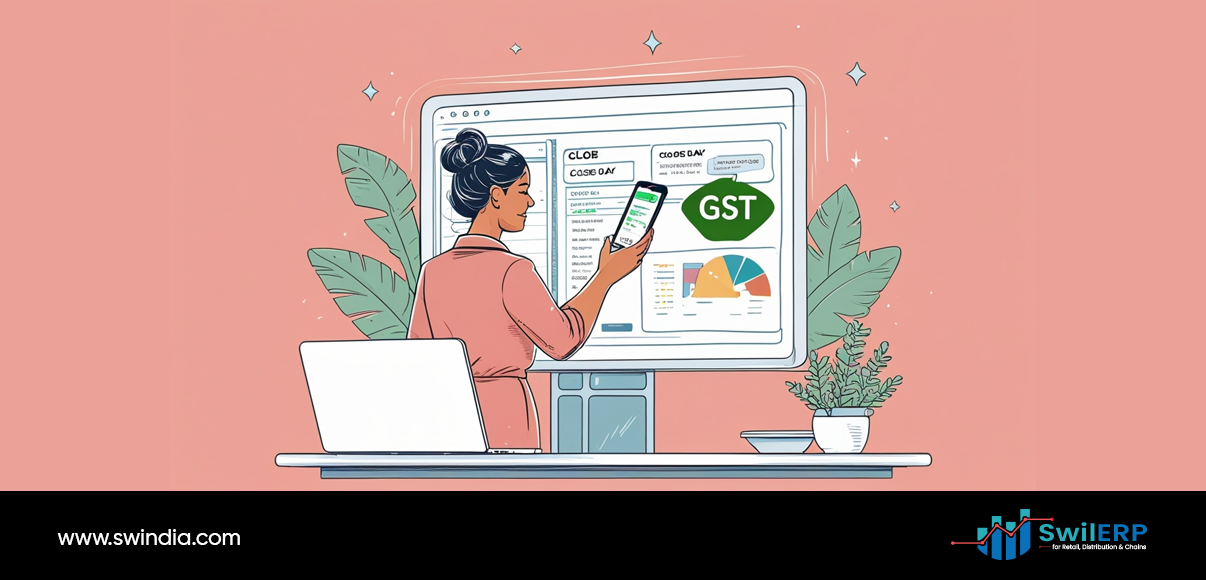
At 8 p.m., Rohan taps “Close Day.” The ERP sends an email report: total sales, payments by mode, top-selling items, and any stock alerts. - Backup and Security
Data syncs to the cloud automatically. No more manual scanning or file naming. - GST Filing
At month-end, Rohan opens the GST module. Sales and purchase data flow directly into GSTR-1 and GSTR-3B forms. The system checks for mismatches and missing invoices before submission. - Filing in Minutes
With a final review, he clicks “Submit.” He receives confirmation from the tax portal in seconds. No late fees, no panic.
Closing the day feels like finishing a task, not battling paperwork.
The Impact in Numbers
| Metric | Before ERP | After ERP |
| Daily order time | 30 minutes | 5 minutes |
| Billing errors per week | 3–5 | 0–1 |
| Monthly stock count time | 8 hours | 1 hour |
| Month-end filing days | 3 days | 1 hour |
| Supplier credit misses (₹) per year | 50,000 | 5,000 |
| Customer wait time at the counter | 3–4 minutes | 30–45 seconds |
These improvements free Rohan to plan new services—home delivery schedules, health check camps, and staff training—rather than chase daily chores.
Conclusion
For Sunshine Pharmacy, implementing an ERP system did more than cut down on tasks. It gave Rohan clear data, a better customer experience, and peace of mind.
If you run a medical store, ask yourself:
- Are you spending time on work that a system could handle?
- Do you leave stock decisions to memory or paper lists?
- How much do manual errors cost you each month?
An ERP tool may seem like an investment. In truth, it can pay for itself quickly by reducing lost sales, lowering supplier credit misses, and saving hours of work. A day that once ended with dread now ends with a smile—and a clear view of tomorrow’s goals.
Have you seen the effect of digital tools in your store? Share your thoughts below.





I really appreciated the before-andMedical Store ERP Comment-after structure of Rohan’s day—it clearly highlights how time-consuming and error-prone manual processes can be. What stood out most was how something as routine as a stock check becomes drastically more efficient with the right system in place. I’d be curious to know how long it took Rohan to fully transition to the new workflow.