

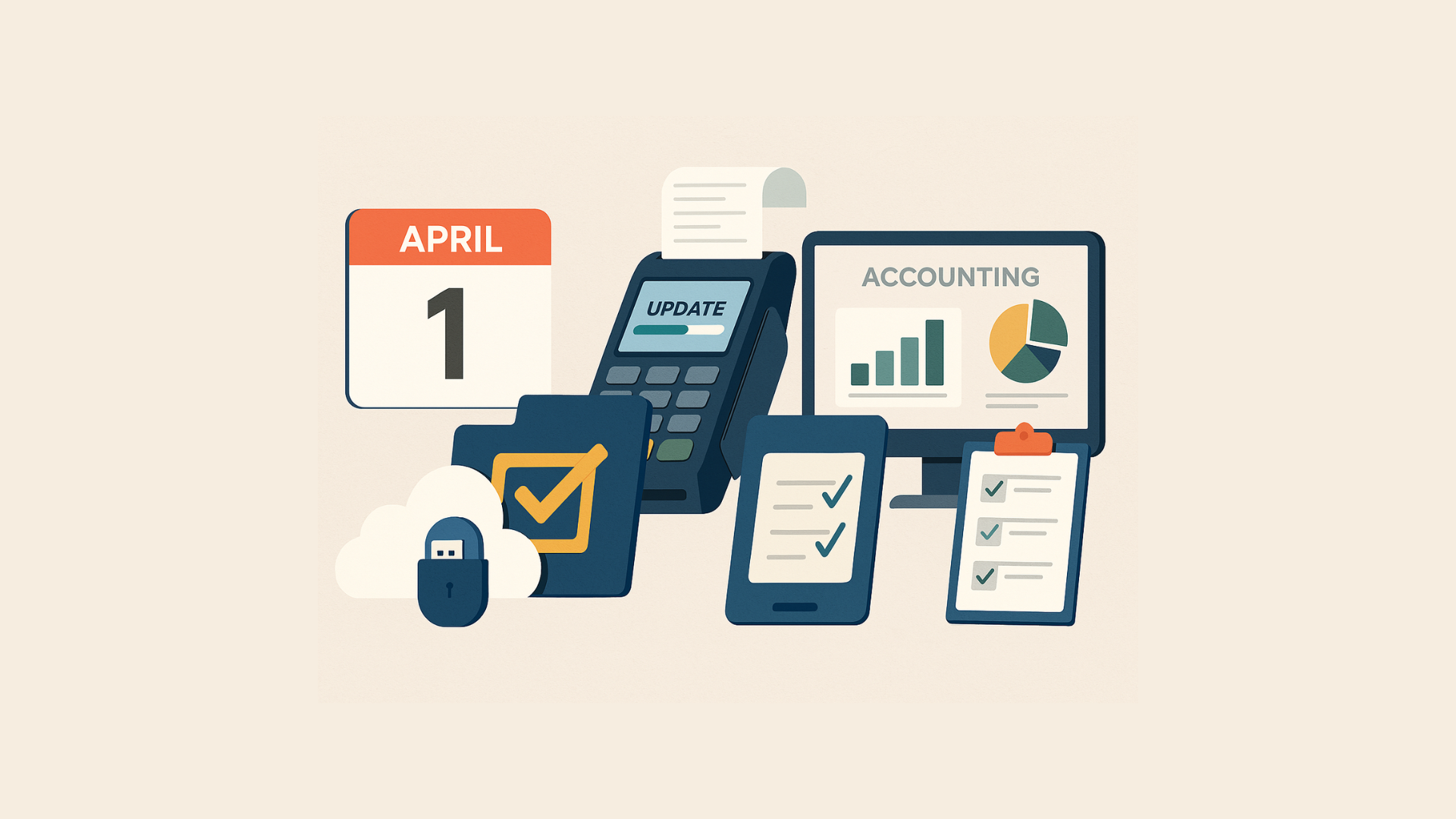
The start of a new financial year is a crucial moment for every business. Whether you run a retail store, distribution business, or service-based company, your Point of Sale (POS) and Accounting systems must be ready to handle fresh books, regulatory compliance, and smooth operations. Neglecting this preparation can result in compliance issues, reporting errors, and financial chaos.
If you are using SwilPOS or SwilERP, this checklist will help you fully leverage the system’s features and ensure a smooth transition into FY 2025.


✅ Step 1: Close the Previous Financial Year Properly
Tasks to complete:
- Reconcile all bank accounts.
- Close all pending invoices and bills.
- Finalize stock and inventory counts.
- Record depreciation and adjustments.
- Freeze the previous year’s transactions to avoid backdated changes.
Pro Tip: SwilPOS and SwilERP users can easily lock the previous year’s transactions after audit completion to prevent errors.
✅ Step 2: Generate Year-End Reports
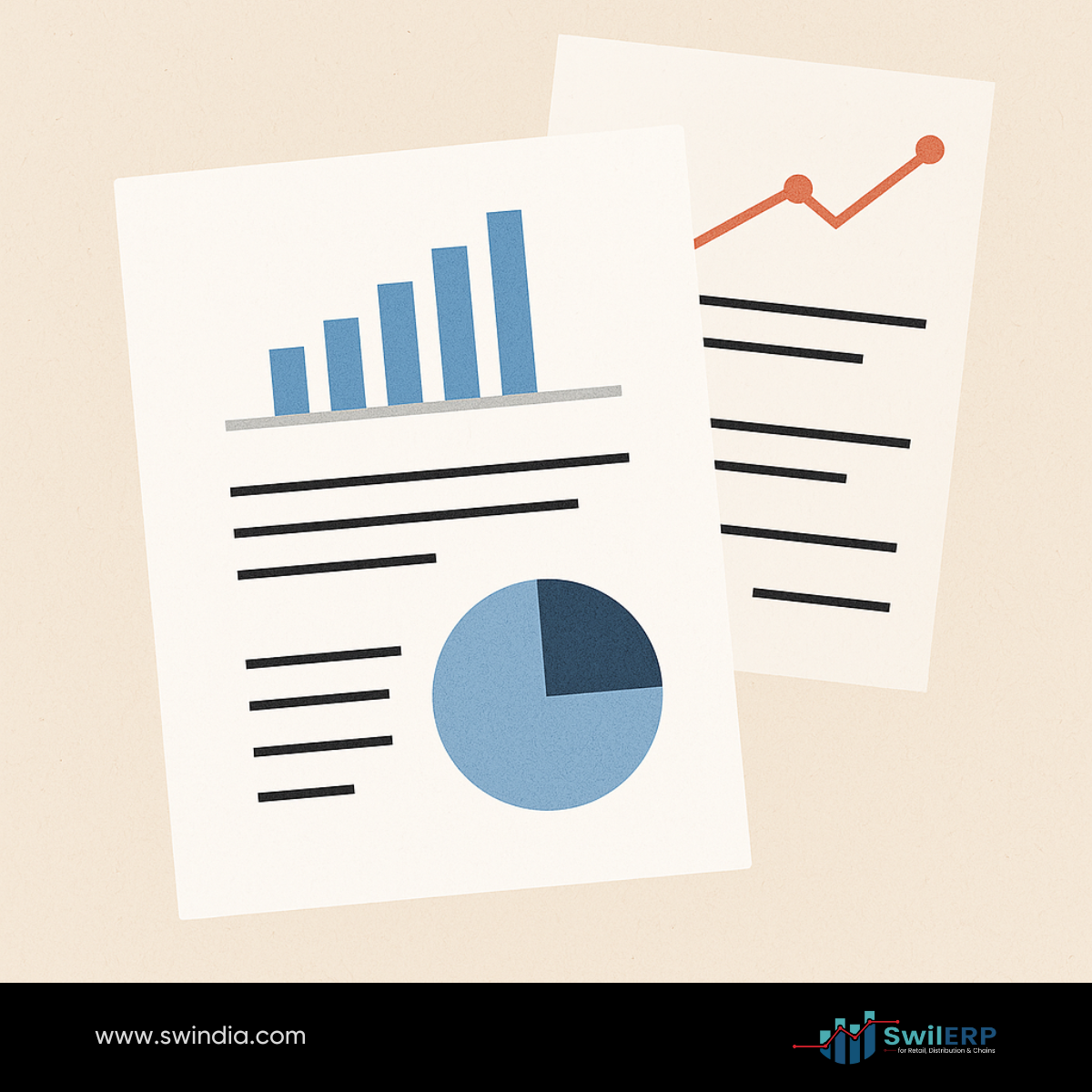
Must-Generate Reports:
- Profit & Loss Statement
- Balance Sheet
- Cash Flow Statement
- GST Returns & Filing Summary (India Specific)
- Debtor & Creditor Outstanding Reports
- Inventory Valuation Report
Why? These reports are not just for taxation but will serve as a baseline for FY 2025 budgeting.
Tip: SwilERP provides ready-made report formats and automated GST return preparation.
✅ Step 3: Backup Your Data Securely
- Take a full backup of your POS and Accounting system.
- Store backups in multiple locations (cloud + offline).
- Test if the backup is restorable.
Tip: SwilERP users can automate backup processes and maintain secure cloud backups.
✅ Step 4: Update Software to Latest Version
- Check for available updates for your POS and Accounting software.
- Ensure you are using the latest security patches.
- Update any connected modules like E-invoicing, E-waybill, GST modules.
Benefits: SwilPOS and SwilERP release timely updates to ensure security and compliance with the latest statutory changes.
✅ Step 5: Setup the New Financial Year
In your POS and Accounting System:
- Create the new FY (April 2025 – March 2026).
- Set opening balances.
- Carry forward inventory.
- Configure GST, VAT, or relevant tax parameters for the new year.
- Set financial year calendars in reporting and analytics modules.
Tip: SwilERP’s FY Setup Wizard simplifies this entire process.
✅ Step 6: Review & Plan Budgeting

- Prepare new sales, expense, and inventory budgets.
- Set targets and KPIs.
- Use historical data from last year’s reports.
Suggestion: SwilERP supports budget planning directly within the system for real-time monitoring.
✅ Step 7: Train Your Staff
- Educate your team on changes in workflow, compliance, or new modules.
- Share FY-wise documentation, especially for cashiers, accountants, and inventory managers.
- Conduct refresher training if necessary.
Tip: Swil provides training resources and documentation for smooth staff onboarding every financial year.
✅ Step 8: Review Compliance and Statutory Changes
- Check for new government notifications (GST, Income Tax, MSME rules, etc.)
- Update POS and Accounting systems accordingly.
- Confirm statutory deadlines for FY 2025 filings.
Tip: SwilERP automatically updates statutory configurations as per government releases.
✅ Step 9: Review Integrations & Third-Party Tools
- Verify all connected apps (CRM, Payroll, E-commerce platforms) are synced and ready.
- Review if any additional API or software updates are required.
- Check inventory sync and online order flows.
Tip: SwilPOS and SwilERP users can easily manage integrations through the Swil Admin Panel.
✅ Step 10: Create a Compliance Calendar for FY 2025
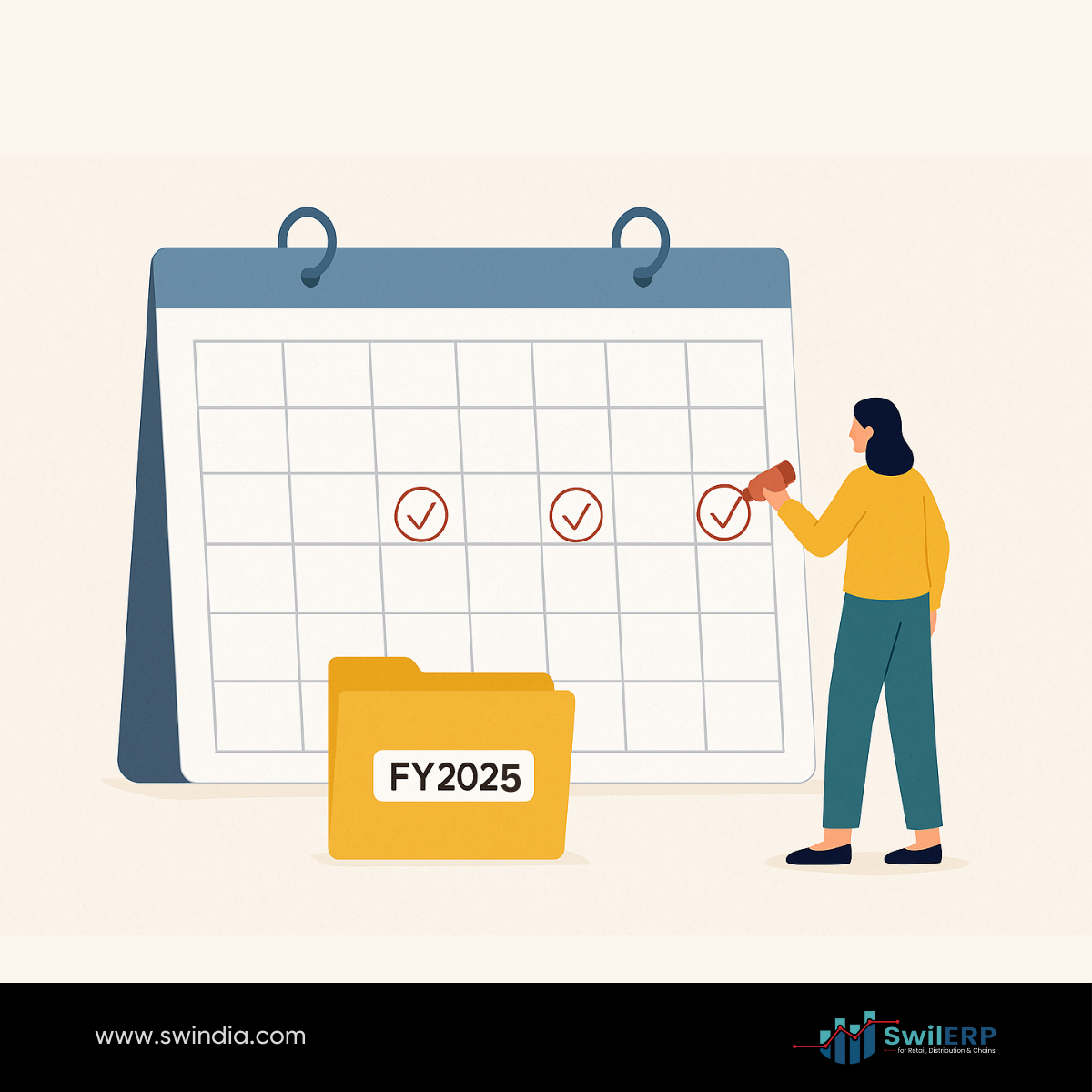
Include all important dates:
- GST Returns due dates
- Income Tax deadlines
- Audit dates
- Quarterly Reporting
- Employee Statutory Filing Dates
Tip: SwilERP helps generate reminders and compliance schedules automatically.
Conclusion
Preparing your POS and Accounting system for the new financial year is not just a compliance task — it’s an opportunity to reset your business for smoother operations, better financial control, and growth.
SwilPOS and SwilERP make this transition smooth by offering:
- Year-end processing tools
- FY Setup automation
- Ready-to-use reports
- Compliance-ready configurations
By following this checklist, you will ensure:
- Accurate financial records
- Compliance with statutory regulations
- Better cash flow management
- Improved business forecasting
Start FY 2025 with confidence and control!






Great checklist! Closing the previous financial year properly isBlog Comment Creation Guide often overlooked, but it’s crucial for avoiding reporting errors down the line. One challenge I’ve faced is ensuring all pending invoices are settled before freezing transactions—do you have any tips on streamlining that process?