
ERP automation has changed how retail and distribution businesses manage repetitive work. Running a store or warehouse often feels like juggling endless tasks—entering invoices, chasing payments, and checking stock—but ERP automation handles these with precision and zero fatigue. These jobs don’t require strategy, but they do take up time and staff bandwidth. The result? Employees spend more hours on routine entries than on serving customers or driving growth.
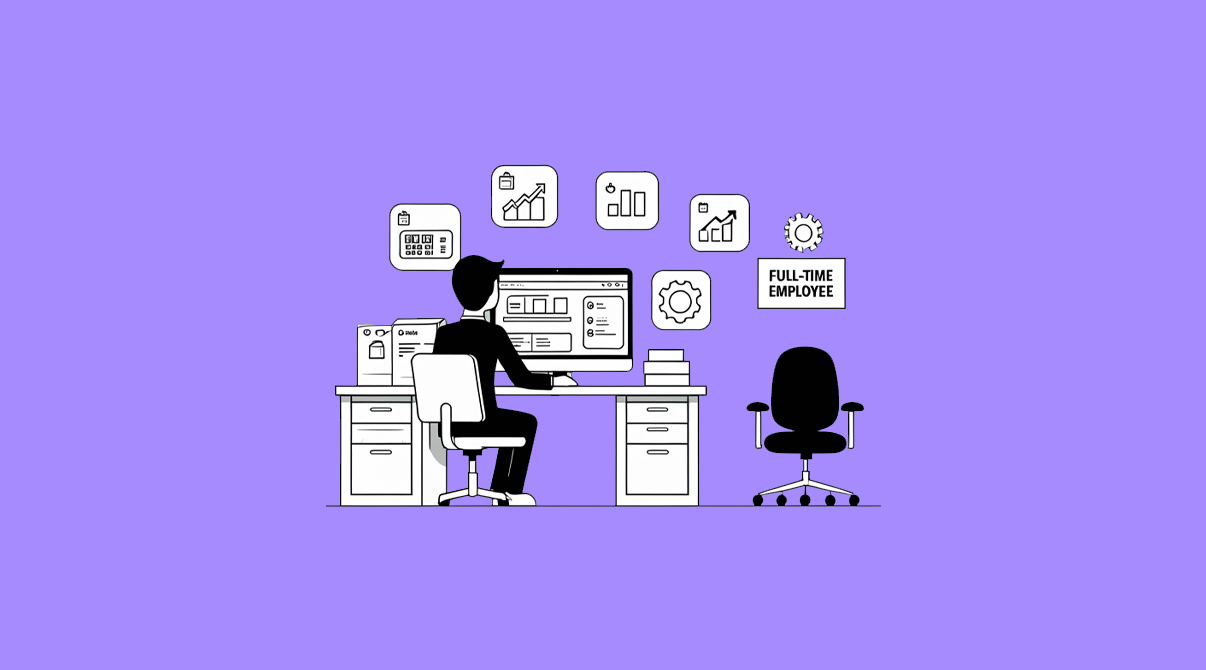
This is where ERP automation quietly steps in. Think of it as hiring a silent assistant who works 24/7, never gets tired, and never forgets a task. In fact, with the right ERP setup, you can replace the workload of one full-time employee without reducing your team—by letting software handle the repetitive work while people focus on meaningful tasks.

Here’s how.
The Data Entry Clerk – Automated Invoicing and Posting
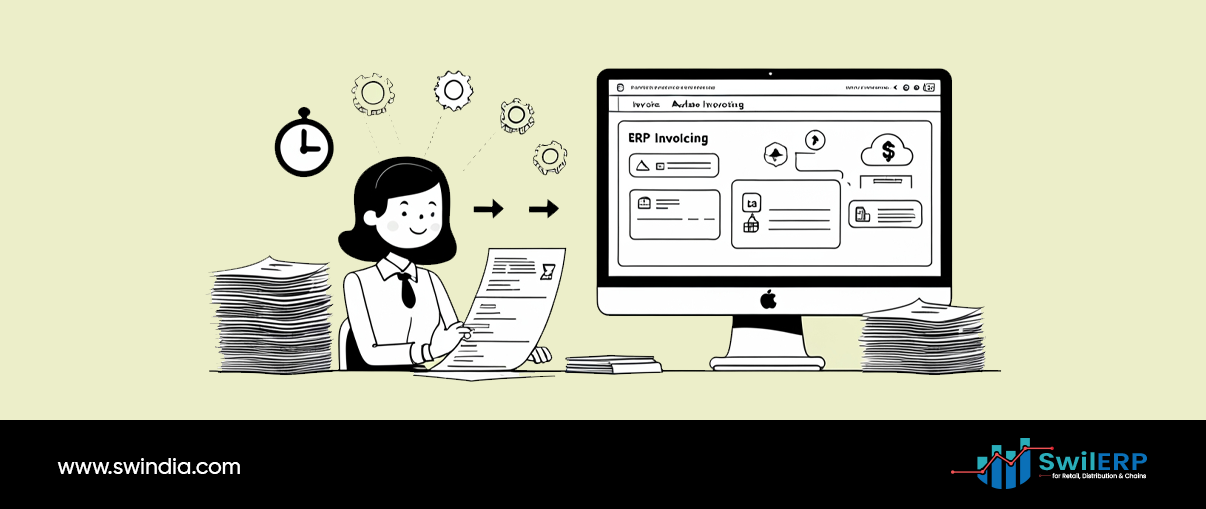
In many shops and distribution centers, someone spends hours typing invoices, updating stock ledgers, and posting purchase entries. Errors creep in when humans repeat the same action hundreds of times.
What ERP does instead:
- Generates sales invoices directly from POS entries.
- Auto-posts purchase bills to update stock levels.
- Records GST splits and ledger postings without manual typing.
SwilERP Example: When a bill is created, stock reduces and tax gets posted instantly—no one has to retype data into accounting.
With ERP automation, invoices are generated directly from your POS, reducing manual dependency.
The Reminder Assistant – Payments and Alerts
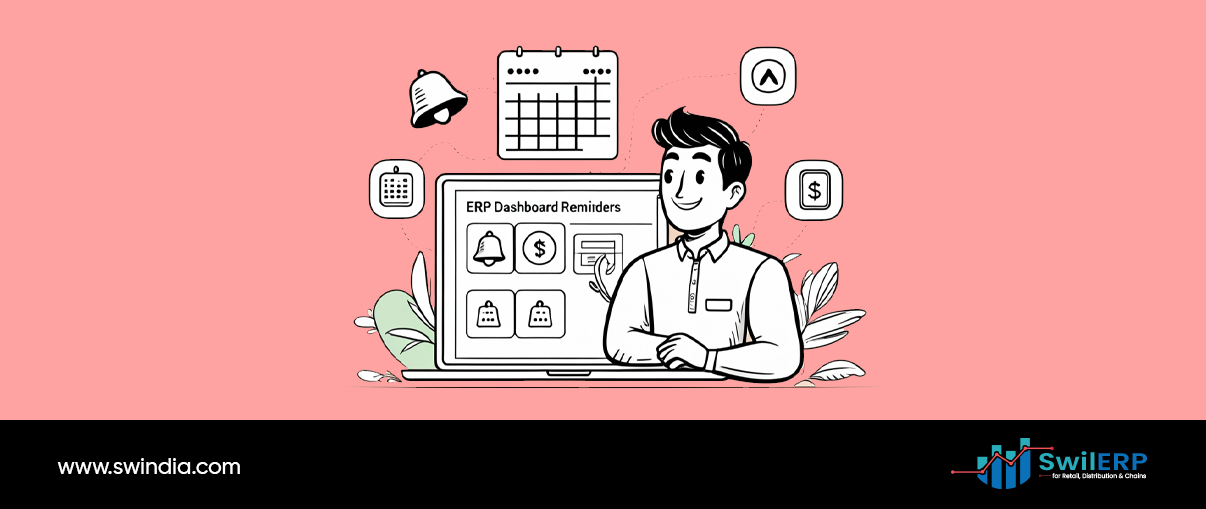
A big chunk of an employee’s time is often spent calling customers about overdue payments or reminding staff about low stock. It’s important work, but it’s repetitive and exhausting.
What ERP does instead:
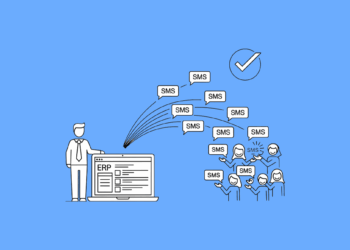
- Sends automatic SMS/email reminders for pending dues.
- Generates alerts for expired stock or items hitting reorder levels.
- Notifies managers if daily sales fall below a set threshold.
Instead of chasing after every due date, the system does the nudging on your behalf.
ERP automation ensures every payment reminder and stock alert is sent at the right time.
The Report Maker – Daily Sales and Compliance Ready
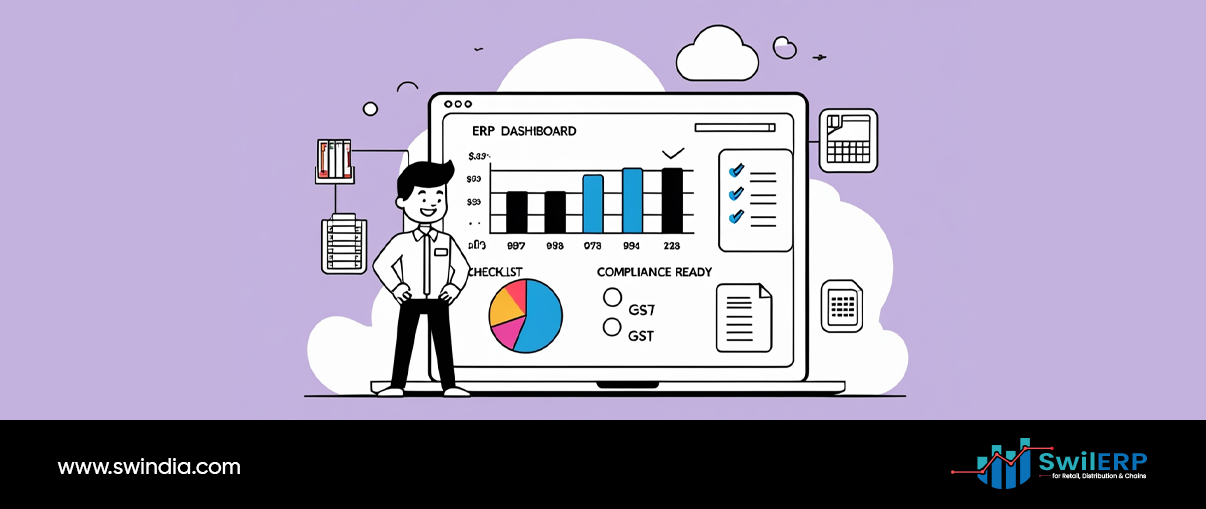
Every morning, managers wait for yesterday’s sales summary. At month-end, accountants compile GST data from scattered sheets. This “report making” can easily eat hours each day.
What ERP does instead:
- Auto-generates sales summaries at day-close.
- Prepares trial balance, GSTR-1, and stock valuation reports on demand.
- Sends reports by email or saves them to dashboards without extra formatting.
What once took half a day to prepare is now ready with a single click.
The Stock Watcher – Reorders and Dead Stock
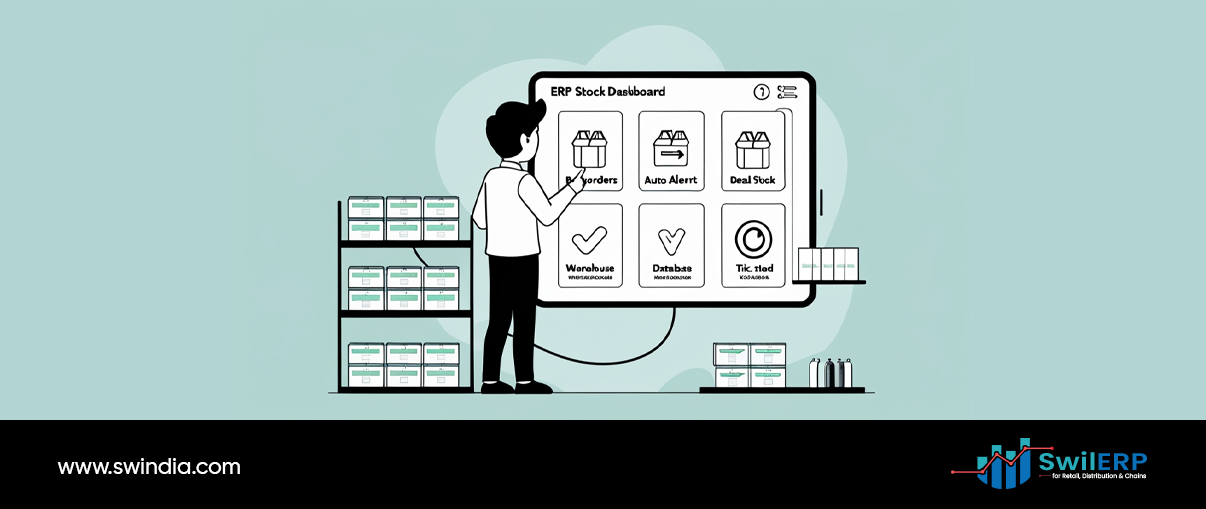
Monitoring stock is another silent time-killer. Staff check shelves manually, note items running low, and guess when to reorder. At the same time, they miss products that haven’t moved for months.
What ERP does instead:
- Tracks stock in real time across stores and warehouses.
- Alerts you when items reach reorder levels.
- Flags are dead stock that hasn’t sold for a set period.
This not only reduces manual checks but also prevents lost sales from stockouts.
The Compliance Officer – Tax and Audit Logs

Tax errors and compliance gaps often come from missed reversals, wrong GST codes, or unchecked credit notes. Correcting these later takes hours of staff effort.
What ERP does instead:
- Validates GSTINs and HSN codes during entry.
- Links credit/debit notes to original invoices for clarity.
- Maintains audit trails of who edited what and when.
With these automations, you don’t need an employee double-checking compliance—the system does it in real time.
The Real Impact → The Real Impact of ERP Automation
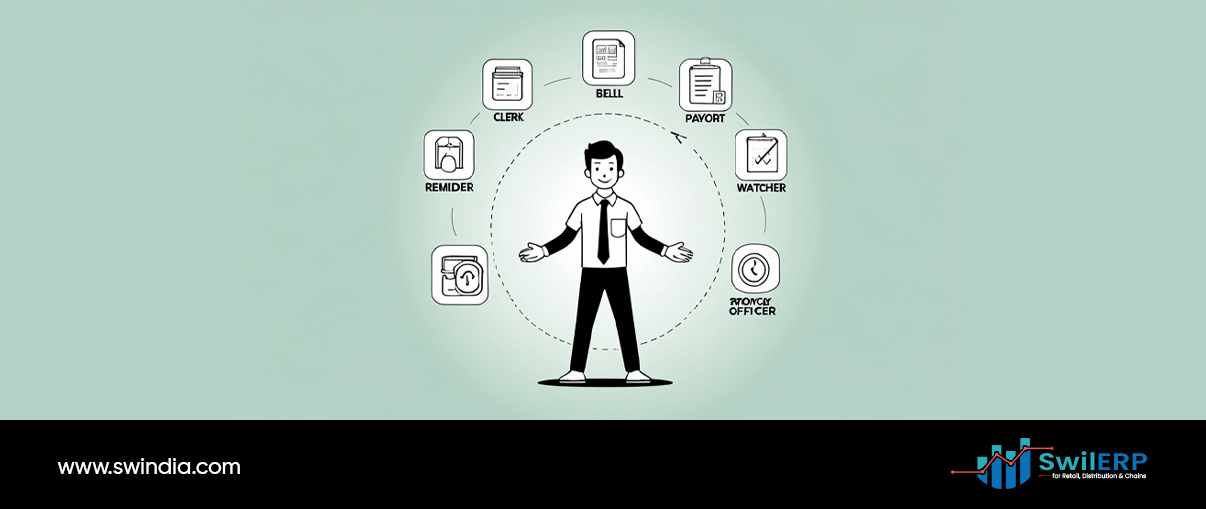
When you combine these automations, the effect is clear:
- Hours saved on daily reports.
- Reduced time spent chasing payments.
- Fewer errors from manual typing.
- Staff are freed from repetitive checks.
That’s easily the workload of one full-time employee, handled entirely by ERP. And because no one is being replaced, the real win is that your team spends more time on service, sales, and business growth.
Final Word
ERP automation is not about cutting jobs. It’s about cutting waste. By letting the system act as your data entry clerk, reminder assistant, report maker, stock watcher, and compliance officer, you remove the grind from daily operations. Your employees, in turn, get to focus on what humans do best—solving problems, building relationships, and growing your business.
In today’s market, the smartest businesses aren’t just hiring more people. They’re letting ERP handle the heavy lifting.