
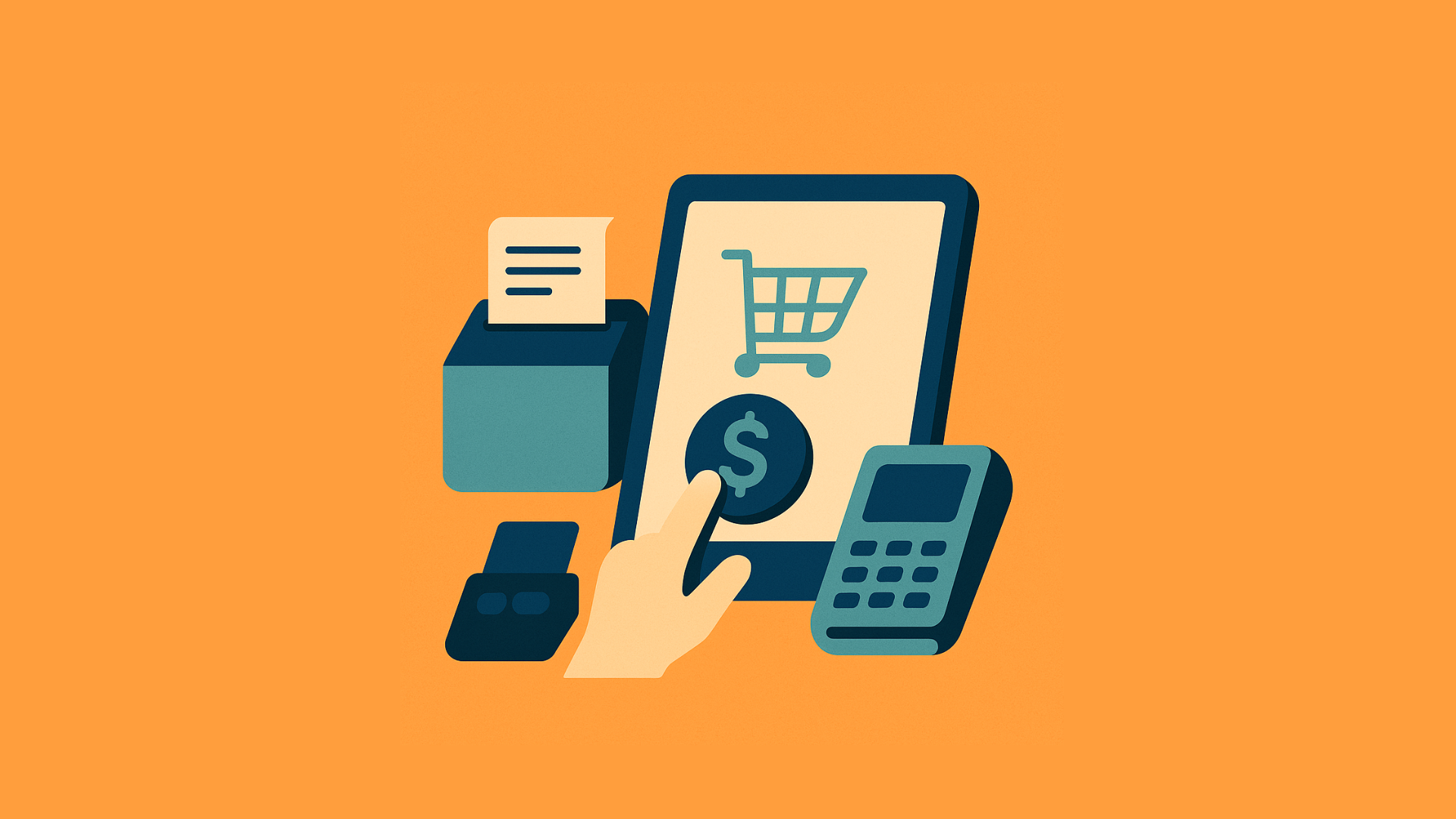
Set the Stage for Success from Day One
Starting a business is an exciting journey—but also a high-stakes one. Amidst the excitement, there’s one foundational decision that could either fuel your growth or hold you back: choosing your point-of-sale (POS) software.
The right POS system isn’t just a tool to process payments. It’s your financial co-pilot, your inventory manager, and your customer insight engine—all rolled into one. Get it right early on, and you’ll build your business on rock-solid ground. Get it wrong, and you might find yourself tangled in inefficiencies, unexpected expenses, and the headache of switching systems later.
Why Your POS System Is More Than Just a Cash Register
Let’s bust a myth: POS software isn’t just for ringing up sales.
The real magic lies in its ability to:
- Track every sale and stock movement in real-time
- Provide insights into customer behavior and sales trends
- Keep your operations running like a well-oiled machine
With the right system, you’re not just managing transactions—you’re gaining clarity, control, and confidence in your daily business decisions.
Without it? You could be flying blind with outdated data and mounting inefficiencies.
Common Mistakes When Choosing POS Software

🚫 Mistake #1: Ignoring Your Unique Business Needs
Your business isn’t generic—so why choose generic software?
- A restaurant may need table layouts, tipping options, and kitchen display systems.
- A retail store might need barcode scanning, real-time stock levels, and returns handling.
✅ Better Move: Outline your daily workflows and must-have features before you even start shopping.
🚫 Mistake #2: Letting Price Be the Deciding Factor
We get it—every penny counts, especially at the start. But going for the cheapest POS can cost you more in the long run.
That "affordable" system might:
- Lack vital features
- Fail to scale with your growth
- Require expensive add-ons later
✅ Better Move: Choose value over price. Look for robust features, solid support, and upgrade flexibility.
🚫 Mistake #3: Overlooking Integration Needs
Your POS shouldn’t live in a silo. It should talk to your accounting tools, e-commerce platforms, and CRM.
✅ Better Move: Ask, "What tools do I already use—and does this POS play nice with them?"
🚫 Mistake #4: Not Thinking Ahead (Scalability)
Your first store is just the beginning. What happens when you add locations, products, or team members?
✅ Better Move: Choose software that can grow with you—without needing a total overhaul later.
🚫 Mistake #5: Underestimating Support and Training
No one likes downtime. And when things go wrong (they will!), you need support that shows up.
✅ Better Move: Check for 24/7 support, detailed help docs, and free onboarding/training.
Minimum System Requirements—Are You Ready?
Before you buy, check if your hardware meets these basic needs:
- Processor: Fast and responsive for smooth operations
- RAM: At least 4GB; more is better
- Storage: Minimal for cloud-based; higher for on-premise
- OS Compatibility: Windows, macOS, or Linux as needed
- Internet: Strong and stable for cloud systems
Cloud or On-Premise—Which POS Model Is Right for You?
☁️ Cloud-Based POS
- Access from anywhere
- Automatic updates and backups
- Lower upfront costs with subscription pricing
- Needs reliable internet
🖥️ On-Premise POS
- Works offline for basic functions
- One-time license fee
- You control data security
- Manual updates and backups required
Don’t Overlook Data Backup & Security
Security isn’t optional. It’s essential.
Here’s what to look for:
- Automatic backups to avoid data loss
- Encryption for sensitive customer and transaction data
- User permissions to control staff access
- Multi-Factor Authentication (MFA) for added protection
Keeping Your POS Software in Top Shape
You wouldn’t skip a car service—don’t skip these POS maintenance musts:
- Install regular updates for performance and security
- Monitor performance to catch issues early
- Train your employees to avoid user errors
- Verify backups to make sure they’re actually working
4 Big Wins from Choosing the Right POS Early
💰 1. Save Money & Resources
Avoid costly upgrades and re-training. Do it right the first time and enjoy lower long-term costs.
⚙️ 2. Improve Daily Efficiency
Automated reports, fast checkouts, and fewer manual errors mean smoother operations every day.
😊 3. Deliver Better Customer Experience
Faster checkouts, loyalty rewards, and personalized service—all powered by your POS.
📈 4. Stay Compliant & Informed
Easy tax reports. Accurate sales data. Peace of mind.
Must-Have Features to Look For
- User-Friendly Interface: Get your team up and running with little training
- Cloud Access: Monitor your business from anywhere
- Smart Inventory: Real-time tracking and low-stock alerts
- Payment Flexibility: Accept cards, wallets, and cash with ease
- Strong Security: Protect customer and business data
- Custom Reports: Insights tailored to your goals
How to Roll Out Your New POS System Without a Hitch
- Research & Compare
- Shortlist based on needs, reviews, and demos
- Train Your Team
- Empower your staff with the know-how to use the system well
- Run a Pilot Test
- Try it in a low-risk environment before full deployment
- Monitor & Adjust
- Keep an eye on performance and refine as needed
Final Thoughts: Don’t Just Buy—Invest
The right POS isn’t a cost. It’s a growth asset.
It saves time. It improves accuracy. It empowers smarter decisions. And most importantly—it sets your business up to scale.
So take your time, do your homework, and invest with confidence.
Because when your POS system works, your whole business works better.
More from the blog
 Distribution & Supply ChainGSTR-2B Reconciliation for Distributors: How to Protect Your ITC Before You File GSTR-3B
How distributors reconcile purchases with GSTR-2B before filing GSTR-3B, fix ITC mismatches, and keep books their CA can trust. India, 2026.
Read article Distribution & Supply ChainGoods Inward Done Right: Matching Every Purchase Order to the GRN in a Distribution Business
Booked one thing, received another? See how PO-to-GRN matching catches shortages, wrong rates and near-expiry stock at goods inward, in one core.
Read article Distribution & Supply ChainSecondary Sales Reporting for Distributors: How to Track Sell-Through Your Principals Can Trust
See real sell-through without a bolt-on DMS. How Indian distributors capture salesman and B2B orders and report secondary sales from one operational core.
Read article PharmacyManaging Expiry Returns in Pharma Distribution: How to Recover Value from Near-Expiry Stock
How pharma distributors handle near-expiry stock, saleable vs non-saleable returns, breakage claims and expiry credit notes without losing money or ITC.
Read article Distribution & Supply ChainMoving from Tally to a Distribution ERP: When You've Outgrown the Books
The honest signs a distributor has outgrown Tally, what a distribution ERP adds, and how to migrate in phases without stopping billing.
Read article Distribution & Supply ChainTablet-Based Picking in the Warehouse: How Device Setup Drives Real-Time Fulfilment Performance
Tablet picking lifts accuracy and live stock visibility, but only if the picker hardware fits the job. Device minimums, zone flows, and fixed-station picking wi…
Read article
- Distribution & Supply ChainGSTR-2B Reconciliation for Distributors: How to Protect Your ITC Before You File GSTR-3B
How distributors reconcile purchases with GSTR-2B before filing GSTR-3B, fix ITC mismatches, and keep books their CA can trust. India, 2026.
Read article - Distribution & Supply ChainGoods Inward Done Right: Matching Every Purchase Order to the GRN in a Distribution Business
Booked one thing, received another? See how PO-to-GRN matching catches shortages, wrong rates and near-expiry stock at goods inward, in one core.
Read article - Distribution & Supply ChainSecondary Sales Reporting for Distributors: How to Track Sell-Through Your Principals Can Trust
See real sell-through without a bolt-on DMS. How Indian distributors capture salesman and B2B orders and report secondary sales from one operational core.
Read article - PharmacyManaging Expiry Returns in Pharma Distribution: How to Recover Value from Near-Expiry Stock
How pharma distributors handle near-expiry stock, saleable vs non-saleable returns, breakage claims and expiry credit notes without losing money or ITC.
Read article - Distribution & Supply ChainMoving from Tally to a Distribution ERP: When You've Outgrown the Books
The honest signs a distributor has outgrown Tally, what a distribution ERP adds, and how to migrate in phases without stopping billing.
Read article - Distribution & Supply ChainTablet-Based Picking in the Warehouse: How Device Setup Drives Real-Time Fulfilment Performance
Tablet picking lifts accuracy and live stock visibility, but only if the picker hardware fits the job. Device minimums, zone flows, and fixed-station picking wi…
Read article