
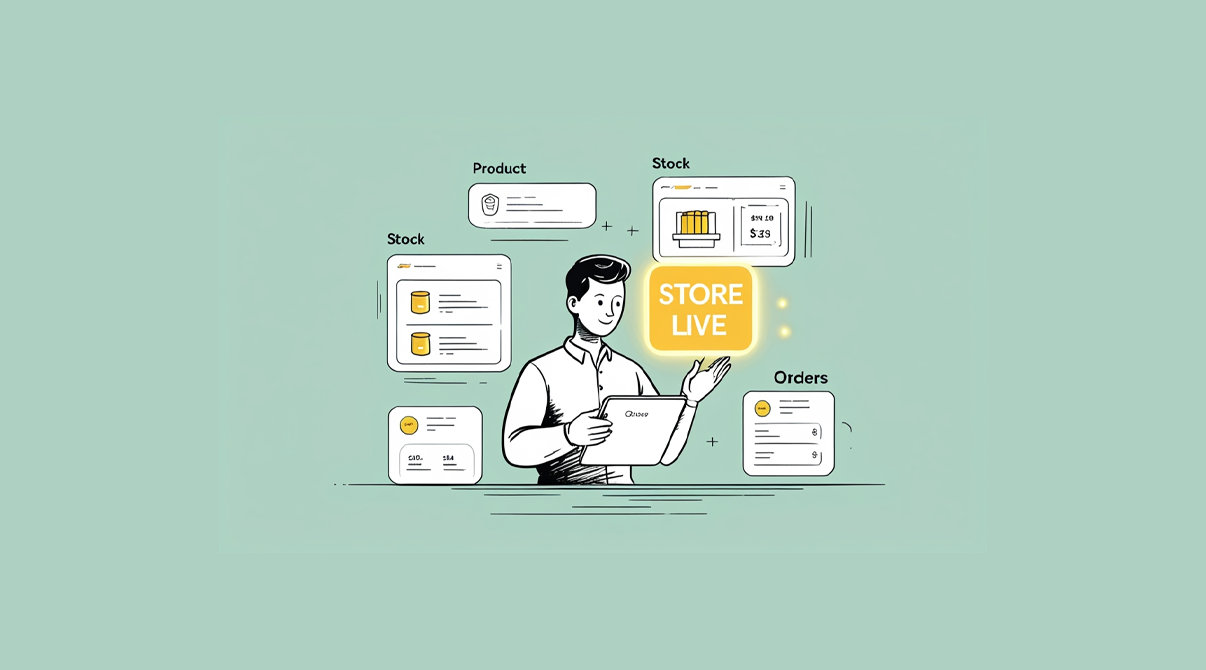
Getting online with SwilMart doesn’t have to be hard. For many distributors, the idea of setting up an online store sounds complicated. It brings questions like, Do I need a developer? Will my staff have to learn new tools? What if my customers don’t know how to use it?
SwilMart is built to remove these doubts. It is designed for SwilERP users who want to take their business online without any added complexity. If you’re already using SwilERP, you already have most of what you need.
In this guide, we’ll explain how SwilMart helps distributors go online in just a few steps, using the same system they’re already familiar with.
Why Should Distributors Go Online?

Distributors face increasing pressure from both retailers and competition.
- Retailers expect instant service and transparency
- Staff struggles to manage order volume manually
- Orders come from multiple channels: calls, messages, emails
- There is little control over what’s in stock or what price was offered
Going online helps resolve all of this in one move:
- Retailers can place their orders
- Inventory is visible in real-time
- All orders are recorded properly
- Time spent on follow-ups has drastically reduced
One of the biggest advantages of getting online with SwilMart is its direct integration with SwilERP
What Makes SwilMart Different?

Most e-commerce tools are designed for B2C. But SwilMart is designed with B2B in mind:
- Built specifically for distributors and wholesalers
- Works directly with SwilERP
- Handles outstanding bills, ledgers, debit/credit notes
- Customers log in with OTP and see only their data
- No need for any external plugins or integrations
This means you get a proper online order portal, but without changing your business workflow.
Step-by-Step: How to Start Getting Online with SwilMart

Step 1: Connect SwilERP to SwilMart
If you’re using SwilERP, your business is already 90% ready. SwilMart connects with your ERP to fetch all your:
- Product catalog
- Pricing
- Customers
- Inventory levels
- Tax and discount settings
Step 2: Set Your Visibility Rules (Optional)
Don’t want every customer to see every product? SwilMart lets you define which customers see which categories, brands, or rates.
Step 3: Share the Portal Link with Customers
Each customer logs in using their mobile number or email ID. They receive an OTP, and they’re inside their secure dashboard. No training or tech setup required.
Step 4: Orders Start Coming In
Retailers can:
- Browse your live product list
- Place orders anytime
- Track delivery and payment status
- Download invoices and ledgers
All this is visible to them, and orders are directly recorded in your ERP.
Step 5: Use the Admin Panel for Control
You can:
- Approve or reject customer access
- Edit product listings
- Manage SEO and branding
- View customer order history
You stay in control while giving your customers more independence.
How is This Easier Than Other Methods?

Process
Traditional Way
With SwilMart
Taking Orders
Calls, WhatsApp, Notes
Online ordering portal
Checking Stock
Manual confirmation
Shown live on portal
Ledger Sharing
Shown live on the portal
Customer downloads directly
Payment Tracking
Staff follow-up
Customer dashboard
Price Lists
Sent over messages
Controlled by ERP
Common Doubts (and Simple Answers)

- Will my staff need training?
Not beyond what they already know from SwilERP. Using SwilMart will be easy to use without any special training. - Will customers need help using it?
It’s a simple login + browse + order process. Most customers use smartphones already. - What if I want to show different prices to different customers?
SwilMart respects the customer-specific pricing rules from SwilERP. - Can I still control who places orders?
Yes. You can allow/block access and approve every order before processing.
What Do Retailers See When They Log In?

- Products with pricing and availability
- Promotional offers (if applicable)
- Their past orders and invoices
- Outstanding balance
- Downloadable receipts and credit/debit notes
- Delivery status of current orders
This reduces unnecessary back-and-forth calls and improves trust.
Bonus: It Works 24x7

Retailers can place orders:
- Late at night
- During holidays
- Without waiting for your sales team to respond
It also frees your team from note-taking and status sharing, letting them focus on fulfillment and customer care.
Future Capabilities to Look Forward To

SwilMart is still evolving, with new features coming:
- WhatsApp bot for quick order placement
- Integration with delivery services like Dunzo, Rapido, Shiprocket
- Mobile app for your customers
- Shopify frontend support
As a distributor, this means you can stay one step ahead without changing your tools.
Conclusion: You Already Have the Tools. Now Use Them Better.
SwilMart isn’t another app. It’s a simple portal that uses the same ERP system you already trust. No learning curve. No third-party support needed. Just faster, cleaner, digital ordering.
If you're a distributor who wants to go online without adding more workload, SwilMart is your starting point. You don’t need a developer. You don’t need a new platform. You just need to activate what’s already available to you.
Let your customers order smarter. Let your team focus better. Let SwilMart do the rest.
More from the blog
 Distribution & Supply ChainGSTR-2B Reconciliation for Distributors: How to Protect Your ITC Before You File GSTR-3B
How distributors reconcile purchases with GSTR-2B before filing GSTR-3B, fix ITC mismatches, and keep books their CA can trust. India, 2026.
Read article Distribution & Supply ChainGoods Inward Done Right: Matching Every Purchase Order to the GRN in a Distribution Business
Booked one thing, received another? See how PO-to-GRN matching catches shortages, wrong rates and near-expiry stock at goods inward, in one core.
Read article Distribution & Supply ChainSecondary Sales Reporting for Distributors: How to Track Sell-Through Your Principals Can Trust
See real sell-through without a bolt-on DMS. How Indian distributors capture salesman and B2B orders and report secondary sales from one operational core.
Read article PharmacyManaging Expiry Returns in Pharma Distribution: How to Recover Value from Near-Expiry Stock
How pharma distributors handle near-expiry stock, saleable vs non-saleable returns, breakage claims and expiry credit notes without losing money or ITC.
Read article Distribution & Supply ChainMoving from Tally to a Distribution ERP: When You've Outgrown the Books
The honest signs a distributor has outgrown Tally, what a distribution ERP adds, and how to migrate in phases without stopping billing.
Read article Distribution & Supply ChainTablet-Based Picking in the Warehouse: How Device Setup Drives Real-Time Fulfilment Performance
Tablet picking lifts accuracy and live stock visibility, but only if the picker hardware fits the job. Device minimums, zone flows, and fixed-station picking wi…
Read article
- Distribution & Supply ChainGSTR-2B Reconciliation for Distributors: How to Protect Your ITC Before You File GSTR-3B
How distributors reconcile purchases with GSTR-2B before filing GSTR-3B, fix ITC mismatches, and keep books their CA can trust. India, 2026.
Read article - Distribution & Supply ChainGoods Inward Done Right: Matching Every Purchase Order to the GRN in a Distribution Business
Booked one thing, received another? See how PO-to-GRN matching catches shortages, wrong rates and near-expiry stock at goods inward, in one core.
Read article - Distribution & Supply ChainSecondary Sales Reporting for Distributors: How to Track Sell-Through Your Principals Can Trust
See real sell-through without a bolt-on DMS. How Indian distributors capture salesman and B2B orders and report secondary sales from one operational core.
Read article - PharmacyManaging Expiry Returns in Pharma Distribution: How to Recover Value from Near-Expiry Stock
How pharma distributors handle near-expiry stock, saleable vs non-saleable returns, breakage claims and expiry credit notes without losing money or ITC.
Read article - Distribution & Supply ChainMoving from Tally to a Distribution ERP: When You've Outgrown the Books
The honest signs a distributor has outgrown Tally, what a distribution ERP adds, and how to migrate in phases without stopping billing.
Read article - Distribution & Supply ChainTablet-Based Picking in the Warehouse: How Device Setup Drives Real-Time Fulfilment Performance
Tablet picking lifts accuracy and live stock visibility, but only if the picker hardware fits the job. Device minimums, zone flows, and fixed-station picking wi…
Read article