
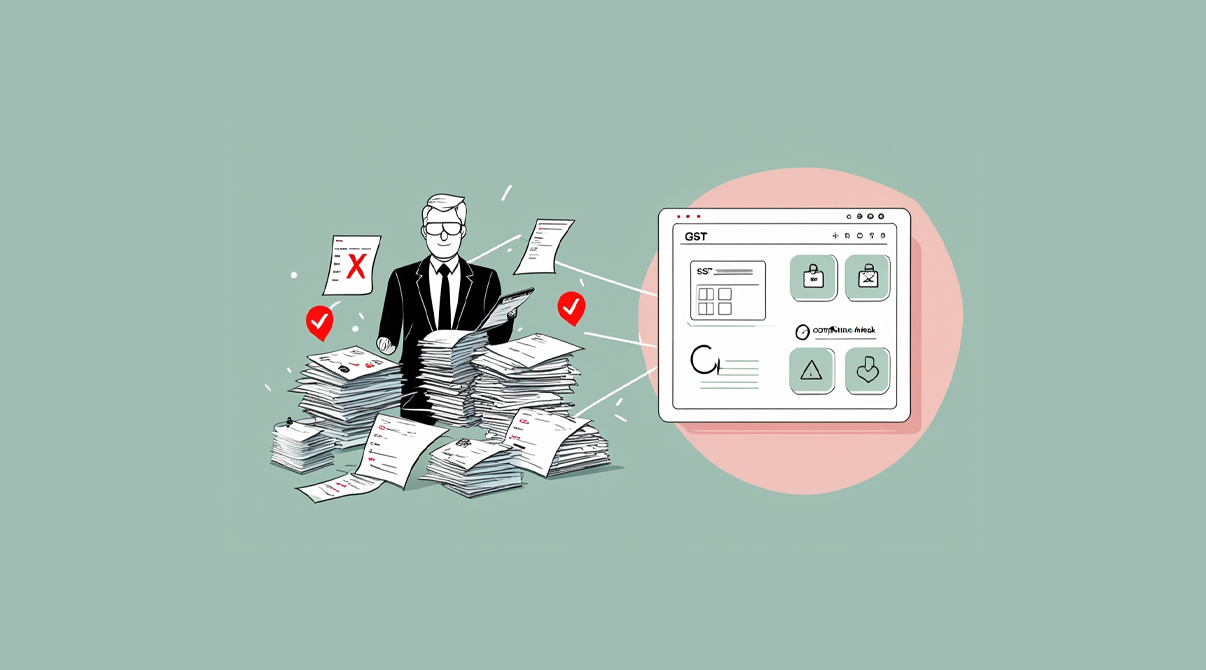
ERP for tax compliance is becoming vital because most tax notices do not come from fraud but from small data mistakes repeated every day. For many retailers and distributors, habits like typing the wrong GSTIN or missing an invoice seem minor until they trigger mismatches during filing. This blog explains the most common errors that create tax problems and how an ERP system can stop them at the source.
At a Glance: Where Mistakes Happen and How ERP Fixes Them

Habit That Triggers Notices
How ERP Fixes It
Using old HSN or SAC codes
Updates product masters centrally
Wrong GSTIN on B2B invoices
Validates and stores GSTINs
Not reversing ITC on returns or expired stock
Tracks credit notes and ITC adjustments
Round-off mismatches
Applies uniform rounding rules
Unbilled deliveries
Links challans with pending invoices
Wrong tax period entries
Auto-timestamps and locks backdated edits
Misuse of credit or debit notes
Links notes to original invoices
Manual edits after day closing
Keeps audit logs of all changes
ERP for Tax Compliance: Fixing Old HSN or SAC Codes

One of the biggest sources of tax notices is outdated product classification. If your POS or Excel sheet still carries old HSN or SAC codes, your returns will not match government records. ERP avoids this by letting you update codes in one place and apply them across your inventory automatically.
Wrong GSTIN on B2B Invoices

Typing errors while entering GSTINs are common, especially for repeat customers. A wrong digit can mean your invoice does not reflect in the customer’s GSTR2A, which raises red flags. With ERP for tax compliance, wrong GSTIN entries can be prevented.
Not Reversing ITC on Returns or Expired Stock

When goods are returned or stock expires, input tax credit (ITC) must be reversed. Many businesses miss this step because they track sales and purchases manually. ERP automatically records credit notes and flags ITC adjustments, helping you stay compliant without juggling separate spreadsheets.
Round-Off Mismatches

Even small differences in rounding values can trigger mismatches in your filings. While Excel allows free manual entry, ERP applies consistent rounding rules across all invoices. This removes variation and prevents unnecessary scrutiny during reconciliation. Businesses that use ERP for tax compliance avoid mismatches in filings.
Unbilled Deliveries

Deliveries made without invoices, often through challans, are easy to lose track of. If they remain unbilled, they cause income mismatches during GST filing. ERP links challans with pending invoices and prompts you to convert them, ensuring that no delivery goes unbilled.
Wrong Tax Period Entries

Late entries or backdated invoices create problems when they do not align with the right return period. ERP auto-timestamps transactions and prevents changes to closed periods. This keeps your records consistent with government timelines.
Misuse of Credit or Debit Notes

Issuing credit or debit notes without linking them to the original invoice creates gaps in reporting. ERP maintains that link, so every adjustment clearly relates to an earlier transaction. This ensures transparency and avoids mismatches in return filings.
Manual Edits After Day Closing

Some staff continue editing invoices after the day’s books have been closed. These changes often go unnoticed until filing season, creating discrepancies. ERP keeps audit logs of every edit and shows who made the change and when. This builds accountability and avoids errors slipping through.
Why ERP Changes the Game

Manual habits create hidden risks because they depend on memory, accuracy, and discipline. ERP brings structure to these processes. Instead of relying on staff to remember every compliance rule, the system applies checks in the background. This lowers the chance of errors and reduces time spent on corrections during filing.
Key Takeaways

- Most tax notices stem from repeated data entry habits, not major fraud.
- Outdated codes, wrong GSTINs, and missing reversals are the most common triggers.
- ERP prevents these issues by standardizing processes and automating checks.
- Audit logs and system controls create accountability across staff.
- Moving away from Excel reduces hidden risks and keeps your business aligned with tax rules.
More from the blog
 Distribution & Supply ChainGSTR-2B Reconciliation for Distributors: How to Protect Your ITC Before You File GSTR-3B
How distributors reconcile purchases with GSTR-2B before filing GSTR-3B, fix ITC mismatches, and keep books their CA can trust. India, 2026.
Read article Distribution & Supply ChainGoods Inward Done Right: Matching Every Purchase Order to the GRN in a Distribution Business
Booked one thing, received another? See how PO-to-GRN matching catches shortages, wrong rates and near-expiry stock at goods inward, in one core.
Read article Distribution & Supply ChainSecondary Sales Reporting for Distributors: How to Track Sell-Through Your Principals Can Trust
See real sell-through without a bolt-on DMS. How Indian distributors capture salesman and B2B orders and report secondary sales from one operational core.
Read article PharmacyManaging Expiry Returns in Pharma Distribution: How to Recover Value from Near-Expiry Stock
How pharma distributors handle near-expiry stock, saleable vs non-saleable returns, breakage claims and expiry credit notes without losing money or ITC.
Read article Distribution & Supply ChainMoving from Tally to a Distribution ERP: When You've Outgrown the Books
The honest signs a distributor has outgrown Tally, what a distribution ERP adds, and how to migrate in phases without stopping billing.
Read article Distribution & Supply ChainTablet-Based Picking in the Warehouse: How Device Setup Drives Real-Time Fulfilment Performance
Tablet picking lifts accuracy and live stock visibility, but only if the picker hardware fits the job. Device minimums, zone flows, and fixed-station picking wi…
Read article
- Distribution & Supply ChainGSTR-2B Reconciliation for Distributors: How to Protect Your ITC Before You File GSTR-3B
How distributors reconcile purchases with GSTR-2B before filing GSTR-3B, fix ITC mismatches, and keep books their CA can trust. India, 2026.
Read article - Distribution & Supply ChainGoods Inward Done Right: Matching Every Purchase Order to the GRN in a Distribution Business
Booked one thing, received another? See how PO-to-GRN matching catches shortages, wrong rates and near-expiry stock at goods inward, in one core.
Read article - Distribution & Supply ChainSecondary Sales Reporting for Distributors: How to Track Sell-Through Your Principals Can Trust
See real sell-through without a bolt-on DMS. How Indian distributors capture salesman and B2B orders and report secondary sales from one operational core.
Read article - PharmacyManaging Expiry Returns in Pharma Distribution: How to Recover Value from Near-Expiry Stock
How pharma distributors handle near-expiry stock, saleable vs non-saleable returns, breakage claims and expiry credit notes without losing money or ITC.
Read article - Distribution & Supply ChainMoving from Tally to a Distribution ERP: When You've Outgrown the Books
The honest signs a distributor has outgrown Tally, what a distribution ERP adds, and how to migrate in phases without stopping billing.
Read article - Distribution & Supply ChainTablet-Based Picking in the Warehouse: How Device Setup Drives Real-Time Fulfilment Performance
Tablet picking lifts accuracy and live stock visibility, but only if the picker hardware fits the job. Device minimums, zone flows, and fixed-station picking wi…
Read article