
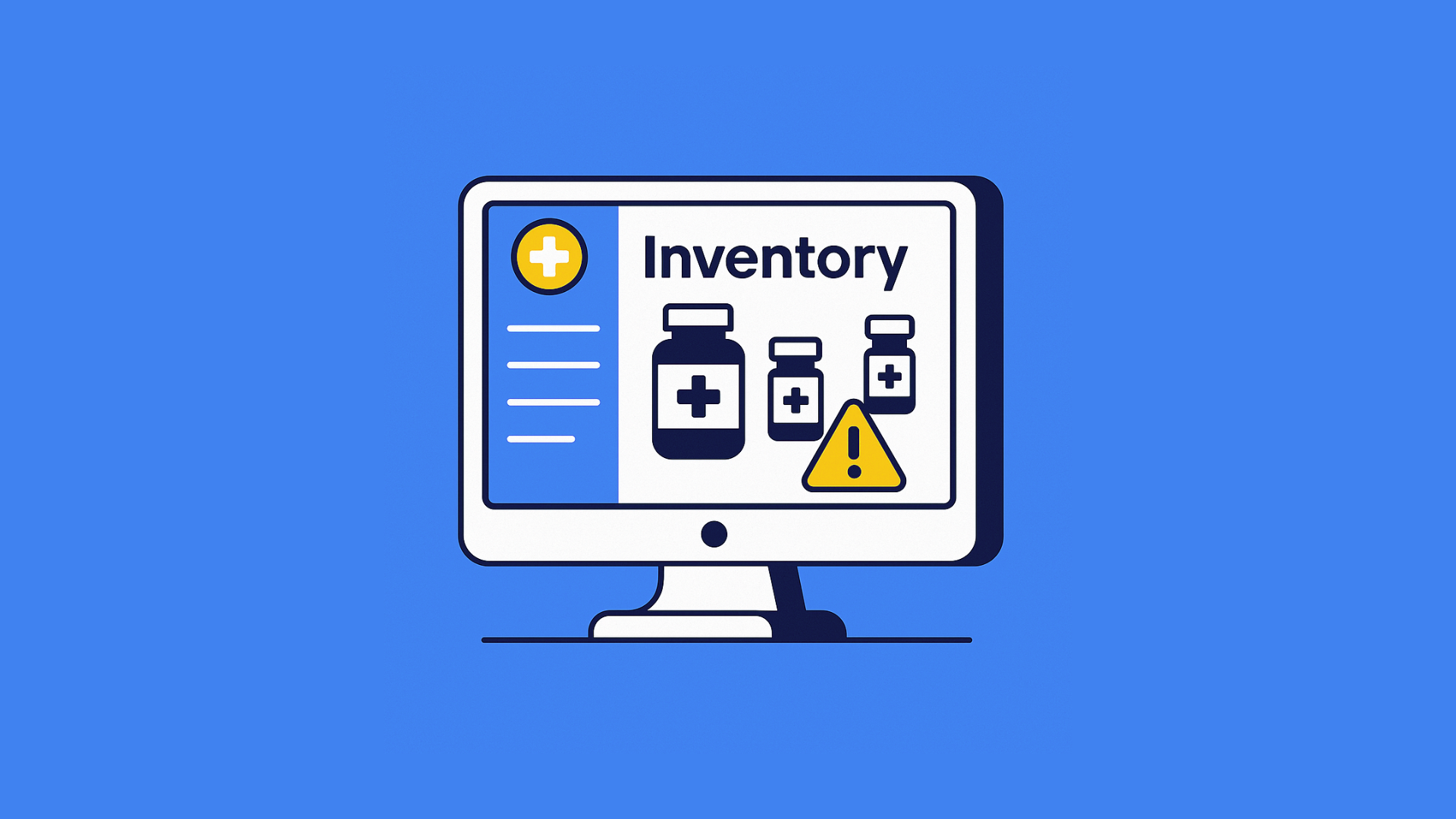
Imagine walking into your local pharmacy to collect medicine, only to learn the store just wrote off two lakh rupees worth of expired stock. For any pharmacy—small or large—this is a painful hit. Margins are tight, customer trust is crucial, and inventory is the lifeblood of the business. In this post, we’ll peel back the layers on how a single outlet let ₹2 lakh in medicines slip through the cracks, and show exactly how their ERP logs told the full story. We’ll end with practical steps any pharmacy can take to prevent a similar disaster.
The ₹2L Shock: A Costly Discovery
It began with a routine month‑end audit. The store manager noticed unusually large disposal entries in the ERP system—entries labeled “Stock write‑off” totaling ₹2,00,000 for expired medicines. No one on the counter team had flagged these items or suggested markdowns. It wasn’t a one‑off SKU, but dozens of products across painkillers, antibiotics, and chronic‑care drugs. In one moment, inventory that cost the pharmacy significant capital simply had to be destroyed.
Why did they discover it in the ERP, not on the shelf? Because the expired boxes were tucked away in the back, mixed with fine stock. They’d missed every visual check. In an industry where every rupee matters, this oversight was more than a clerical error—it was a wake‑up call.
Mapping the Pharmacy’s Profile
Before we dig into the logs, here’s a quick profile of the outlet:
- Type: Single‑location retail pharmacy
- SKU Count: ~1,200 active products
- Monthly Sales: ₹10–12 lakh
- Inventory Turnover: 4–5 times per month
- ERP System: Cloud‑based pharmacy management with stock, billing, and disposal modules
This isn’t a massive chain; it’s a neighborhood pharmacy where stock moves quickly and relationships matter. Even here, a ₹2 lakh loss represented nearly two weeks of sales—a serious blow.
The Moment of Truth: Examining the ERP Logs
Let’s look at how the ERP told the story:
Date
Activity Type
Description
User/Source
Notes
Date
Activity Type
12 Jan
Purchase Invoice
100 strips of medicine entered in inventory
Supplier: MedHealth
Batch: MHTX-452
12 Jan
Purchase Invoice
20 Jan
Sale Entry
2 strips sold to customer
Counter Staff
Retail bill
20 Jan
Sale Entry
18 Mar
Stock Check
Stock report shows 98 strips still available
SwilERP
No movement for 2 months
18 Mar
Stock Check
02 Apr
Near Expiry Alert
System alert triggered for upcoming expiry
SwilERP
Ignored by user
02 Apr
Near Expiry Alert
05 May
Stock Audit
Internal audit flags unused inventory
Inventory Manager
Escalated to owner
05 May
Stock Audit
- Last Sale Date vs. Disposal Date
Many items hadn’t sold since December or January. No counter staff used them in February, even as expiry drew near. - Received On vs. Expiry Date
Batches had 4–6 months of shelf life. Under normal turnover, they should have sold, but low demand or poor visibility kept them hidden. - Disposal Value
Each disposal entry captured the original cost. Accounting saw ₹2 lakh vanish in one click of “Approve Disposal.”
Without the ERP logs, this pattern would have been impossible to spot until the auditor’s surprise walk‑through.
Uncovering the Root Causes
Why did this happen? The logs reveal several gaps:
1. No FEFO (First‑Expiry, First‑Out) Picking
What went wrong: Staff used FIFO (First‑In, First‑Out) or random picking. That meant newer stock got sold first, leaving older, expiring batches at the back.
How ERP helps: Modern systems enforce FEFO. During packing or counter sales, the software suggests the batch with the earliest expiry date, keeping all stock fresh.
Read Also : Inventory control using FEFO & ABC analysis
2. Lack of Expiry Alerts
What went wrong: With no automated warnings, nobody knew which batches were 30 or 60 days from expiry. A manual calendar check would have been needed—a task nobody had time for.
How ERP helps: Configure expiry thresholds (e.g., 90/60/30 days). The system then pops up daily alerts or dashboard cards showing “20 products expire in 30 days,” triggering discount campaigns or removal.
3. No Automated Markdown Rules
What went wrong: The pharmacy never ran clearance promotions for near‑expiry stock. Managers forgot or didn’t see the need until it was too late.
How ERP helps: Set rules like “If a batch is within 30 days of expiry, apply 20% discount.” At checkout, the system applies the markdown automatically or prompts staff to suggest the discount to customers.
4. Informal Disposal Process
What went wrong: Disposals were logged only after staff piled expired boxes in a corner. The ERP’s disposal module sat unused until month‑end.
How ERP helps: Require disposal entries with photographed receipts and supervisor approval. Make it a daily task: when staff see an expired item, scanning its barcode forces a disposal dialog before continuing.
5. Poor Visibility in Reports
What went wrong: Weekly or monthly reports lumped disposals under “stock adjustments,” buried among thousands of transactions. No one noticed the spike until the big audit.
How ERP helps: Create a “Stock Health” report showing ageing inventory at every glance. Dashboards spotlight disposal trends, so any spike in write‑offs pops up red.
The Financial Pain and Opportunity Cost
Writing off ₹2 lakh isn’t just a paper loss. Consider:
- Lost Margin: At a 25% margin, that write‑off equates to ₹50,000 in lost profit.
- Cash Flow Impact: Money tied up in expired goods can’t restock faster‑moving items.
- Man‑Hours Wasted: Counting, disposing, and logging 300+ boxes took days of staff time.
Conversely, if even half of that stock sold at 20% discount, the pharmacy would have made a net gain:
- Sale Revenue: ₹1.6 lakh
- Cost Price: ₹2 lakh
- Discount Impact: −₹40,000
- Net: ₹1.6 lakh – ₹1.6 lakh = breakeven, but no write‑off.
Plus, you build goodwill with bargain‑hunters and avoid the headache of bulk disposals.
Prevention: Your 5‑Step ERP Action Plan
- Run an Expiry Report Today
Log into your ERP, filter stock by expiry, and review items expiring in the next 90, 60, and 30 days. - Enable Automated Alerts
In system settings, switch on expiry threshold notifications. Deliver them via email or show them on your dashboard every morning. - Activate FEFO Enforcement
Under your picking or billing settings, turn on “Pick by earliest expiry” to ensure outdated batches move first. - Set Up Automatic Markdown Rules
Create a pricing rule: e.g., “If expiry ≤30 days, apply 15% discount; if ≤15 days, apply 30%.” The POS screen will handle it. - Lock Down Disposal with Approvals
Make disposals a supervisor function. Require barcode scan, photo, and note before the system accepts the stock removal.
Implement these today and significantly reduce your write‑offs tomorrow.
A Final Word
No business can afford ₹2 lakh vanishing into expired medicines. Yet, without the right processes, it’s easy to let stock slip through the cracks. ERP logs don’t just record history—they guide your future. By using expiry alerts, FEFO picking, automatic markdowns, and clear disposal workflows, you empower your counter staff with the tools they need to keep your shelves fresh and your cash drawer full.
Take a few minutes today to check your ERP settings. Those simple steps can save you tens of thousands—and maybe even your worst ₹2 lakh nightmare.
More from the blog
 Distribution & Supply ChainGSTR-2B Reconciliation for Distributors: How to Protect Your ITC Before You File GSTR-3B
How distributors reconcile purchases with GSTR-2B before filing GSTR-3B, fix ITC mismatches, and keep books their CA can trust. India, 2026.
Read article Distribution & Supply ChainGoods Inward Done Right: Matching Every Purchase Order to the GRN in a Distribution Business
Booked one thing, received another? See how PO-to-GRN matching catches shortages, wrong rates and near-expiry stock at goods inward, in one core.
Read article Distribution & Supply ChainSecondary Sales Reporting for Distributors: How to Track Sell-Through Your Principals Can Trust
See real sell-through without a bolt-on DMS. How Indian distributors capture salesman and B2B orders and report secondary sales from one operational core.
Read article PharmacyManaging Expiry Returns in Pharma Distribution: How to Recover Value from Near-Expiry Stock
How pharma distributors handle near-expiry stock, saleable vs non-saleable returns, breakage claims and expiry credit notes without losing money or ITC.
Read article Distribution & Supply ChainMoving from Tally to a Distribution ERP: When You've Outgrown the Books
The honest signs a distributor has outgrown Tally, what a distribution ERP adds, and how to migrate in phases without stopping billing.
Read article Distribution & Supply ChainTablet-Based Picking in the Warehouse: How Device Setup Drives Real-Time Fulfilment Performance
Tablet picking lifts accuracy and live stock visibility, but only if the picker hardware fits the job. Device minimums, zone flows, and fixed-station picking wi…
Read article
- Distribution & Supply ChainGSTR-2B Reconciliation for Distributors: How to Protect Your ITC Before You File GSTR-3B
How distributors reconcile purchases with GSTR-2B before filing GSTR-3B, fix ITC mismatches, and keep books their CA can trust. India, 2026.
Read article - Distribution & Supply ChainGoods Inward Done Right: Matching Every Purchase Order to the GRN in a Distribution Business
Booked one thing, received another? See how PO-to-GRN matching catches shortages, wrong rates and near-expiry stock at goods inward, in one core.
Read article - Distribution & Supply ChainSecondary Sales Reporting for Distributors: How to Track Sell-Through Your Principals Can Trust
See real sell-through without a bolt-on DMS. How Indian distributors capture salesman and B2B orders and report secondary sales from one operational core.
Read article - PharmacyManaging Expiry Returns in Pharma Distribution: How to Recover Value from Near-Expiry Stock
How pharma distributors handle near-expiry stock, saleable vs non-saleable returns, breakage claims and expiry credit notes without losing money or ITC.
Read article - Distribution & Supply ChainMoving from Tally to a Distribution ERP: When You've Outgrown the Books
The honest signs a distributor has outgrown Tally, what a distribution ERP adds, and how to migrate in phases without stopping billing.
Read article - Distribution & Supply ChainTablet-Based Picking in the Warehouse: How Device Setup Drives Real-Time Fulfilment Performance
Tablet picking lifts accuracy and live stock visibility, but only if the picker hardware fits the job. Device minimums, zone flows, and fixed-station picking wi…
Read article