
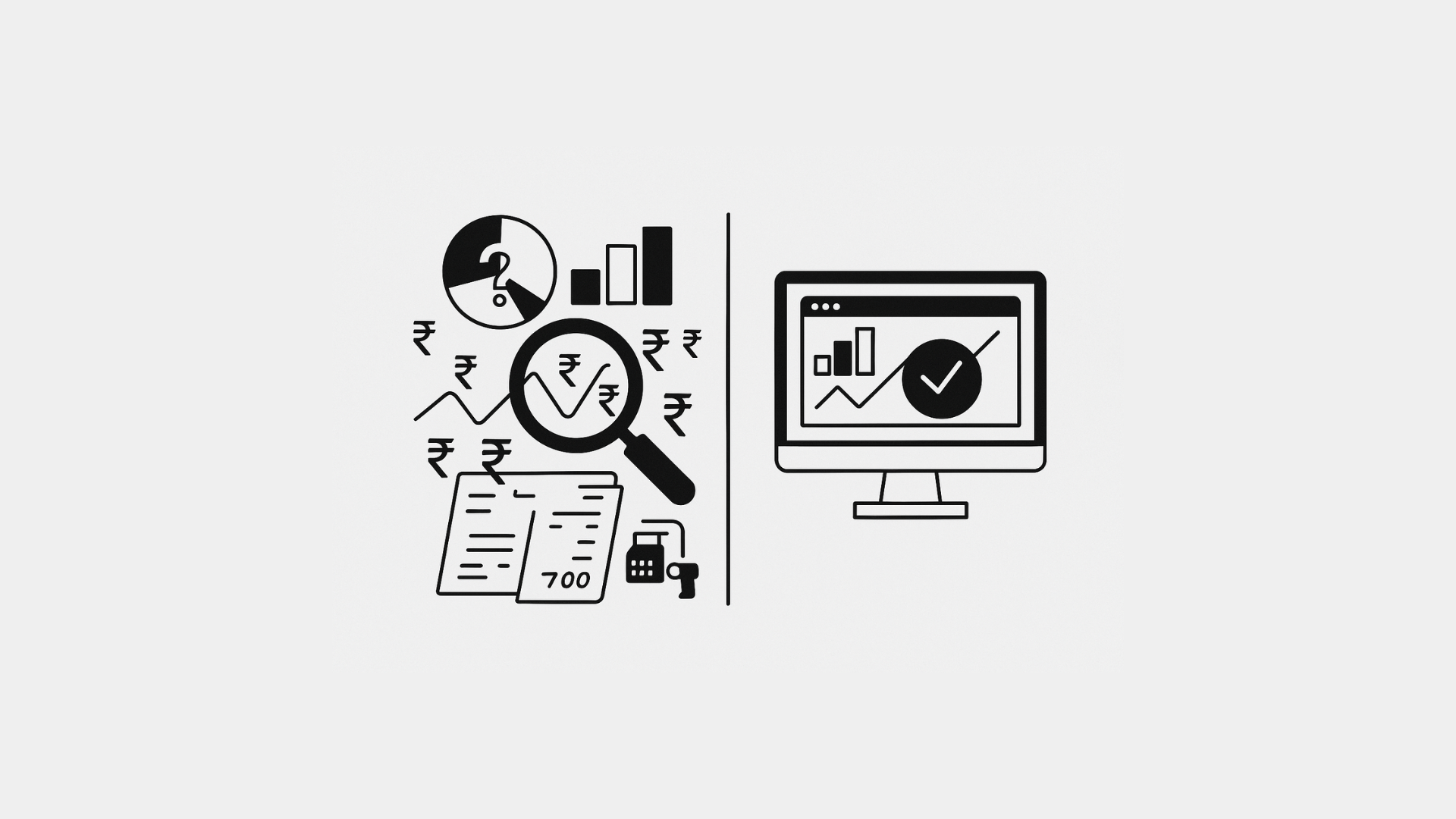
ERP Sales Reporting is the solution to a problem you’ve likely seen a hundred times: your sales spreadsheet shows ₹2,00,000 in revenue for last month, but your cash register, invoices, and bank statement don’t add up. While manual sales reports promise clarity, they often deliver confusion. This common frustration highlights a critical need for reliable sales data. This guide will explore why manual sales reports mislead—and how integrated ERP Sales Reporting paints a truer, real-time picture of your business.
The Illusion of Manual Reports
1. Data Entry Errors
- Typo Trouble: A misplaced decimal (“₹20,000” becomes “₹200,000”) skews totals.
- Missing Entries: Cash sales forgotten or online orders omitted leave gaps.
- Duplications: Copy‑pasting cell ranges can double—rather than sum—values.
2. Timing Mismatches
- Cut‑Off Confusion: Sales made on the last day after report generation slip through the cracks.
- Delayed Updates: Invoices entered days or weeks later never make that period’s total.
3. Fragmented Data Sources
- Multiple Channels: Cash register, e-commerce, phone orders—each lives in its own log.
- Different Formats: CSV exports, excel sheets, and emailed invoices all require manual merging.
4. Lack of Real‑Time Visibility
By the time you finish compiling the report, it’s already out of date. Decisions made on old figures can backfire—think over‑ordering or a missed sales trend.
Manual methods are prone to 'Typo Trouble', 'Missing Entries', and 'Duplications', all of which severely compromise the reliability of your sales figures, unlike robust ERP sales reporting.
What ERP Sales Reporting Does Differently
1. Single Source of Truth
An ERP unites every transaction—cash, card, online—into one database. No more hunting through files. Every sale hits the system in real time.
2. Automated Data Capture
- Integrated POS: Scans or taps record each sale instantly.
- Marketplace Connectors: Auto‑pull orders from Pharmarack, Retailio, or your website.
- Mobile Sales Apps: Field orders sync to headquarters with no manual export.
3. Accurate Cut‑Offs
ERPs lock each period at midnight, capturing sales up to the last second. Late entries post to the current period, not the last—keeping numbers tidy.
4. Real‑Time Dashboards
Instead of waiting for a monthly report, you and your team see live revenue charts, best‑selling SKUs, and channel breakdowns on any device.
An ERP sales reporting system unites every transaction—cash, card, online—into one database. No more hunting through files. This creates a single, consistent source of truth.
A Day in the Life: Manual vs. ERP Sales Review
Aspect
Manual Report
ERP‑Driven Report
Data Sources
Excel, email
Unified transaction database
Entry Errors
High (typos, omissions, duplicates)
Zero (automated capture)
Timing
Weekly or monthly lag
Real‑time updates
Channel Integration
Manual consolidation
Instant sync from all channels
Accuracy Check
Laborious audit of dozens of cells
Built‑in validation and reconciliation
Decision Speed
Delayed by report generation
Immediate via dashboards and alerts
Turning Lie into Truth: Quick Implementation Steps
- Choose an ERP with Native POS and Online Integrations
Look for out‑of‑the‑box connectors to your sales channels. - Migrate Historical Data
Import past sales so trends remain visible. - Train Your Team
Show staff how to use dashboards and run on‑the‑fly reports. - Retire Manual Spreadsheets
Archive old reports but commit to ERP as your sole source for sales data. - Monitor and Iterate
Set alerts for daily revenue targets and anomalies—no detective work required.
Conclusion
Manual sales reports promise control but often deliver misdirection. Spreadsheets fail at data integrity, timeliness, and integration. In contrast, ERP systems capture every transaction automatically, enforce accurate period cutoffs, and present real‑time dashboards that tell the true story of your sales. Trade in your error‑prone spreadsheets for one single source of truth—and make decisions based on facts, not fiction.
More from the blog
 Distribution & Supply ChainGSTR-2B Reconciliation for Distributors: How to Protect Your ITC Before You File GSTR-3B
How distributors reconcile purchases with GSTR-2B before filing GSTR-3B, fix ITC mismatches, and keep books their CA can trust. India, 2026.
Read article Distribution & Supply ChainGoods Inward Done Right: Matching Every Purchase Order to the GRN in a Distribution Business
Booked one thing, received another? See how PO-to-GRN matching catches shortages, wrong rates and near-expiry stock at goods inward, in one core.
Read article Distribution & Supply ChainSecondary Sales Reporting for Distributors: How to Track Sell-Through Your Principals Can Trust
See real sell-through without a bolt-on DMS. How Indian distributors capture salesman and B2B orders and report secondary sales from one operational core.
Read article PharmacyManaging Expiry Returns in Pharma Distribution: How to Recover Value from Near-Expiry Stock
How pharma distributors handle near-expiry stock, saleable vs non-saleable returns, breakage claims and expiry credit notes without losing money or ITC.
Read article Distribution & Supply ChainMoving from Tally to a Distribution ERP: When You've Outgrown the Books
The honest signs a distributor has outgrown Tally, what a distribution ERP adds, and how to migrate in phases without stopping billing.
Read article Distribution & Supply ChainTablet-Based Picking in the Warehouse: How Device Setup Drives Real-Time Fulfilment Performance
Tablet picking lifts accuracy and live stock visibility, but only if the picker hardware fits the job. Device minimums, zone flows, and fixed-station picking wi…
Read article
- Distribution & Supply ChainGSTR-2B Reconciliation for Distributors: How to Protect Your ITC Before You File GSTR-3B
How distributors reconcile purchases with GSTR-2B before filing GSTR-3B, fix ITC mismatches, and keep books their CA can trust. India, 2026.
Read article - Distribution & Supply ChainGoods Inward Done Right: Matching Every Purchase Order to the GRN in a Distribution Business
Booked one thing, received another? See how PO-to-GRN matching catches shortages, wrong rates and near-expiry stock at goods inward, in one core.
Read article - Distribution & Supply ChainSecondary Sales Reporting for Distributors: How to Track Sell-Through Your Principals Can Trust
See real sell-through without a bolt-on DMS. How Indian distributors capture salesman and B2B orders and report secondary sales from one operational core.
Read article - PharmacyManaging Expiry Returns in Pharma Distribution: How to Recover Value from Near-Expiry Stock
How pharma distributors handle near-expiry stock, saleable vs non-saleable returns, breakage claims and expiry credit notes without losing money or ITC.
Read article - Distribution & Supply ChainMoving from Tally to a Distribution ERP: When You've Outgrown the Books
The honest signs a distributor has outgrown Tally, what a distribution ERP adds, and how to migrate in phases without stopping billing.
Read article - Distribution & Supply ChainTablet-Based Picking in the Warehouse: How Device Setup Drives Real-Time Fulfilment Performance
Tablet picking lifts accuracy and live stock visibility, but only if the picker hardware fits the job. Device minimums, zone flows, and fixed-station picking wi…
Read article