
Floor plans that match service
Table status, merges, moves, and split bills stay tied to the same order — captains and cashiers see one source of truth from seating to settlement.

Restaurant & F&B Software
Floor plans, kitchen display, delivery-ready flows, and GST that matches AC vs non-AC service — one SwilERP stack for every format.
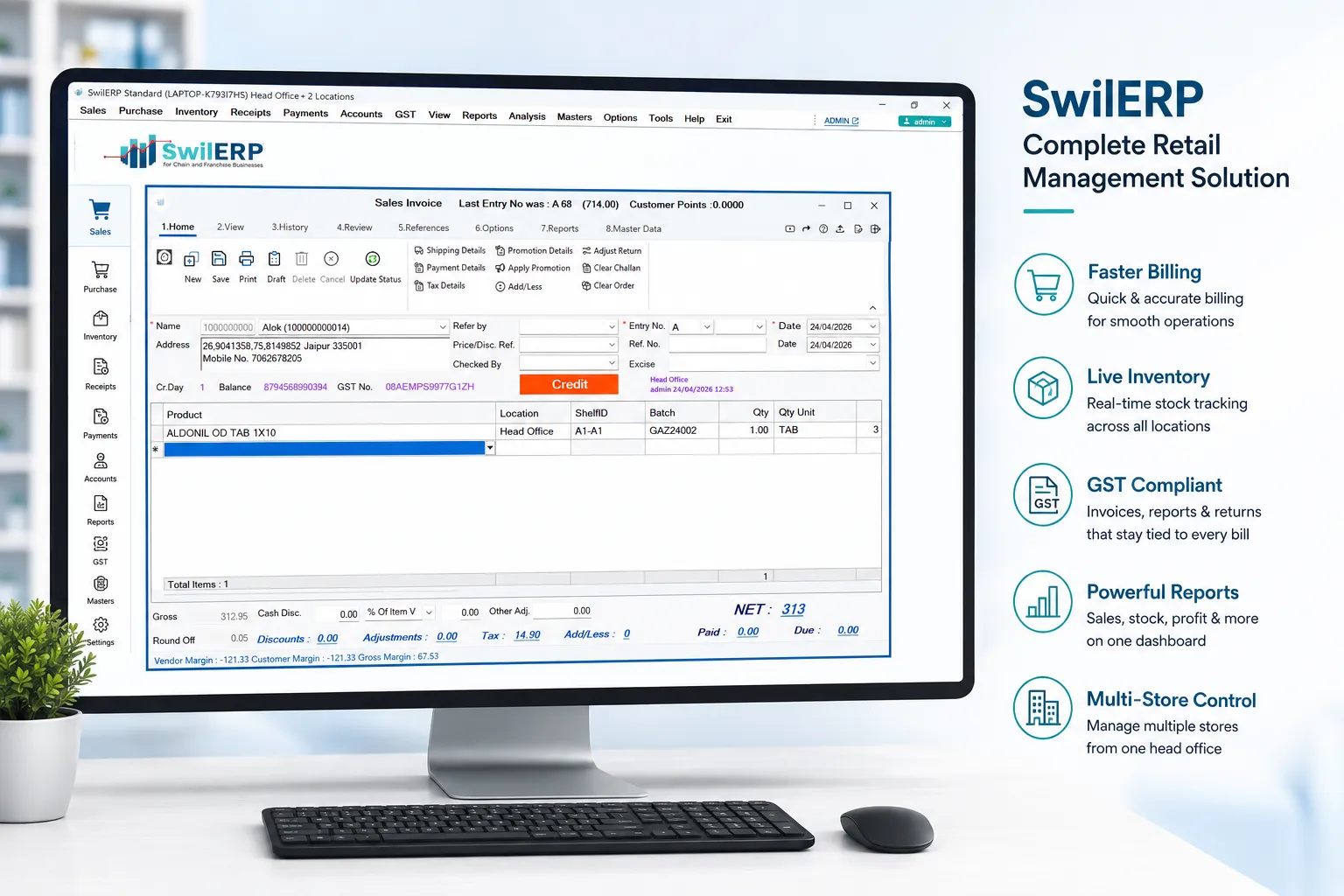
35,000+India & Nepal · Retail & wholesale




















Why it matters
Table status, merges, moves, and split bills stay tied to the same order — captains and cashiers see one source of truth from seating to settlement.
KOT and KDS flows cut mis-fires and rework: courses, modifiers, and fire times land where the line cooks actually work.
Bring takeaway and platform orders into the same POS spine as dine-in — fewer missed charges and cleaner handoff to riders and cash-up.
Workflow
One F&B workflow — orders captured once, kitchen sees the truth, service and delivery stay in sync, and finance closes on real transactions.
Map tables to your floor plan, take orders from POS or captain devices, and apply modifiers, combos, and covers before anything hits the kitchen.
Fire KOTs to printers or a KDS screen with clear status lines — fewer missed items, less shouting, and a ticket that matches what left the pass.
Run dine-in, parcel, and aggregator-style delivery orders side by side. Track handoff, packaging charges, and rider-ready receipts without double entry.
Shift-wise cash, void and discount trails, and GST-ready invoices with the right restaurant tax treatment — so month-end is reconciliation, not reconstruction.
Capabilities
Menu depth, kitchen speed, and owner-grade reporting — with modules that stay connected from pass to GST.
Restaurant-ready tax lines, split bills by item or cover, and instant print or WhatsApp receipts — aligned to common F&B GST patterns including AC vs non-AC service.
Manage menus, combos, happy-hour windows, and ingredient hooks so costing and stock signals stay honest as the menu changes.
Item-wise popularity, waiter and shift views, outlet comparisons, and owner dashboards that reflect what actually rang through the POS.
Cashier, captain, bar, and manager logins with approvals on discounts and voids — so every exception leaves a trace finance can stand behind.
Layer 3 · Guides
Full-service
Table-led dine-in, KOT/KDS, delivery alongside walk-ins, and GST billing tuned for busy Indian restaurants.
Café pace
Quick tickets, grab-and-go, and beverage-heavy menus with modifiers that don't slow the morning rush.
High throughput
Corporate and institutional meal volumes, tokens or cashless patterns, and reconciliation owners can trust.
Regulated bar
Bar-forward workflows, pour discipline, and compliance-aware billing for liquor-led outlets.
Powered by

India's F&B-ready ERP for POS, table and floor management, KOT/KDS, delivery workflows, and GST — the same platform trusted by 35,000+ businesses, with onboarding tuned for menus, printers, and outlet structure.
These answers focus on F&B on SwilERP — floors, KOT, delivery, and GST. For pure retail storefronts, see the retail solutions hub.
SwilERP supports restaurants, cafés, coffee shops, canteens, food courts, bars, and liquor outlets. Each type has a tailored configuration with the right modules enabled.
Yes. You can create a floor plan with table numbers, track table status (occupied/free/reserved), merge or split tables, and move orders between tables — all from the POS screen.
SwilERP supports order management for delivery orders. Orders can be received, tracked, and billed from the same POS interface, reducing double-entry.
Yes. KOTs are automatically printed on the kitchen printer as soon as an order is placed. You can also use a Kitchen Display System (KDS) screen instead of paper.
SwilERP supports time-based pricing, happy hour discounts, combo offers, and manager-approved bill discounts with a full audit trail.
SwilERP is built for Indian restaurant GST patterns: you can structure service and billing so AC vs non-AC treatment and the 5% restaurant rate (where applicable) flow through to invoices and reporting. Confirm your exact outlet mix and tax advice with your CA; SWIL helps map masters and POS behaviour to your chosen setup.
Yes. Multi-outlet setups let you share or separate menus, enforce HQ pricing rules, compare outlet performance, and keep branch logins scoped — so a cloud kitchen and a dine-in flagship can coexist on one spine with the right permissions.
Flagship ERP, solution hubs, mobile apps, and demos—bookmarks that pair with every solution guide.
Start a free trial on your own menu and printers, or talk to SWIL about outlets, bar compliance, and GST setup — onboarding help is part of the journey.

45-day trial · No payment details required to get started · Onboarding support for floor plans, KOT devices, and GST masters
Proof from the pass
When preferred slugs match, you'll see restaurant, café, canteen, and bar stories here; otherwise quotes fall back to the SwilERP product filter.
View all customer stories