
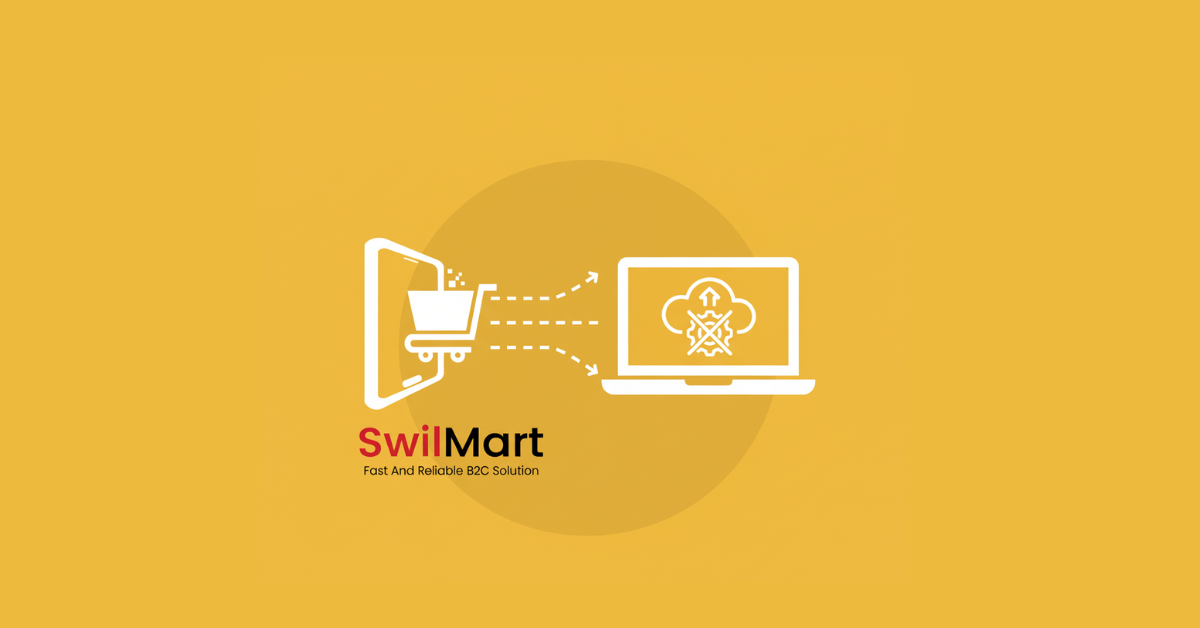
A B2B portal is now essential for distributors going digital.For many distributors, going online often sounds like a long and expensive process—hiring developers, maintaining websites, and managing digital sales can feel overwhelming. SwilMart changes that completely. It allows distributors to take their businesses online without writing a single line of code.
This guide explains how SwilMart helps distributors launch and manage their online stores quickly, connect with their SwilERP system, and reach customers directly—all without a development team.
Why B2B Portal Solutions Make SwilMart Different
Most e-commerce platforms are built for retailers or D2C brands, but SwilMart is designed for distributors who already use SwilERP. It connects directly to your ERP data, product inventory, and pricing—so your online store is always accurate and up-to-date.
Distributors can use SwilMart to:
- Create a B2B portal where retailers can place orders anytime.
- Access real-time stock and pricing straight from SwilERP.
- Generate digital invoices automatically once orders are confirmed.
- Manage payments, discounts, and tax details with zero manual entry.
No coding. No web design. Just your ERP data, displayed beautifully online.
Setting Up Your B2B Portal on SwilMart
You begin by activating your SwilMart portal through your SwilERP system. Once the SwilMart module is enabled, you get access to:
- A secure admin panel (for managing products, customers, and orders).
- A custom domain where your distributors and customers can visit your online store.
- Default layouts that can be adjusted with simple toggles—not code.
Setup Checklist
- Business details (GST, company info, contact)
- Product master and pricing from SwilERP
- Retailer list (customers with their codes)
- Payment terms and dispatch preferences
SwilMart automatically fetches this data from your ERP, so your online store reflects the same catalog and prices you already maintain in the software.
Customizing Your B2B Portal Store
Every business has a unique identity, but not every business needs a developer to express it. SwilMart gives you:
- Theme options and logo uploads through simple forms.
- Product images and banners that you can upload directly.
- Category creation tools to group items by type, brand, or supplier.
You can adjust your homepage design, highlight top-selling items, and display new arrivals without editing any HTML or CSS.
If you want more control, the system also allows you to preview all changes before publishing—so there’s zero risk of errors.
Managing B2B Portal Orders and Dispatch
Once your store is live, your retailers can log in using secure OTP verification and place orders anytime—24x7.
From your SwilMart admin panel, you can:
- View all incoming orders with real-time order status.
- Approve or reject orders based on stock levels.
- Auto-generate sales invoices in SwilERP after confirmation.
- Track order progress until dispatch and delivery.
The entire order flow—from placing to billing—is automated and synced with SwilERP. That means no manual data entry or reconciliation.
B2B Portal Payment and Account Management
SwilMart includes a customer account section, where retailers can:
- View pending and cleared invoices.
- Check ledger balances.
- Download past bills and statements.
For distributors, this transparency builds stronger relationships. Retailers no longer need to call or email for updates—they can access everything through the portal.
Future updates will also bring integrated payment gateways and WhatsApp-based order confirmations.
B2B Portal Reports and SEO Tools
SwilMart is not just an order portal—it’s also a business insights tool. From the admin panel, distributors can view:
- Sales summaries by product or customer.
- Pending payments and overdue bills.
- Most-ordered products (helpful for restocking).
The portal also includes basic SEO tools that let you improve visibility for search engines. You can edit titles, meta descriptions, and product keywords to attract more business clients online.
B2B Portal Integration with SwilERP
SwilMart works best when connected with SwilERP, as both systems share the same data pool.
- Product details, pricing, and stock come directly from your ERP.
- Invoices, ledgers, and GST records sync back automatically.
- No duplicate data entry means fewer mistakes and less time wasted.
This tight integration is what allows distributors to go online without involving IT teams or developers. Everything just works through your existing ERP setup.
B2B Portal: Keeping Retailers Connected 24x7
The biggest benefit of SwilMart is continuous availability. Your B2B customers can log in any time, from any location, to:
- Check stock.
- Compare prices.
- Place bulk orders.
- Track dispatch and payment status.
This level of self-service improves trust and reduces dependency on manual communication, which saves hours every day for both parties.
B2B Portal Security and Access Controls
Even though SwilMart is easy to use, it takes security seriously.
- OTP-based login for all users.
- Admin-controlled access permissions.
- Secure SSL connections and verified domains.
- Role-based data visibility for distributors and retailers.
That means you can safely share your product and pricing data without worrying about misuse.
Why B2B Portal Matters for Distributors Going Online
SwilMart helps distributors:
- Go digital without hiring developers.
- Reduce phone orders and paperwork.
- Automate billing and dispatch with ERP sync.
- Improve customer satisfaction through transparency.
- Scale operations without increasing staff workload.
In short, it helps traditional distributors take a modern step—without changing how they already work.
Summary Table
Step
What Happens
What You Need
Key Benefit
1. Setup
Activate portal via SwilERP
Company, product, and customer details
Online store ready in hours
2. Customize
Add logo, images, and categories
No coding required
Branded store presence
3. Manage Orders
Retailers place orders online
ERP syncs automatically
Zero manual billing
4. Payments
Retailers access invoices and ledgers
OTP login
Transparent transactions
5. Reports & SEO
Track sales and visibility
Built-in dashboard
Smarter decisions
6. Integration
SwilERP and SwilMart data sync
ERP connectivity
Error-free automation
Final Thought
For most distributors, going digital used to mean expensive websites, slow projects, and confusing integrations. SwilMart changes that by combining ERP accuracy with online convenience. You don’t need a development team—just your existing business data and a willingness to grow online.
More from the blog
 Distribution & Supply ChainGSTR-2B Reconciliation for Distributors: How to Protect Your ITC Before You File GSTR-3B
How distributors reconcile purchases with GSTR-2B before filing GSTR-3B, fix ITC mismatches, and keep books their CA can trust. India, 2026.
Read article Distribution & Supply ChainGoods Inward Done Right: Matching Every Purchase Order to the GRN in a Distribution Business
Booked one thing, received another? See how PO-to-GRN matching catches shortages, wrong rates and near-expiry stock at goods inward, in one core.
Read article Distribution & Supply ChainSecondary Sales Reporting for Distributors: How to Track Sell-Through Your Principals Can Trust
See real sell-through without a bolt-on DMS. How Indian distributors capture salesman and B2B orders and report secondary sales from one operational core.
Read article PharmacyManaging Expiry Returns in Pharma Distribution: How to Recover Value from Near-Expiry Stock
How pharma distributors handle near-expiry stock, saleable vs non-saleable returns, breakage claims and expiry credit notes without losing money or ITC.
Read article Distribution & Supply ChainMoving from Tally to a Distribution ERP: When You've Outgrown the Books
The honest signs a distributor has outgrown Tally, what a distribution ERP adds, and how to migrate in phases without stopping billing.
Read article Distribution & Supply ChainTablet-Based Picking in the Warehouse: How Device Setup Drives Real-Time Fulfilment Performance
Tablet picking lifts accuracy and live stock visibility, but only if the picker hardware fits the job. Device minimums, zone flows, and fixed-station picking wi…
Read article
- Distribution & Supply ChainGSTR-2B Reconciliation for Distributors: How to Protect Your ITC Before You File GSTR-3B
How distributors reconcile purchases with GSTR-2B before filing GSTR-3B, fix ITC mismatches, and keep books their CA can trust. India, 2026.
Read article - Distribution & Supply ChainGoods Inward Done Right: Matching Every Purchase Order to the GRN in a Distribution Business
Booked one thing, received another? See how PO-to-GRN matching catches shortages, wrong rates and near-expiry stock at goods inward, in one core.
Read article - Distribution & Supply ChainSecondary Sales Reporting for Distributors: How to Track Sell-Through Your Principals Can Trust
See real sell-through without a bolt-on DMS. How Indian distributors capture salesman and B2B orders and report secondary sales from one operational core.
Read article - PharmacyManaging Expiry Returns in Pharma Distribution: How to Recover Value from Near-Expiry Stock
How pharma distributors handle near-expiry stock, saleable vs non-saleable returns, breakage claims and expiry credit notes without losing money or ITC.
Read article - Distribution & Supply ChainMoving from Tally to a Distribution ERP: When You've Outgrown the Books
The honest signs a distributor has outgrown Tally, what a distribution ERP adds, and how to migrate in phases without stopping billing.
Read article - Distribution & Supply ChainTablet-Based Picking in the Warehouse: How Device Setup Drives Real-Time Fulfilment Performance
Tablet picking lifts accuracy and live stock visibility, but only if the picker hardware fits the job. Device minimums, zone flows, and fixed-station picking wi…
Read article